





For personal, non-commercial projects only
About
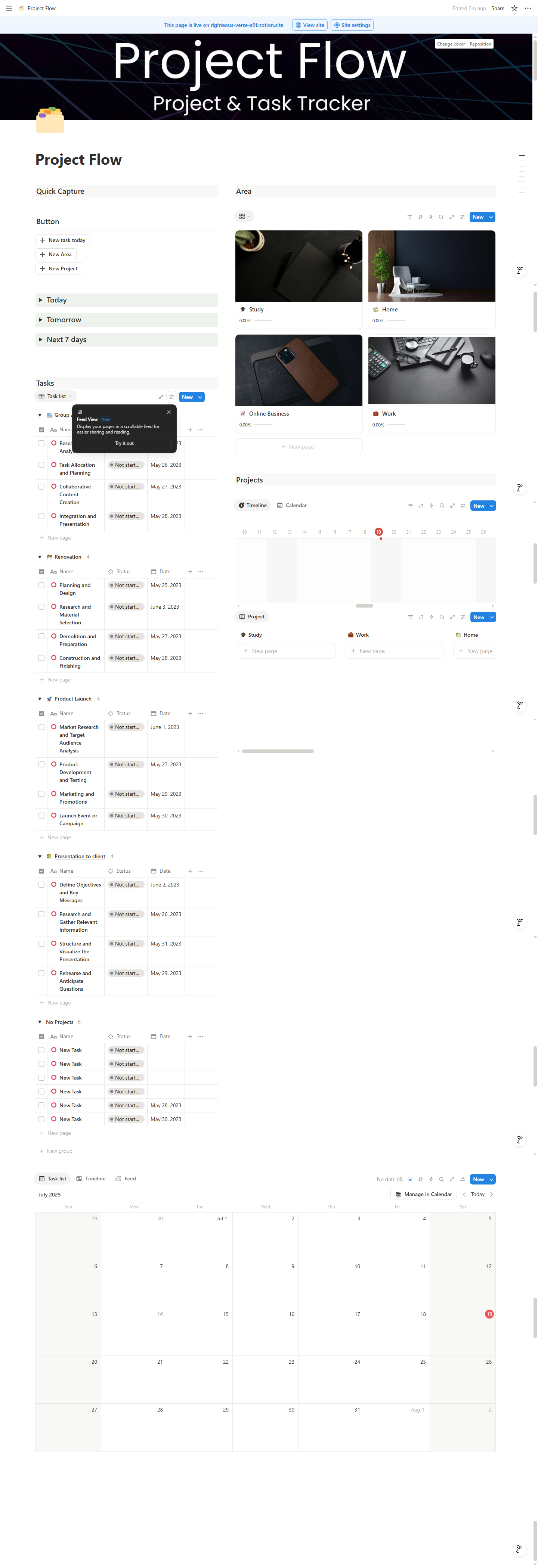
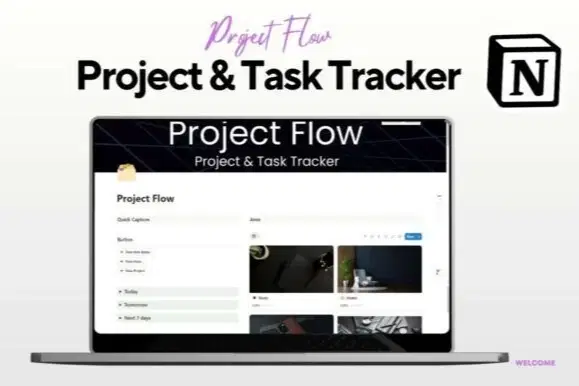
Whether you’re managing personal goals, freelance work, or complex projects, this template helps you organize everything in one place. Track tasks, set priorities, monitor deadlines, and visualize progress — all in a simple and intuitive layout designed to boost productivity without the overwhelm.
✅ Features:
🗂️ Centralized Project Dashboard
✅ Easy-to-use Task Manager with priority & status
📅 Deadline tracking with calendar integration
🔁 Supports recurring tasks & subtasks
📊 Visual progress indicators for each project
💡 Customizable by work, personal, or team needs
Shop confidently with Shuppi
If your download isn’t what was promised, we’ll make it right. Eligible purchases can be refunded within fourteen calendar days when listings mislead, files fail, or duplicate checkouts happen.
- Listings must match what you receive—no surprises.
- Corrupted files or technical issues? Request a quick fix or refund.
- Duplicate purchases are covered without the hassle.
Product Specs
Tags
Frequently Asked Questions
You May Also Like

Career & Project Planner Hub - Notion Template for Career Planning and Project Management
 Plan it. Do it. Love it.
Tasks in Notion
 The Notion Experience
Simple Project Tracker
 PrototAIper - Viktoriia Pohrebniak
AI Project Manager Operating System
 Prompt Hub
Project Planner - Notion Planner
 Yanis’s Notion
The Ultimate Notion Template Bundle: 20 Notion Templates for Life & Work
Yanis’s Notion