






For personal, non-commercial projects only
About
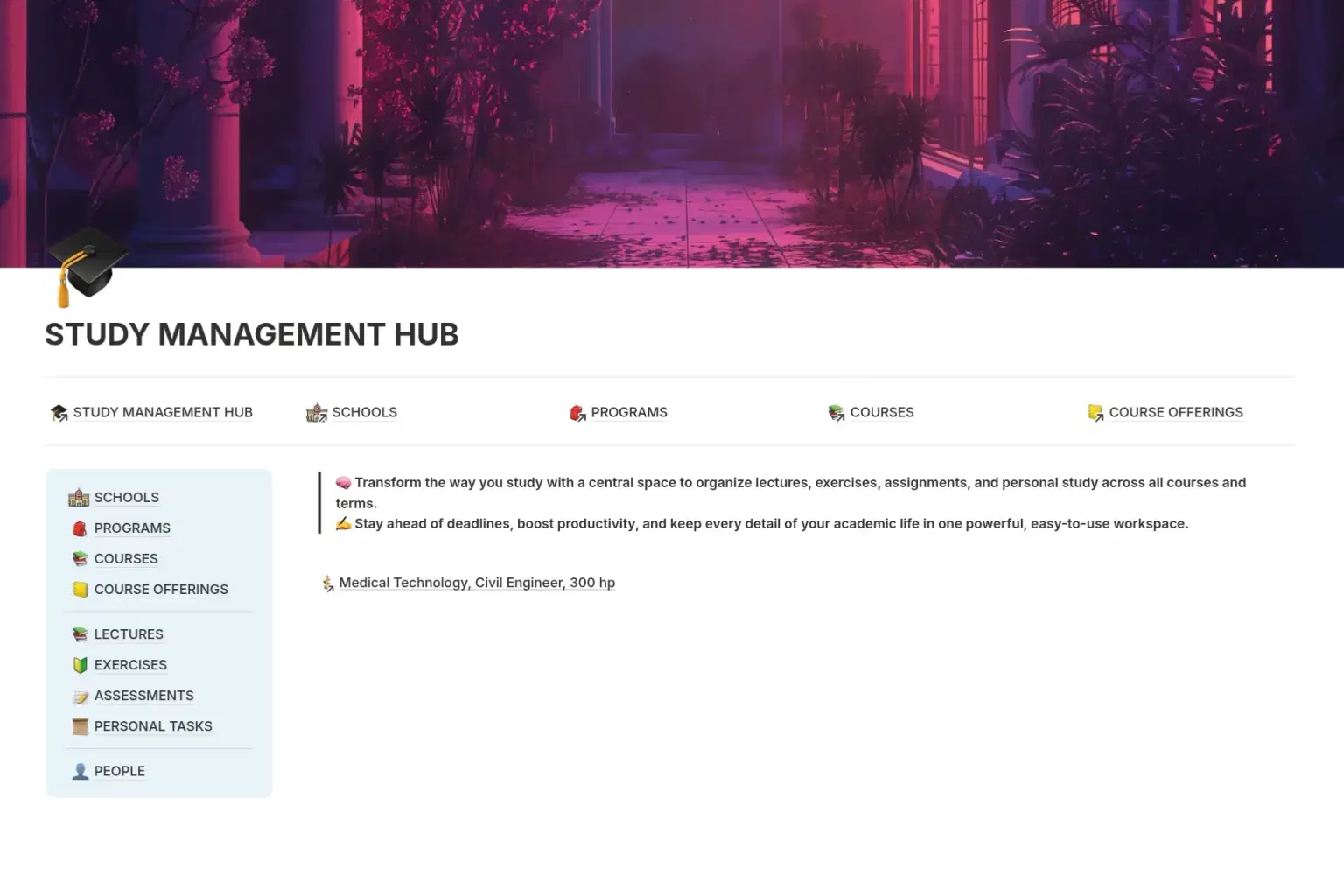
The Study Management Hub is your central space for managing every aspect of your academic life — across all courses and terms. Whether you’re tracking lectures, completing exercises, submitting assignments, or planning self-study sessions, this workspace keeps everything in one place.
Key features include:
Centralized Organization
– Manage all lectures, exercises, assignments, and personal study in one system.Deadline Tracking
– Never miss a due date with clear timelines and reminders.Custom Properties
– Tag, filter, and sort by course, term, status, or priority.Linked Pages & Resources
– Store related notes, files, and links for quick access.Flexible & Adaptable
– Easily modify layouts and categories to suit your workflow.
Designed with productivity and clarity in mind, the Study Management Hub helps you stay focused, reduce stress, and take full control of your academic journey.
Shop confidently with Shuppi
If your download isn’t what was promised, we’ll make it right. Eligible purchases can be refunded within fourteen calendar days when listings mislead, files fail, or duplicate checkouts happen.
- Listings must match what you receive—no surprises.
- Corrupted files or technical issues? Request a quick fix or refund.
- Duplicate purchases are covered without the hassle.
Product Specs
Tags
Frequently Asked Questions
You May Also Like

Career & Project Planner Hub - Notion Template for Career Planning and Project Management
 Plan it. Do it. Love it.
AI Project Manager Operating System
 Prompt Hub
Vanilla Girl Student Dashboard | All-in-One Notion Template for Study, Life & Wellness
 Fleura Co
Complete Study Dashboard
 Notion Templates
Light Academia Student Dashboard | Aesthetic Notion University Planner & Study Organiser
Fleura Co
Clinical Workflow Hub
 Notion Blueprint