



For personal, non-commercial projects only
About
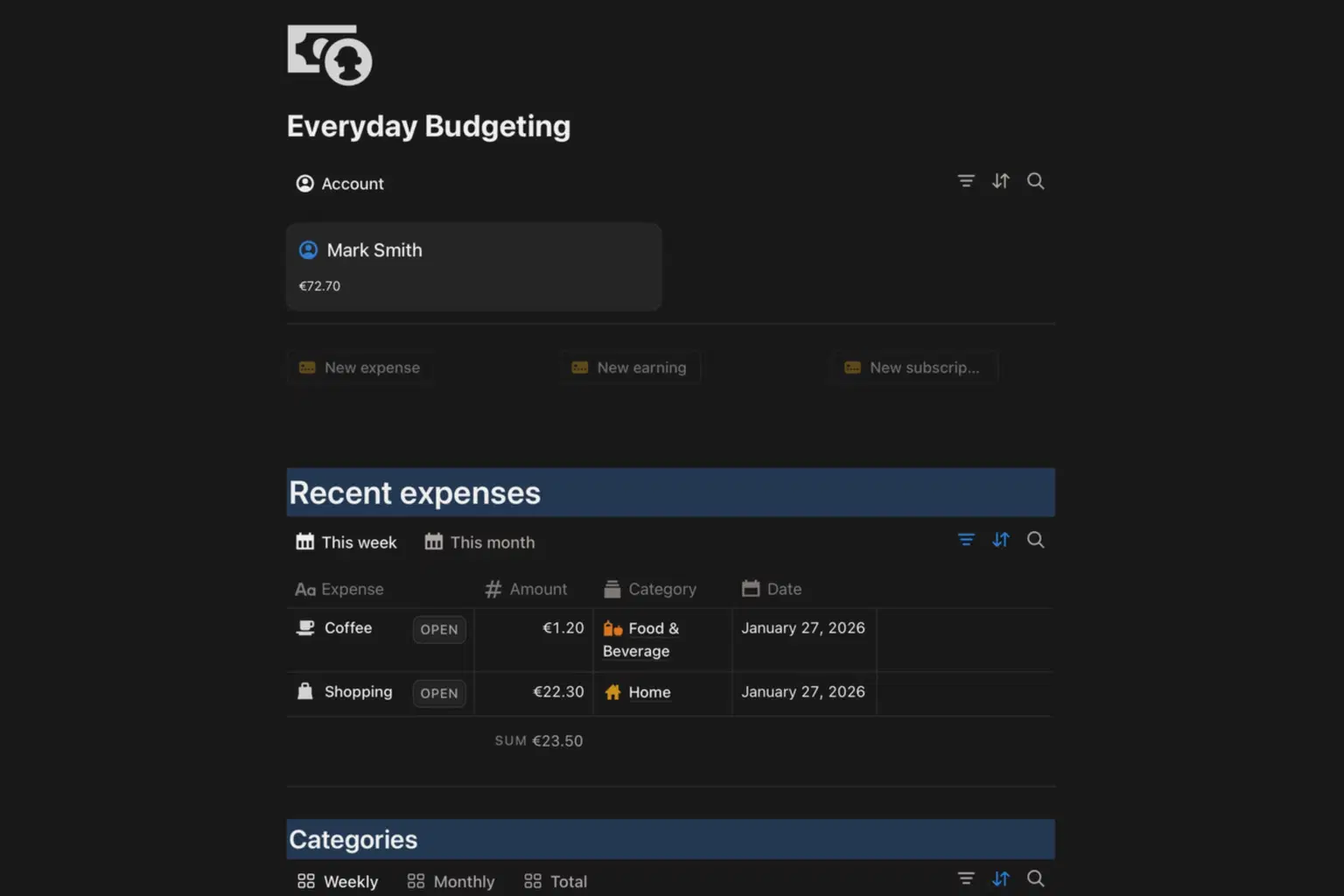
This template empowers you to stay in control by displaying your real-time balance, recent expenditures, and earnings, both weekly and monthly. Categorize your expenses effortlessly, whether it's entertainment or food and beverage, and establish maximum spending limits for each category on a weekly and monthly basis.
What sets this template apart is its user-friendly interface featuring three convenient buttons for automatic entry of expenses, earnings, and even subscriptions. With the subscription function, your recurring monthly costs are effortlessly managed, automatically renewing without requiring manual input. Take charge of your financial journey with 'Everyday Budgeting,' where simplicity meets sophistication for a stress-free approach to personal finance on Notion.
Shop confidently with Shuppi
If your download isn’t what was promised, we’ll make it right. Eligible purchases can be refunded within fourteen calendar days when listings mislead, files fail, or duplicate checkouts happen.
- Listings must match what you receive—no surprises.
- Corrupted files or technical issues? Request a quick fix or refund.
- Duplicate purchases are covered without the hassle.
Product Specs
Tags
Frequently Asked Questions
You May Also Like

Free Monthly Budget Snapshot — 1-Page Printable Budget Planner
 Level Up Co
Financial Freedom Planner Hub - Notion Template for Budget Planning and Personal Finance Tracker
 Plan it. Do it. Love it.
Budget Tracker Pro
 DEARPLUTO
Budget & Cost Tracker
 Crafted Spaces
Financial Planner | Guided Budget Journal
 Ordine Journals
Ultimate Finance Planner | All-in-One Budget, Expense, Savings & Income Tracker for Financial Freedom
 Fleura Co