


For personal, non-commercial projects only
About
A simple habit tracker that works on busy weeks
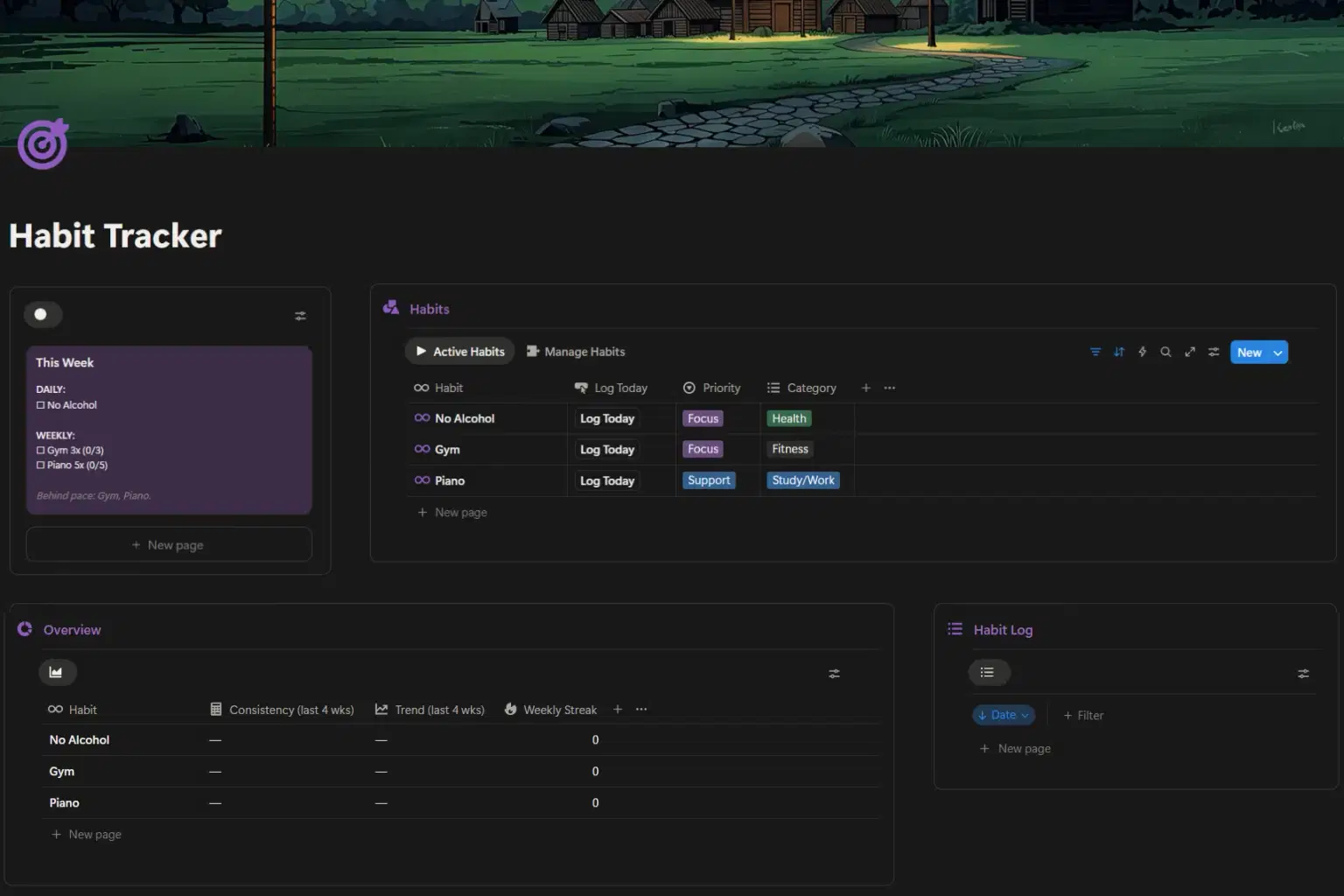
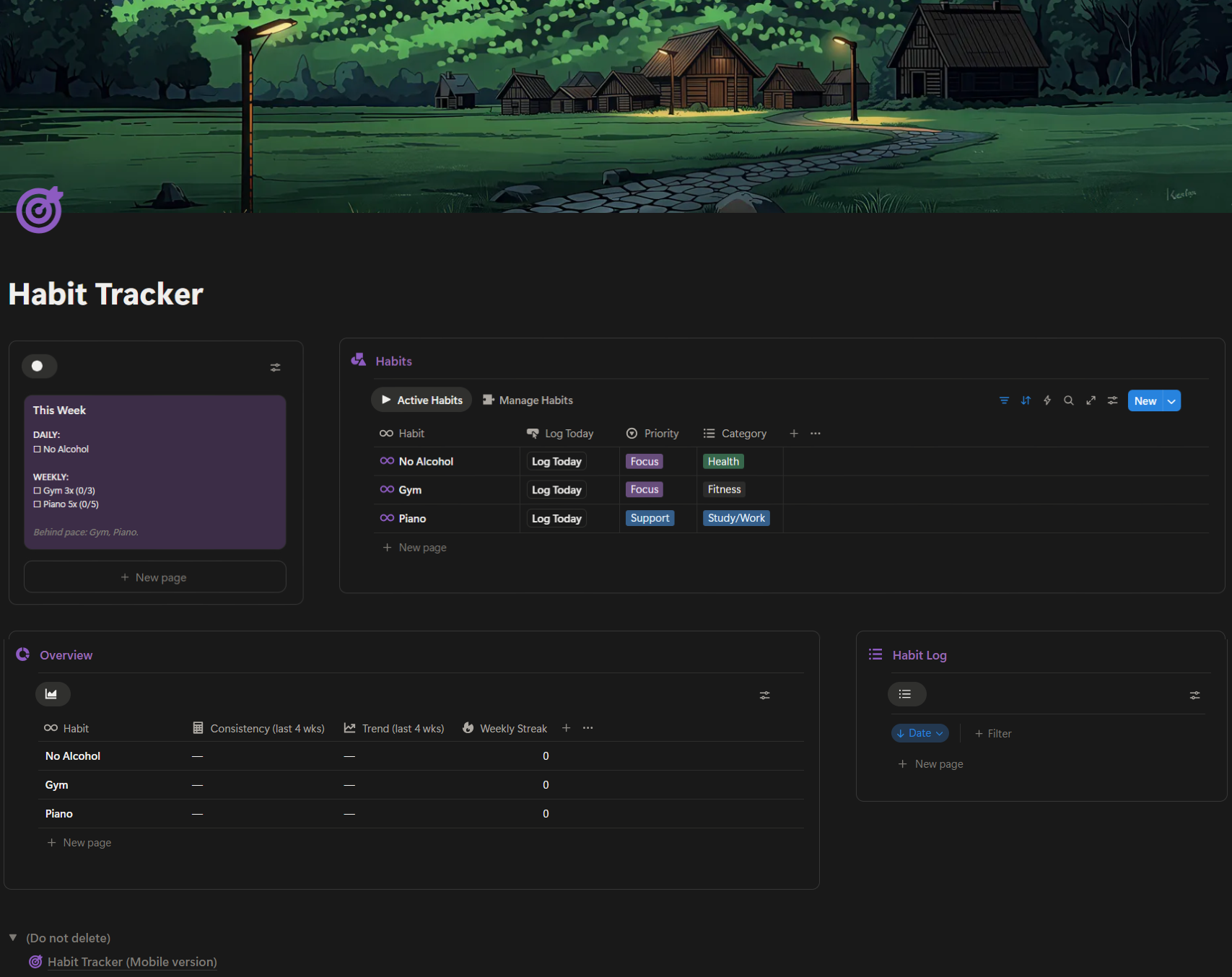
This is a focused Notion habit tracker built around weekly progress, not daily perfection.
You log habits in one click, see exactly what matters this week, and track progress over time without overthinking.
What you get
A This Week dashboard showing daily habits and weekly targets
Support for daily habits and weekly quota habits
One-click Log Today buttons
Automatic logging in the background
Clear progress like
2/5instead of long checklistsOverview stats for Consistency, Weekly streak, and Trends
Desktop-first layout with mobile-friendly logging
Who this is for
Habits that don’t need to be done every day
People who want structure without complexity
Anyone tired of maintaining long habit checklists
No subscriptions. Lifetime access.
👉 Get the template and start using it today.
A full view of the habit tracker template:
Shop confidently with Shuppi
If your download isn’t what was promised, we’ll make it right. Eligible purchases can be refunded within fourteen calendar days when listings mislead, files fail, or duplicate checkouts happen.
- Listings must match what you receive—no surprises.
- Corrupted files or technical issues? Request a quick fix or refund.
- Duplicate purchases are covered without the hassle.
Product Specs
Tags
Frequently Asked Questions
You May Also Like

Notion Habit Tracker & Daily Planner - Notion Template
 Yanis’s Notion
Skincare Tracker Notion Template
 Mohammed atia
The Ultimate Notion Template Bundle: 20 Notion Templates for Life & Work
Yanis’s Notion
Financial Freedom Planner Hub - Notion Template for Budget Planning and Personal Finance Tracker
 Plan it. Do it. Love it.
Notion Project and Task Tracker -Notion Template
Yanis’s Notion
Health & Fitness Hub - Notion Template for Fitness Tracking and Healthy Habits for Women
Plan it. Do it. Love it.