













Personal, non-commercial projects
About
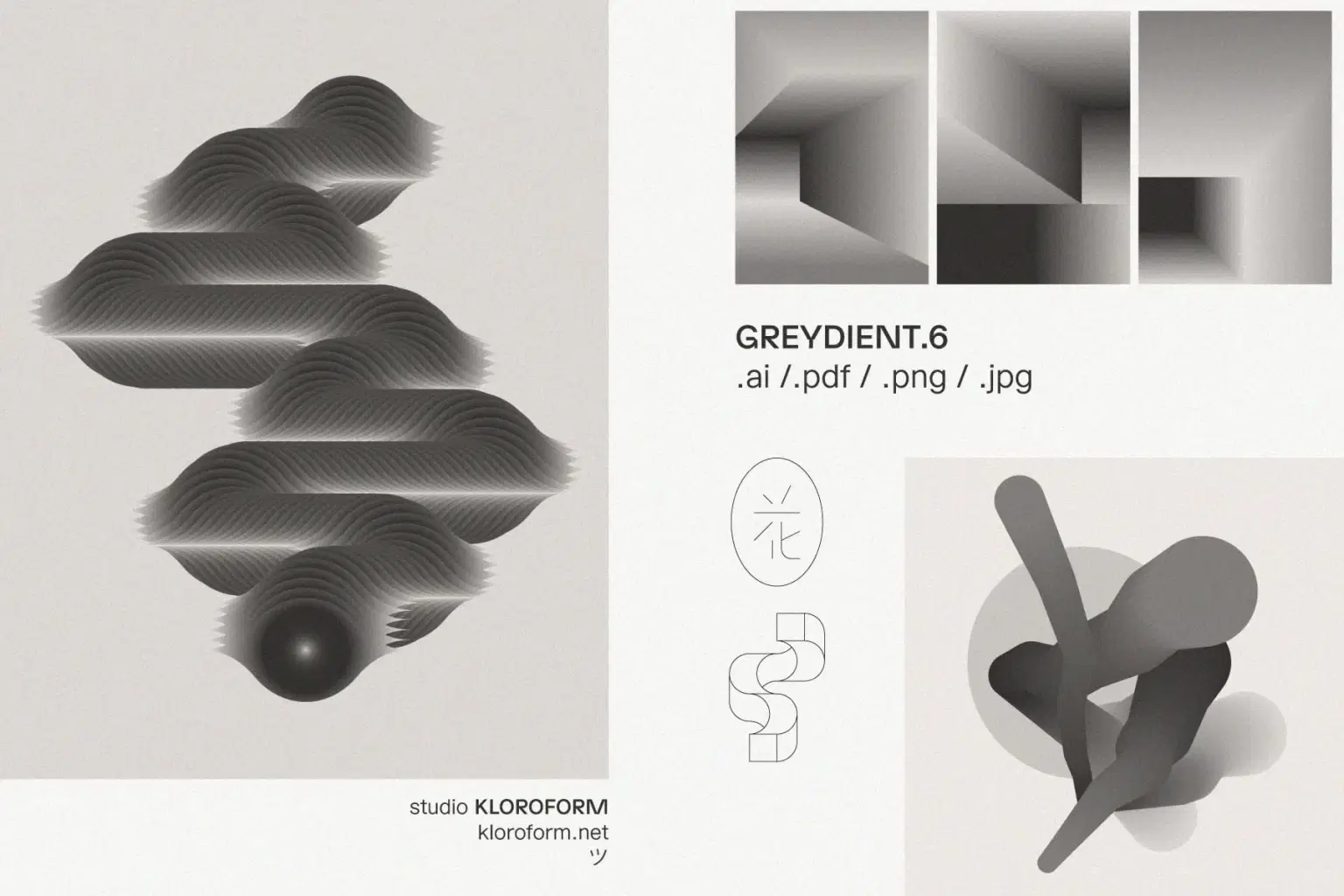
GREYDIENT is an ongoing series exploring how gradients and blends can create dimension, movement, and optical tension in graphic design. A balance between the raw aesthetic of brutalism and the playful optical illusions of op-art.
GREYDIENT.6 dives into more quirky and unconventional paths. These are the kind of elements that make your designs stand out from the ordinary. Use these if you're seeking to achieve a more daring style.
Each shape comes in three versions: a clean silk gradient (vector + PNG) and two textured JPG treatments that add grain and physical presence. Two Photoshop texture actions are included for custom variations.
—
INCLUDED:
· 2 .ai file with all objects
· 2 .pdf file with all objects
· 48 .png files - silk gradients
· 48 .jpg files - textured gradients 1
· 48 .jpg files - textured gradients 2
· 31 .png files - line art objects
· 2 photoshop texture actions
· read this PDF with instructions
Shop confidently with Shuppi
If your download isn’t what was promised, we’ll make it right. Eligible purchases can be refunded within fourteen calendar days when listings mislead, files fail, or duplicate checkouts happen.
- Listings must match what you receive—no surprises.
- Corrupted files or technical issues? Request a quick fix or refund.
- Duplicate purchases are covered without the hassle.