







Personal use only
About
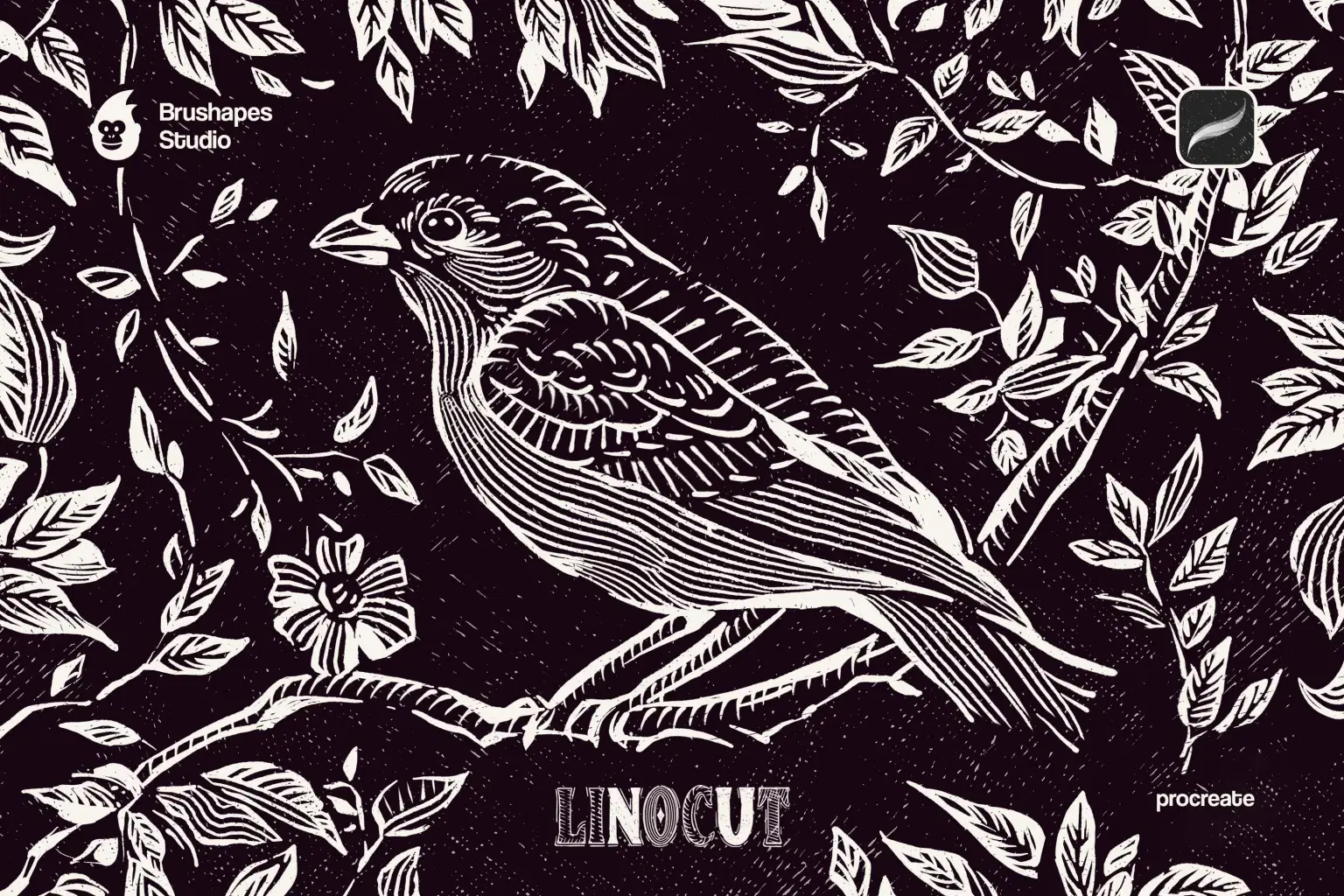
Knives out, it's linocut time. Instead of carving into wood, we've got plenty of linoleum and 12 tactile linocut brushes. Maybe it's not as satisfying as rolling ink over streaked surfaces and transferring the image — but the artistic impact goes far beyond old-school physical printmaking.
The brushes bring the carved-by-lantern-light energy to nature scenes, type treatments, or bookish folk art compositions. They're made for scratching stories into digital paper — use them to rough up clean shapes, add movement to illustrations, or break free from anything too polished. They got nothing sterile, and neither will the art — just hand-cut grit, unpredictable texture, and the imperfection that makes things feel alive.
File size: 4 MB
Compatibility: Procreate 5.3 and newer
12 linocut brushes
ZIP package, Direct download
Guidelines included
Shop confidently with Shuppi
If your download isn’t what was promised, we’ll make it right. Eligible purchases can be refunded within fourteen calendar days when listings mislead, files fail, or duplicate checkouts happen.
- Listings must match what you receive—no surprises.
- Corrupted files or technical issues? Request a quick fix or refund.
- Duplicate purchases are covered without the hassle.
Product Specs
Tags
Frequently Asked Questions
You May Also Like

Abstract Texture Procreate Brushes
 Elatedowl
33 Realistic Watercolor Procreate Brushes + 3 Canvases
Elatedowl
Procreate Pastel Brushes
Elatedowl
Art Deco 1.0 Procreate Brushes | 22 Seamless Pattern Brushes
 designavmad
Retro 1.0 Procreate Brushes | 30 Seamless Pattern Brushes
designavmad
Building Patterns 2.0 Procreate Brushes | 79 Seamless Pattern Brushes
designavmad