





Personal use only
About
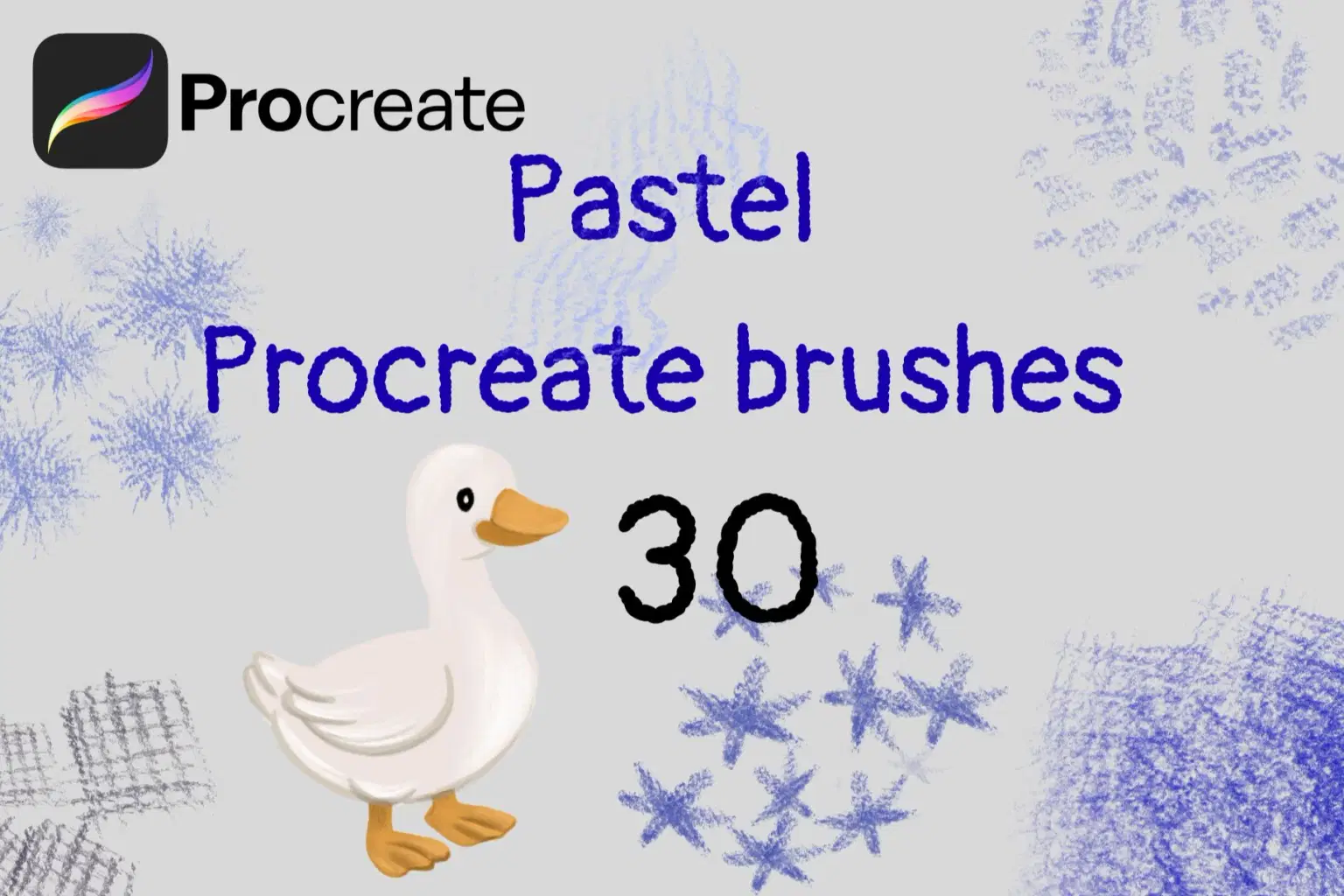
Bring the soft, chalky texture of traditional pastels to your iPad with this comprehensive set of 30 Pastel Procreate Brushes! This large and versatile collection is designed to mimic the feel of real dry pastels, oil pastels, and chalks, allowing you to create beautiful, textured artwork with a charming, hand-drawn feel.
What's Included:
30 Unique Procreate Brushes in one
.brushsetfile.A wide variety of textures, including:
Soft & Chalky brushes for smooth blending and soft fills.
Grainy & Gritty brushes for expressive shading and texture.
Hatching & Line brushes for sketching and adding detail.
Texture Stamp brushes for adding quick, interesting effects.
Perfect For:
Children's Book Illustration: Create gentle, soft, and textured illustrations perfect for storybooks.
Character Design & Portraits: Add a soft, traditional feel to your character art and portraits.
Sketching & Drawing: Perfect for daily sketches with a unique, grainy texture.
Still Life & Landscape Art: Build up rich layers of color and texture, just like with real pastels.
Hand Lettering: Add a chalky, hand-drawn effect to your lettering pieces.
Features:
Easy to install and use.
Brushes are pressure-sensitive, allowing for varied stroke thickness and opacity.
Designed to layer and blend beautifully for a realistic pastel effect.
Optimized for Procreate on iPad with Apple Pencil.
What you will receive:
1
.brushsetfile containing all 30 brushes.
How to Install Your Procreate Brushes:
Method 1: Using the Files App (Easiest)
Download the File: After purchase, download the ZIP file directly to your iPad. Locate and Unzip: Open the Files app on your iPad and navigate to your Downloads folder. Tap on the ZIP file once. It will automatically create a new folder containing your .brushset file. Import to Procreate: Tap on the .brushset file. It should automatically open Procreate and import the brushes. Your new brush set will appear at the top of your Brush Library.
Method 2: Using a Cloud Service (e.g., Dropbox, Google Drive)
Download and Unzip on a Computer: Download the ZIP file to your computer (Mac or PC) and unzip it. Upload to Cloud: Upload the unzipped .brushset file to a cloud service like Dropbox, Google Drive, or iCloud Drive. Make sure you have the corresponding app installed on your iPad. Import from Cloud: On your iPad, open the cloud service app (e.g., Dropbox). Navigate to the .brushset file. Export to Procreate: Tap on the file and choose the "Export" or "Share" option. Then, select "Open in..." and choose "Procreate". The brushes will be imported and will appear at the top of your Brush Library. If you have any trouble, please feel free to send me a message! Happy creating!
PLEASE NOTE: These brushes are designed exclusively for the Procreate App on the iPad. They will not work in Photoshop or any other software. A pressure-sensitive stylus is recommended.
Rediscover the joy of drawing with the authentic look and feel of pastels, right in Procreate!
Shop confidently with Shuppi
If your download isn’t what was promised, we’ll make it right. Eligible purchases can be refunded within fourteen calendar days when listings mislead, files fail, or duplicate checkouts happen.
- Listings must match what you receive—no surprises.
- Corrupted files or technical issues? Request a quick fix or refund.
- Duplicate purchases are covered without the hassle.
Product Specs
Tags
Frequently Asked Questions
You May Also Like

Abstract Texture Procreate Brushes
 Elatedowl
33 Realistic Watercolor Procreate Brushes + 3 Canvases
Elatedowl
Art Deco 1.0 Procreate Brushes | 22 Seamless Pattern Brushes
 designavmad
Retro 1.0 Procreate Brushes | 30 Seamless Pattern Brushes
designavmad
Building Patterns 2.0 Procreate Brushes | 79 Seamless Pattern Brushes
designavmad
Ornate Tiles 2.0 Procreate Brushes | 20 Multistep Brushes
designavmad