







Personal use only
About
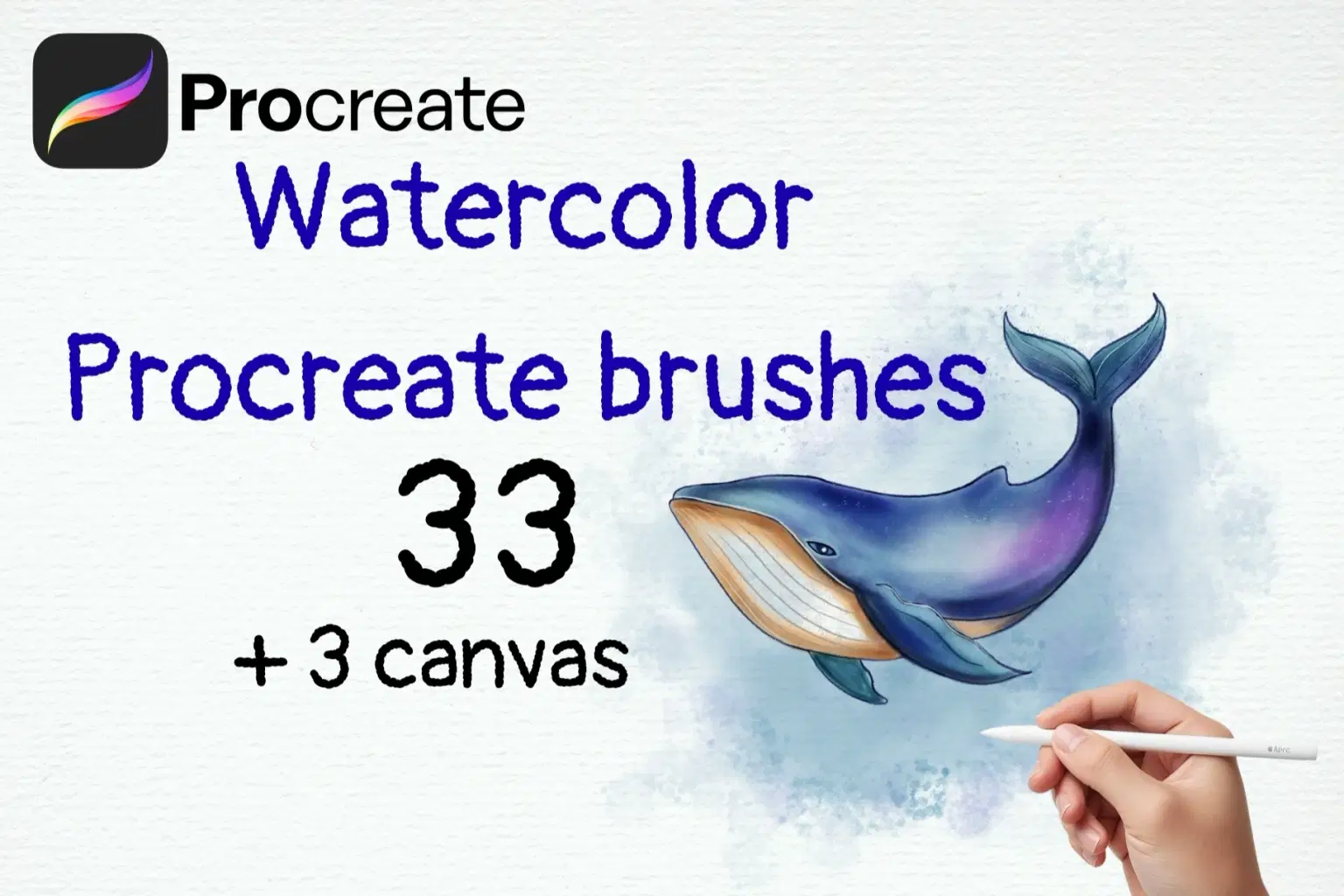
Unlock the beauty of realistic watercolor painting on your iPad with this ultimate Watercolor Procreate Brush Set! This carefully crafted collection includes 33 unique brushes and 3 bonus paper texture canvases, providing you with everything you need to create stunning, authentic-looking watercolor artwork.
From soft washes and delicate blends to expressive splatters and detailed lines, this set is designed to mimic the behavior of real watercolor paint on paper.
What's Included:
33 Unique Watercolor Brushes in one
.brushsetfile, organized into categories for easy use:11 Main Watercolor Brushes: A core set for washes, fills, and varied strokes.
7 Glaze Brushes: Perfect for building up transparent layers of color.
8 Texture Stamp Brushes: Quickly add realistic splotches and textures.
Special Effect Brushes: Including Watercolor Pencil, Drops, Splatters, a Sponge brush, and a Bleed brush for authentic wet edges.
3 Bonus Procreate Canvases
Perfect For:
Watercolor Illustrations: Create stunning botanical art, animal portraits, landscapes, and food illustrations.
Children's Book Illustration: Achieve a soft, classic storybook feel.
Greeting Cards & Stationery: Design beautiful, hand-painted invitations, cards, and art prints.
Surface Pattern Design: Create delicate and artistic patterns with an authentic watercolor texture.
Concept Art & Character Design: Add a unique, painterly touch to your character and environmental art.
Features:
Easy to install and use.
Brushes are pressure-sensitive and optimized for the Apple Pencil for maximum control and expression.
Designed to interact with each other for realistic layering and blending.
What you will receive:
1
.brushsetfile containing all 33 brushes.3
.procreatefiles (Canvases).
How to Install:
Download the ZIP file to your iPad.
Unzip the file using the Files app.
Tap on the
.brushsetfile to automatically import the brushes.Tap on each
.procreatefile to open and save the canvases in your Procreate gallery.
PLEASE NOTE: These brushes and canvases are designed exclusively for the Procreate App on the iPad. They will not work in Photoshop or any other software.
Experience the joy of watercolor painting, without the mess! Start creating your digital watercolor masterpiece today.
TAG: procreate brushes, watercolor brushes, procreate watercolor, brush set, digital watercolor, painting brushes, procreate canvas, paper texture, realistic watercolor, wet brushes, watercolor texture, digital painting, illustration, ipad art, procreate art, painterly, traditional media, art brushes, brush pack, watercolor kit, botanical illustration, floral brushes, landscape brushes
Shop confidently with Shuppi
If your download isn’t what was promised, we’ll make it right. Eligible purchases can be refunded within fourteen calendar days when listings mislead, files fail, or duplicate checkouts happen.
- Listings must match what you receive—no surprises.
- Corrupted files or technical issues? Request a quick fix or refund.
- Duplicate purchases are covered without the hassle.






