










Personal use only
About
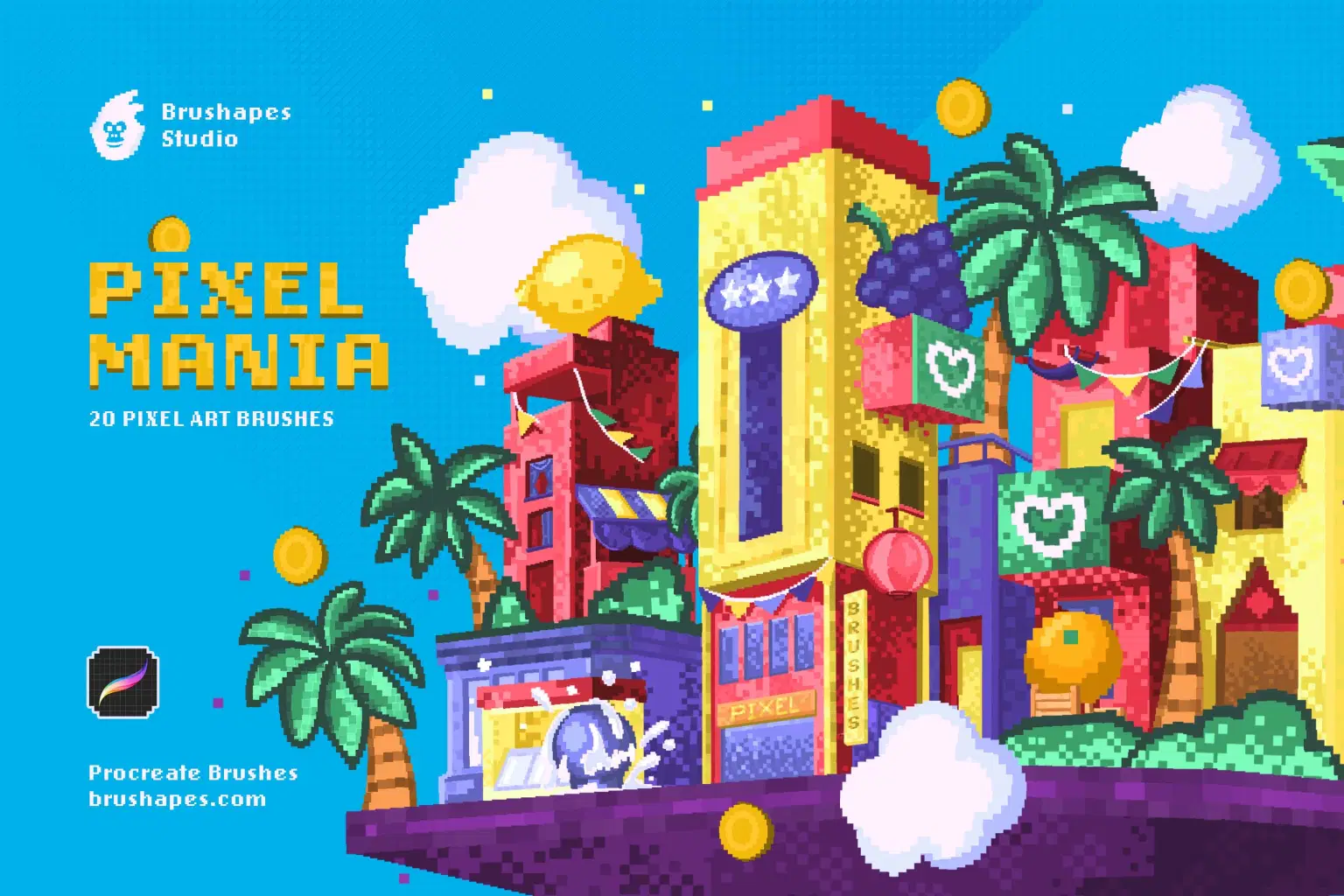
This pack of pixel art brushes channels various kinds of trends and aesthetics all at once. It covers three decades
of design — starting with pixel art of 80’s, following vaporwave aesthetic of the 90’s game industry and finally tapping into the most hot and hype Y2K revival.
The 20 Procreate pixel brushes create trendy, nostalgia-driven visuals, while 3 bitmap PNG textures for backgrounds and overlays add more depth and dimension. The set includes outline brushes for defining shapes and adding clarity without losing style, plus pattern brushes for quick and easy filling with textures. Some of the brushes include transparent pixels making them the most suitable for shading and subtle color blending.
File size: 4 MB
Compatibility: Procreate 5.3 and newer
20 pixel art brushes
3 bitmap textures (PNG)
ZIP package, Direct download
Guidelines included
Shop confidently with Shuppi
If your download isn’t what was promised, we’ll make it right. Eligible purchases can be refunded within fourteen calendar days when listings mislead, files fail, or duplicate checkouts happen.
- Listings must match what you receive—no surprises.
- Corrupted files or technical issues? Request a quick fix or refund.
- Duplicate purchases are covered without the hassle.
Product Specs
Tags
Frequently Asked Questions
You May Also Like

Abstract Texture Procreate Brushes
 Elatedowl
33 Realistic Watercolor Procreate Brushes + 3 Canvases
Elatedowl
Procreate Pastel Brushes
Elatedowl
Art Deco 1.0 Procreate Brushes | 22 Seamless Pattern Brushes
 designavmad
Retro 1.0 Procreate Brushes | 30 Seamless Pattern Brushes
designavmad
Building Patterns 2.0 Procreate Brushes | 79 Seamless Pattern Brushes
designavmad