










Personal use only
About
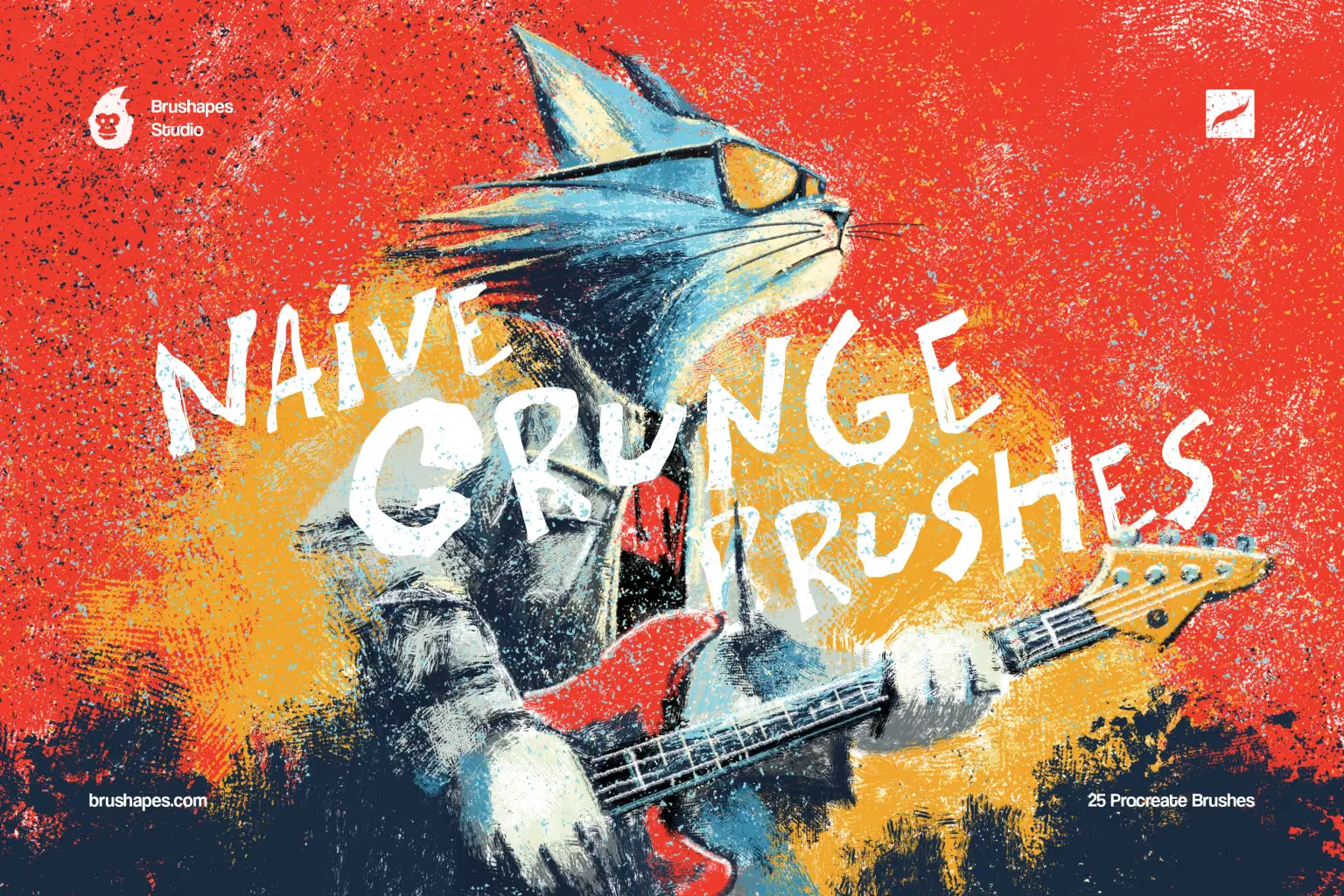
Make grunge texture brushes, but make them naïve and amateur in the best sense. The collection balances between urban mural painting, colourful slums & suburbs, and pastel scribbles that your art teacher would disapprove of.
Behind the scenes, the set is built to be as flexible as it looks chaotic. You get 20 drawing brushes and 5 stamp ones, but in practice every brush can behave as both — laying textures, building shapes, or stamping bold accents when needed. The strokes keep their grain and pressure response across apps, so you can sketch lightly or push into dense, almost painted coverage without losing that dusty edge.
File size: 35 MB
Compatibility: Procreate 5.3 and newer
20 Grunge Brushes
5 Stamp Brushes
ZIP package, Direct download
Guidelines included
Shop confidently with Shuppi
If your download isn’t what was promised, we’ll make it right. Eligible purchases can be refunded within fourteen calendar days when listings mislead, files fail, or duplicate checkouts happen.
- Listings must match what you receive—no surprises.
- Corrupted files or technical issues? Request a quick fix or refund.
- Duplicate purchases are covered without the hassle.
Product Specs
Tags
Frequently Asked Questions
You May Also Like

Abstract Texture Procreate Brushes
 Elatedowl
33 Realistic Watercolor Procreate Brushes + 3 Canvases
Elatedowl
Procreate Pastel Brushes
Elatedowl
Art Deco 1.0 Procreate Brushes | 22 Seamless Pattern Brushes
 designavmad
Retro 1.0 Procreate Brushes | 30 Seamless Pattern Brushes
designavmad
Building Patterns 2.0 Procreate Brushes | 79 Seamless Pattern Brushes
designavmad