











Personal learning, hobby projects, non-commercial renders
About
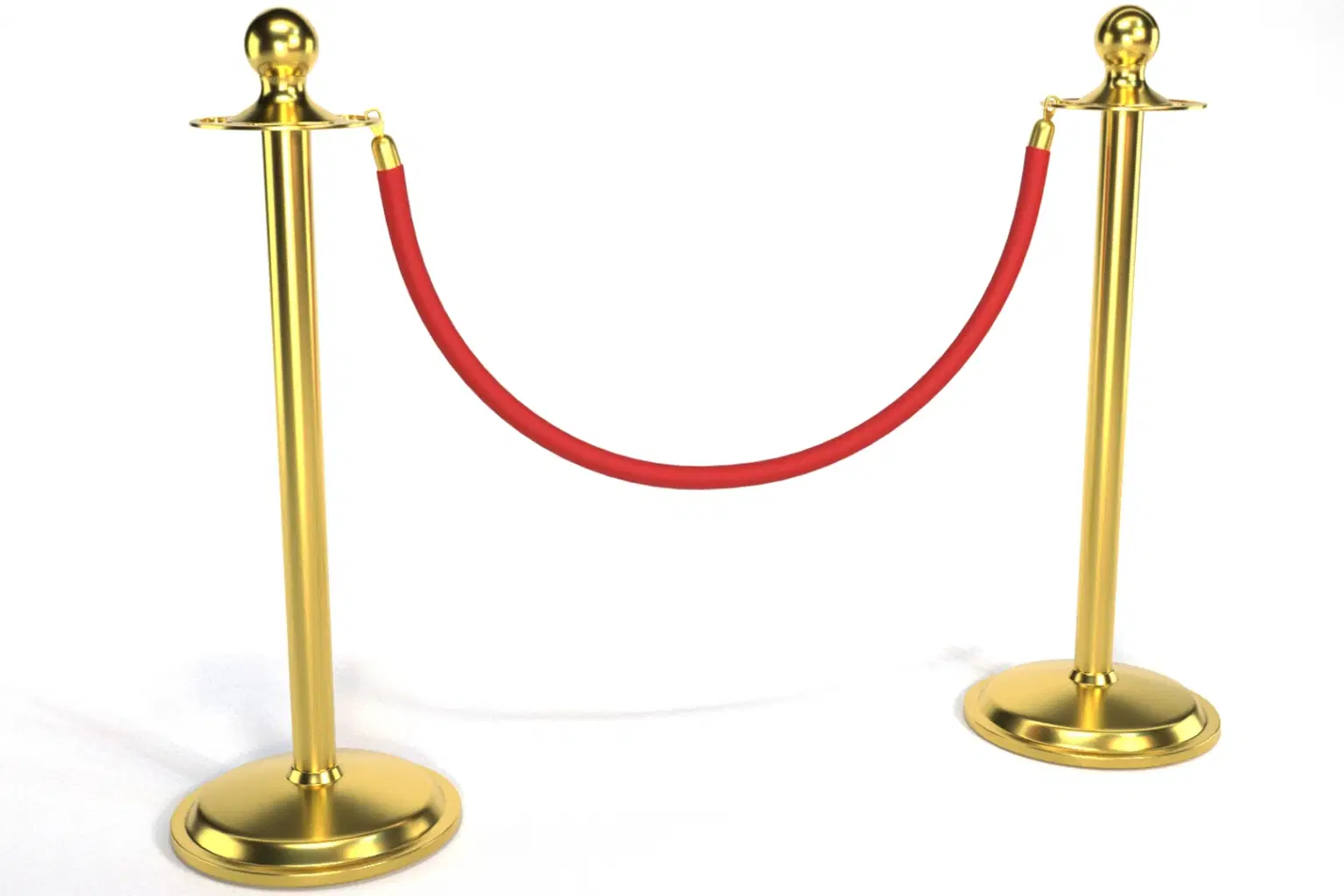
Red Rope Stanchion – 4K PBR – V-Ray Rendered
Model Details:
Base Polygons: 7,876
Base Vertices: 8,064
Subdivided Polygons: 63,112
Subdivided Vertices: 31,886
Topology: Clean and optimized for animation
UV Mapping: Non-overlapping, properly unwrapped
Rendering Software: V-Ray
Modeling Software: 3ds Max
Textures & Materials:
4K PBR textures included: Base Color, Metallic, Roughness, Normal
Optimized for realism, ideal for event setups, crowd control, or cinematic scenes
Available Formats:
FBX
OBJ
3DS
3ds Max (.max)
Features:
Subdivision-ready
No UV overlaps
Suitable for multiple applications
Notes:
No environment or background elements included
Textures provided separately in a ZIP file
Closing Line:
Perfect for realistic event setups or crowd control scenes. Elevate your project with this detailed, high-quality stanchion
Shop confidently with Shuppi
If your download isn’t what was promised, we’ll make it right. Eligible purchases can be refunded within fourteen calendar days when listings mislead, files fail, or duplicate checkouts happen.
- Listings must match what you receive—no surprises.
- Corrupted files or technical issues? Request a quick fix or refund.
- Duplicate purchases are covered without the hassle.






