




Personal, non-commercial projects
About
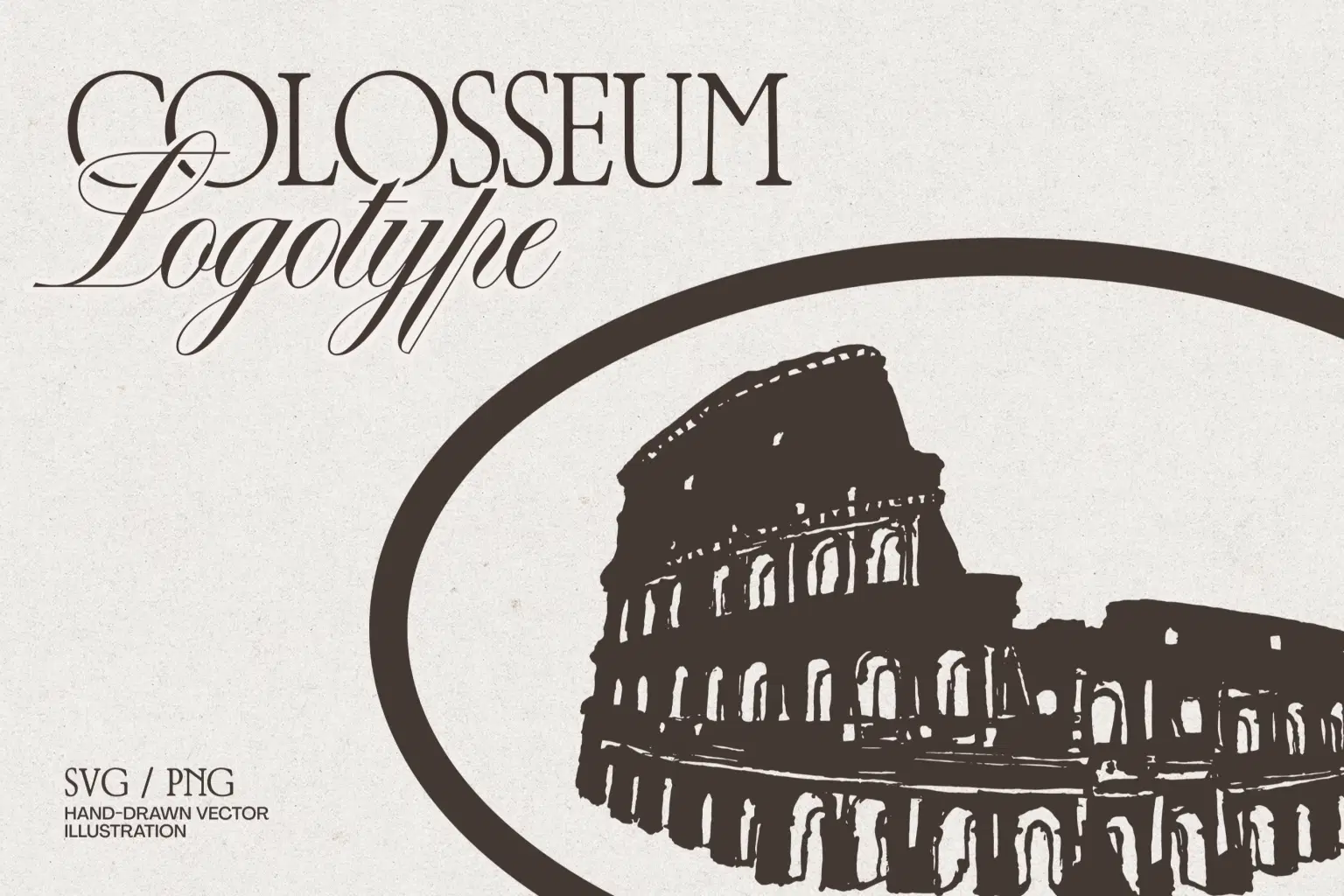
Capture the timeless grit of Rome with this hand-drawn Colosseum emblem. The illustration highlights the weathered stone textures and iconic arches, all framed in a classic oval composition that feels instantly historic.
You won’t have trouble with production here. The vector paths are optimized specifically for demanding applications like laser engraving, foil stamping, screen printing, and embroidery, ensuring the details stay sharp whether you’re printing a menu or etching a souvenir.
This piece is a natural fit for Italian restaurant branding, travel agency logos, or heritage tourism merch. For a truly sophisticated look, try pairing this illustration with a high-contrast serif font to complete that authentic European aesthetic.
What's Inside:
1 logoype (AI/EPS/PNG/SVG on transparent background, 300 dpi)
Thanks for visiting my shop!
Shop confidently with Shuppi
If your download isn’t what was promised, we’ll make it right. Eligible purchases can be refunded within fourteen calendar days when listings mislead, files fail, or duplicate checkouts happen.
- Listings must match what you receive—no surprises.
- Corrupted files or technical issues? Request a quick fix or refund.
- Duplicate purchases are covered without the hassle.