














For personal, non-commercial projects only (portfolios, personal blogs, hobby projects).
About
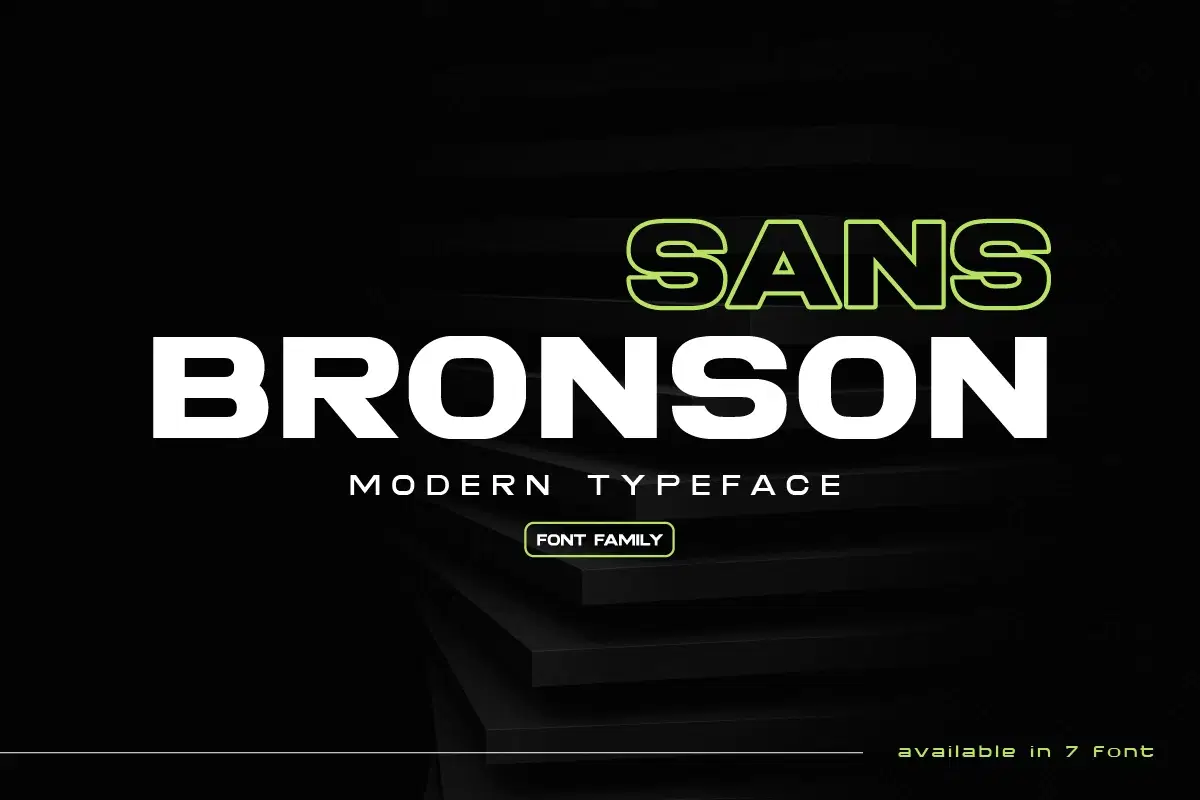
Bronson – A Cutting-Edge Sans Serif Font Family for Modern Design 
Bronson is a bold, futuristic, and modern sans serif typeface that blends sleek geometry with contemporary aesthetics. Perfect for branding, tech-inspired projects, editorial layouts, and eye-catching posters, Bronson delivers versatility and power in seven distinct styles.
Key Features:
- 7 Font Styles – Includes Regular, Italic, and more for creative flexibility.
- Modern & Futuristic – Ideal for technology, gaming, sports, and branding.
- Sleek & Stylish – Designed with sharp angles and clean curves.
- Multilingual Support – Covers multiple languages for global use.
- Multiple Formats – OTF, TTF, WOFF, and WOFF2 included.
- Perfect for: Tech Branding, Cyberpunk Aesthetics, Posters, UI/UX, and More!
Upgrade Your Design with Bronson – The Font Built for the Future!
All of features and special characters of this font are included in one file. So it is easy to accessed by using program or software that support the opentype like Adobe Illustrator, Adobe Photosop, and Adobe Indesign). This font also very easy to use because compatible for all software even for non-opentype supported. Please comment us if you have any questions Thank you and have a nice day.
thank you
Shop confidently with Shuppi
If your download isn’t what was promised, we’ll make it right. Eligible purchases can be refunded within fourteen calendar days when listings mislead, files fail, or duplicate checkouts happen.
- Listings must match what you receive—no surprises.
- Corrupted files or technical issues? Request a quick fix or refund.
- Duplicate purchases are covered without the hassle.