












For personal, non-commercial projects only (portfolios, personal blogs, hobby projects).
About
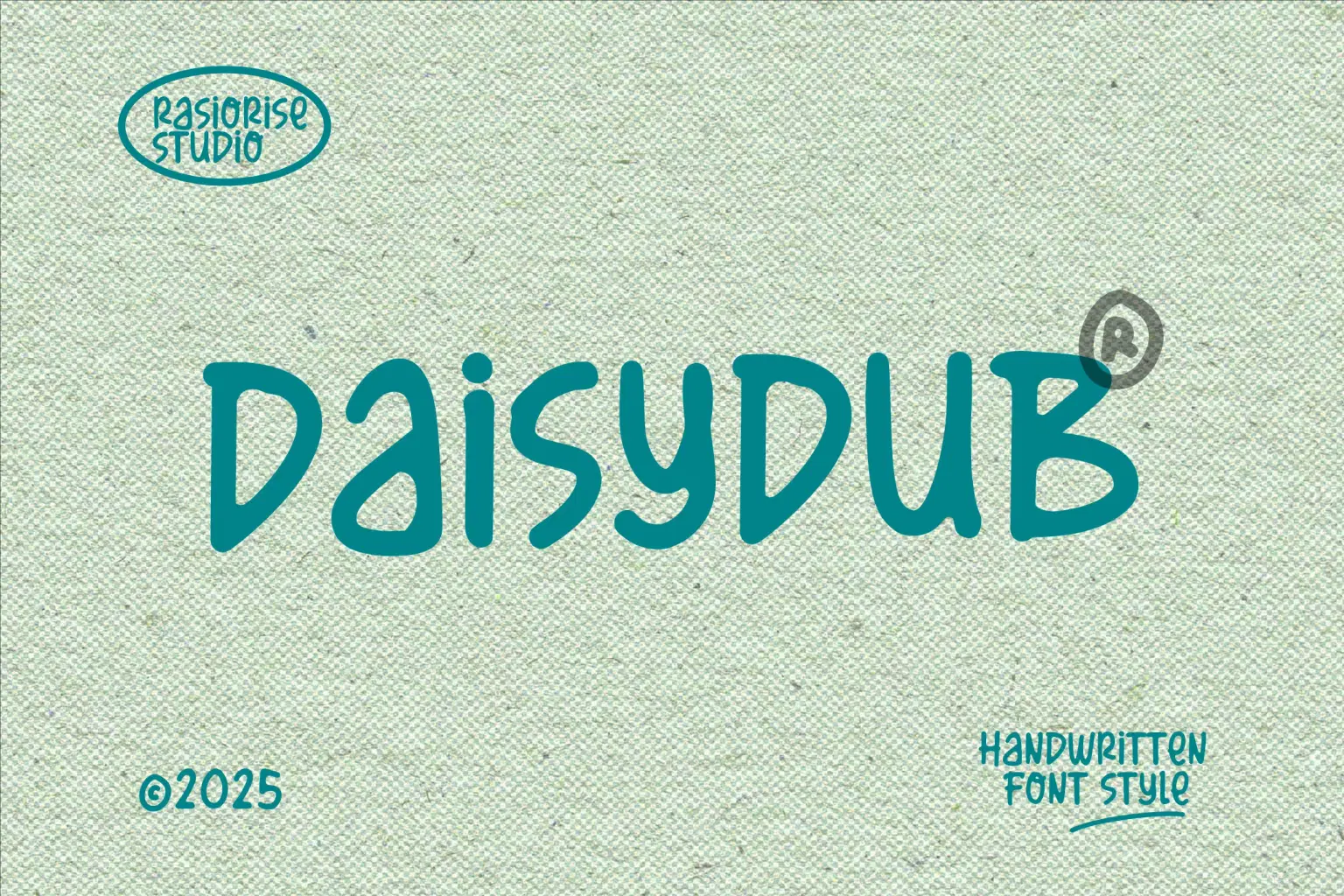
Daisydub font has been released for those of you who are looking for a handwritten unique typeface that a playful, smooth and casual strokes appearance, it delivers strong legibility with a professional edge. With easy-to-read character font for your project, also you can easily create a great and stand-out for logo, invitations, labels, magazines, books, greeting cards, wedding cards, packaging, fashion, makeup, novels and stationery.
Just recommend using a program that supports OpenType features and Glyphs panels like many of Adobe apps and Corel Draw (Graphic Software), so you can see and access all Glyph variations.
Daisydub Font Works on PC & Mac and very Simple Instalation.
We really hope you enjoy it. Thank you for downloading the premium font. For further details, please feel free to leave us your messages.
Happy creating everyone!
Shop confidently with Shuppi
If your download isn’t what was promised, we’ll make it right. Eligible purchases can be refunded within fourteen calendar days when listings mislead, files fail, or duplicate checkouts happen.
- Listings must match what you receive—no surprises.
- Corrupted files or technical issues? Request a quick fix or refund.
- Duplicate purchases are covered without the hassle.
Product Specs
Tags
Frequently Asked Questions
You May Also Like

TeeHand Upppercase Font
 akropol
Secy Break – Streetwear Fancy Display Font
 Black Junst
10,000 Font Mega Pack Bundle: Versatile Fonts for Designers (Digital Download)
 DiverseMediaShop
Ghostes Season - Handwritten Font Trio
 Sakti Avellin
Dreamy Valentine - Cute Handwritten Font Duo
Sakti Avellin
Magic Bubble - Cute Handwritten Font Duo
Sakti Avellin