




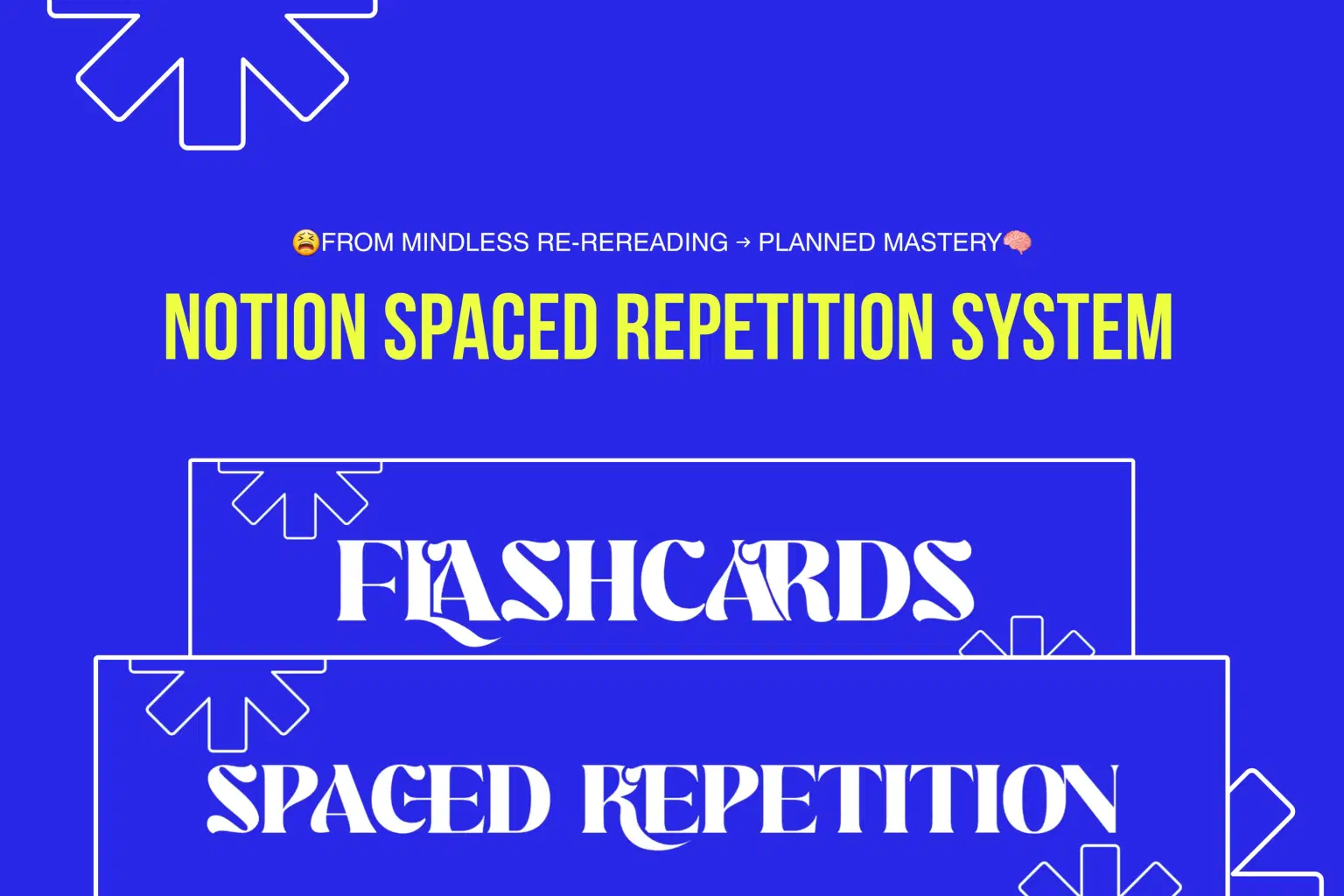
✅️ Dashboard ✅ Difficulty Based Date calculatiom ✅️ Difficulty Based Progression ✅ Complete Stat Function ✅ Complete Overdue Tracker ✅️ Overtdue Day Counter ✅ Calendar Sync ✅ 2-Tier Completion Tracker ✅ 3 Note Taking Templates ✅️ synced Flashcards
About
Master Your Learning with Spaced Repetition & Flashcards 🧠
When you’re sitting in an exam, the weight of “I forgot this” is heavier than “I didn’t study this.”
Don’t let forgetfulness hold you back—plan your revisions smarter and retain knowledge longer with this Spaced Repetition Template + Flashcard template for Notion. 📚
✅ What You’ll Get
🗓 Smart Revision Date Calculation + Progress Function:
Calculates your Next revision date based on Difficulty(After every Revision).
(hard/very hard @ R6 → more revision; easy/medium @ R6 → lighter revision.).
🔁 Restart Function(Auto+Manual):
Plan revisions beyond R7 or restart anywhere in your cycle seamlessly — no stress, no lost progress.
📆 Full Calendar Sync
See all your upcoming revisions at a glance right inside your dashboard.
📊 9-Tier Stats Function
A smart engine that reads your study status, behavior, and settings — giving real-time progress, gentle warnings, and celebrations so you always know where you stand.
🚨 Complete Overdue system
Overdue Tracker
Day counter
3 tier Overdue Alert system.
Get notified the moment you miss a revision. Track how long you’ve been off and receive smart cues to help prioritize your next steps.
⚡ 2-Tier Completion Tracker
Spot what’s truly done vs. what’s rushed, gently guiding your learning.
🧩 Cornell Notes + Flashcards Template
Built right inside Topic page to make note taking more effective.
🩺 Diseases Summary Sheet + Flashcards Template
Built right inside Topic page to make clinical review easier for med students.
♠️ Synced Flascards
Flashcards synced with each page, for easier Active Recall planning using the complete system
🖥 Dashboard Overview
To see and Track how many Topics added, Flashcards Created and its status.
📈 Get all the New updates & version for Free.
👥 Who This Template is For
This template is designed for:
Students preparing for exams who want a smarter revision system.
Professionals working toward certifications or skill upgrades.
Lifelong learners mastering new skills, languages, or knowledge areas.
No matter your field, this system helps you stay organized, consistent, and in control.
Start using the Spaced Repetition Template today and study smarter, not harder.
Shop confidently with Shuppi
If your download isn’t what was promised, we’ll make it right. Eligible purchases can be refunded within fourteen calendar days when listings mislead, files fail, or duplicate checkouts happen.
- Listings must match what you receive—no surprises.
- Corrupted files or technical issues? Request a quick fix or refund.
- Duplicate purchases are covered without the hassle.
Product Specs
Tags
Frequently Asked Questions
You May Also Like

The Ultimate Notion Template Bundle: 20 Notion Templates for Life & Work
 Yanis’s Notion
The Meal Master System - Notion Template for Meal Planning and Digital Recipe Book
 Plan it. Do it. Love it.
Home Cleaning & Maintenance System - Notion Template for Cleaning Schedule and Home Maintenance Tracker
Plan it. Do it. Love it.
Bill Tracker in Notion
 The Notion Experience
Notion Habit Tracker & Daily Planner - Notion Template
Yanis’s Notion
Family & Household Command Center - Notion Template for Mental Load and Home Management
Plan it. Do it. Love it.