Personal, non-commercial projects
About
White Lens Flare Overlay Pack
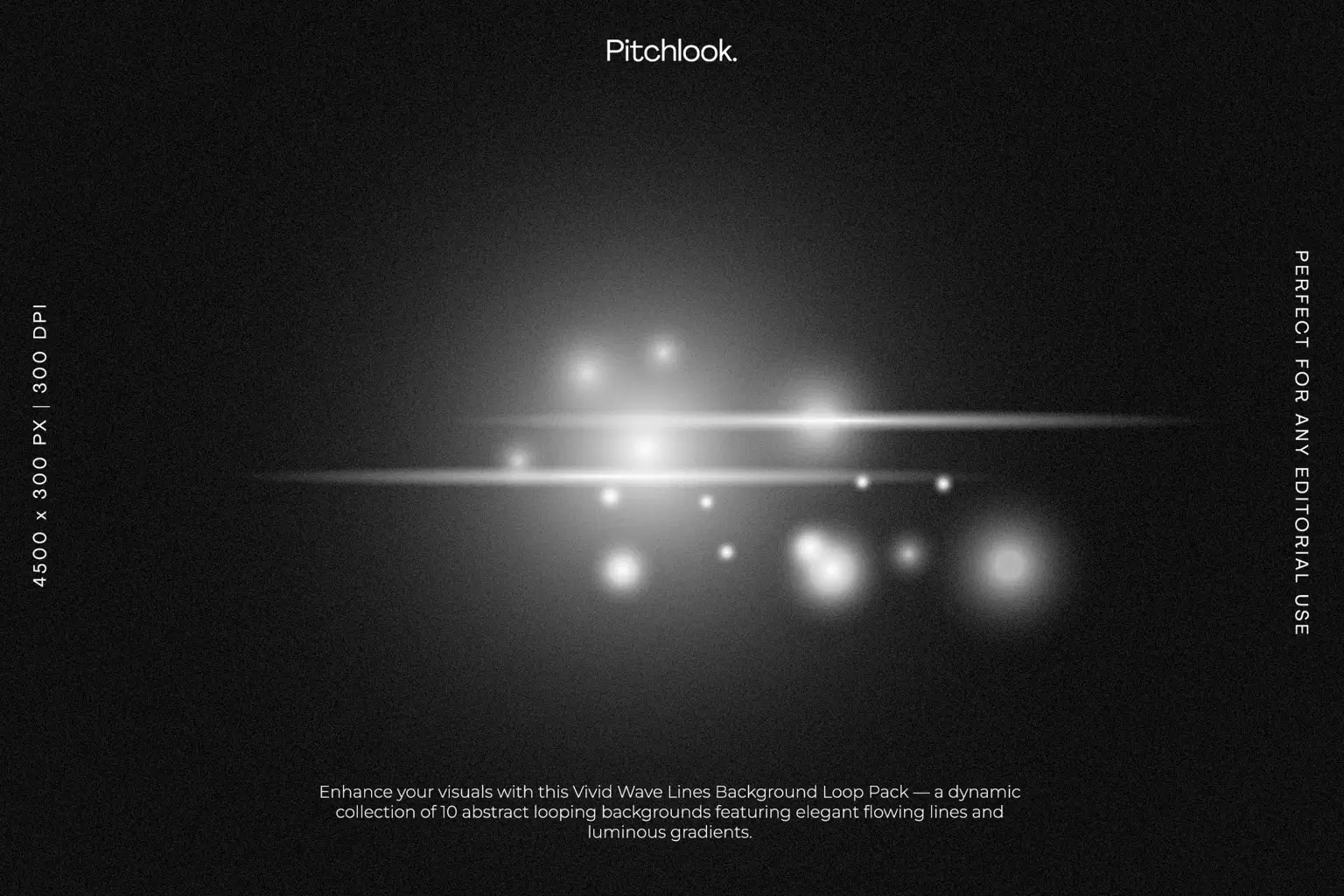
Add cinematic brilliance to your visuals with this White Lens Flare Overlay Pack, featuring 10 high-resolution abstract flare compositions. Each overlay is crafted with luminous gradients, soft glowing orbs, elegant streaks, and polished starbursts—designed to enhance photography, motion graphics, editorial layouts, product mockups, and digital artworks. Delivered as JPG backgrounds with clean black bases for perfect blending using Screen or Add mode, these overlays bring a professional, atmospheric glow to any creative project.
Project Features
* File Format: JPG
* Includes: 10 White Lens Flare Overlays
* Resolution: 4500 × 3000 px | 300 DPI
* Soft luminous lighting, streak effects & cinematic glow
* Perfect for editorial design, motion graphics, and photo enhancement
A versatile overlay pack that brings elegant brightness and modern cinematic mood to your work.
Shop confidently with Shuppi
If your download isn’t what was promised, we’ll make it right. Eligible purchases can be refunded within fourteen calendar days when listings mislead, files fail, or duplicate checkouts happen.
- Listings must match what you receive—no surprises.
- Corrupted files or technical issues? Request a quick fix or refund.
- Duplicate purchases are covered without the hassle.