For personal, non-commercial projects only (portfolios, personal blogs, hobby projects).
About
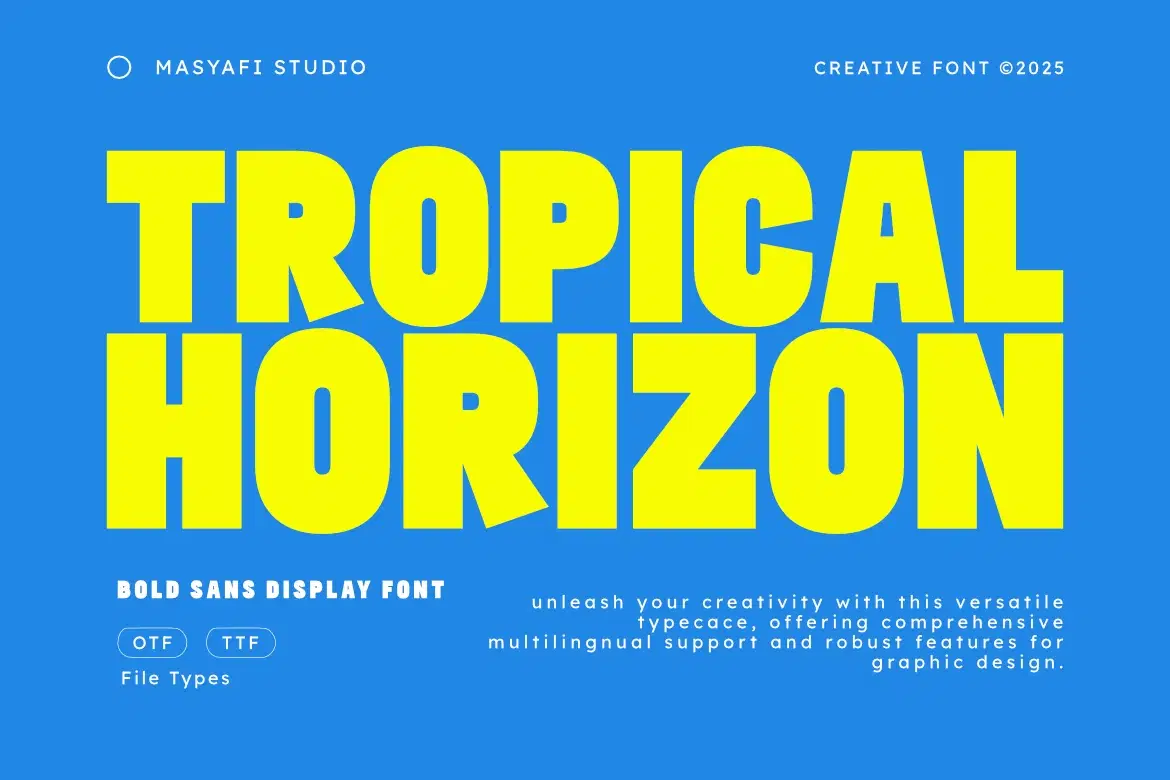
Introducing Tropical Horizon — a bold Sans Display Font bursting with sunshine, energy, and confidence. Inspired by summer posters, beach clubs, and playful urban graphics, Tropical Horizon combines heavy letterforms with soft rounded details to create a loud yet friendly visual impact.
This typeface is perfect for eye-catching headlines, social media graphics, packaging, and branding projects that need a fun, vibrant, and modern personality. Whether you’re designing party flyers, travel promotions, YouTube thumbnails, or lifestyle merch, Tropical Horizon ensures your message stands out with tropical flair and strong readability.
Bring summer vibes into your design toolkit with Tropical Horizon — big, bright, and impossible to ignore.
Features
Uppercase Letters
Numbers & Punctuation
Multilingual Support
OTF & TTF Formats
Works on PC & Mac
Easy to Install
Bold Sans Display Style
Perfect For
Summer & Beach Posters
Party Flyers & Event Titles
Travel & Vacation Branding
Social Media Graphics
YouTube Thumbnails & Covers
Shop confidently with Shuppi
If your download isn’t what was promised, we’ll make it right. Eligible purchases can be refunded within fourteen calendar days when listings mislead, files fail, or duplicate checkouts happen.
- Listings must match what you receive—no surprises.
- Corrupted files or technical issues? Request a quick fix or refund.
- Duplicate purchases are covered without the hassle.