For personal, non-commercial projects only (portfolios, personal blogs, hobby projects).
About
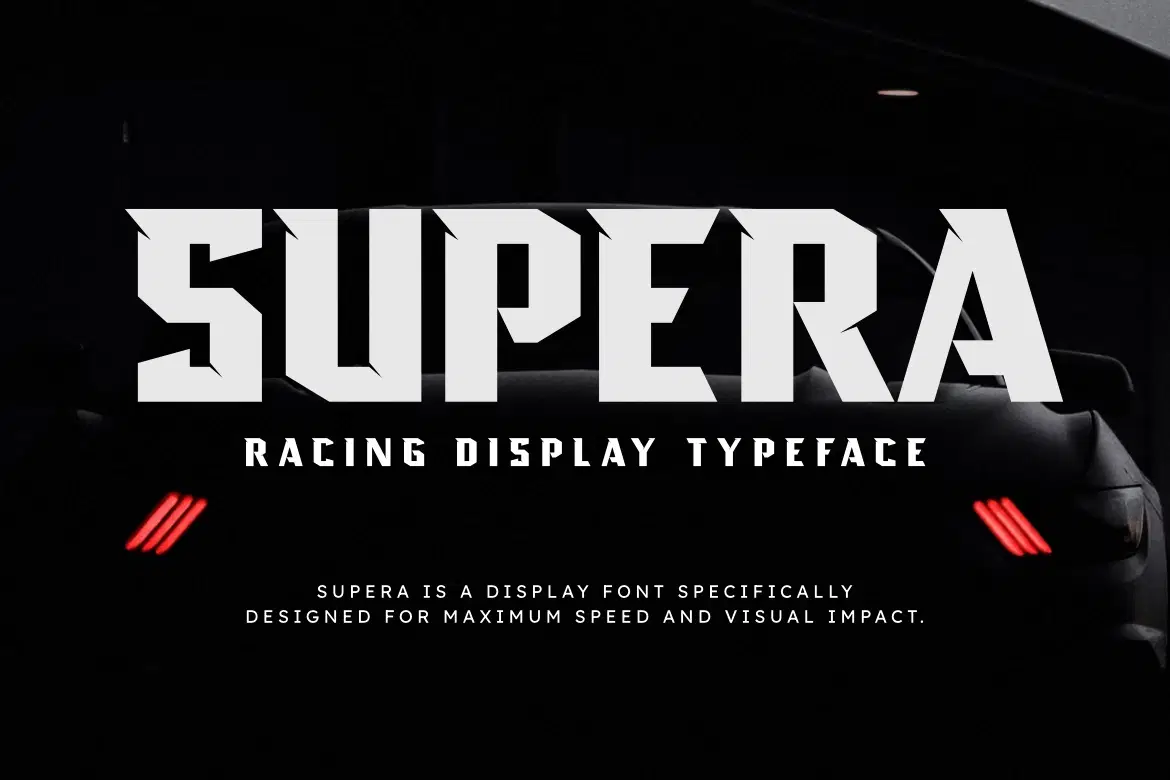
Supera is a racing display typeface inspired by high-speed machines, sharp aerodynamic forms, and the bold aesthetics of modern motorsport. With aggressive angles, blocky cuts, and strong futuristic styling, this font is built to deliver maximum impact in any design that demands power and speed.
Perfect for racing posters, automotive branding, esport logos, game titles, merchandise, YouTube thumbnails, and any project that needs a fast, intense, and energetic visual identity. Supera brings performance-driven typography to your toolkit — loud, fearless, and ready to dominate the track.
🔥 Features
Uppercase
Numbers & Punctuation
Strong racing display style
OTF & TTF formats
Multilingual support
Works on PC & Mac
Easy to install
🚗 Perfect For
Racing posters & banners
Esport & gaming titles
Automotive branding
Speed-themed merch
YouTube covers & thumbnails
Tech & sport design projects
Shop confidently with Shuppi
If your download isn’t what was promised, we’ll make it right. Eligible purchases can be refunded within fourteen calendar days when listings mislead, files fail, or duplicate checkouts happen.
- Listings must match what you receive—no surprises.
- Corrupted files or technical issues? Request a quick fix or refund.
- Duplicate purchases are covered without the hassle.