






























Personal, non-commercial projects
About
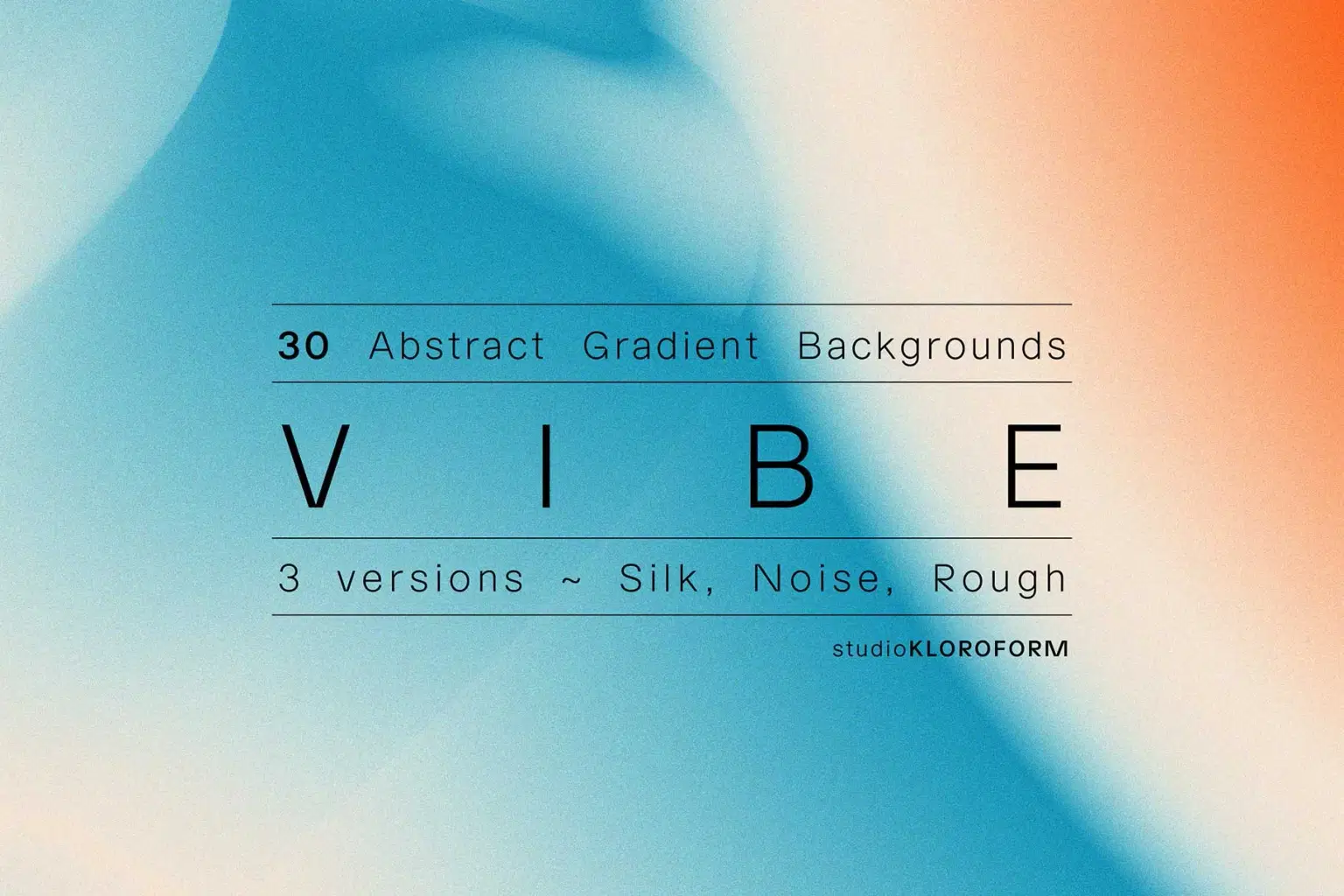
Thirty simple and elegant gradient backgrounds. The blurred aesthetic works well when you want atmosphere without distraction, or when you need backgrounds that won't compete with text and UI elements.
Good for app interfaces, web design, presentation decks, brand materials, or anywhere you need color and mood without sharp details demanding attention.
Each background comes in 3 versions: silk, noise and rough. High-resolution files ready for use.
INCLUDED:
Silk: 30 PNGs (4000 x 5658 px)
Noise: 30 JPGs (4000 x 5658 px)
Rough: 30 JPGs (4000 x 5658 px)
Shop confidently with Shuppi
If your download isn’t what was promised, we’ll make it right. Eligible purchases can be refunded within fourteen calendar days when listings mislead, files fail, or duplicate checkouts happen.
- Listings must match what you receive—no surprises.
- Corrupted files or technical issues? Request a quick fix or refund.
- Duplicate purchases are covered without the hassle.
Product Specs
Tags
Frequently Asked Questions
You May Also Like

WAVE - 40 Backgrounds / 270+ Gradient Maps
 KLOROFORM
GRADIAL - 200 Gradients / 170 AI Color Groups / 270 PS Gradient Maps
KLOROFORM
Neon Flow Gradient Background

Ruffle - 20 Abstract Gradient Backgrounds
KLOROFORM
MAGMA - Photoshop Gradient Background Creator
KLOROFORM
HORIZON - Photoshop Gradient Background Creator
KLOROFORM