








Personal use only
About
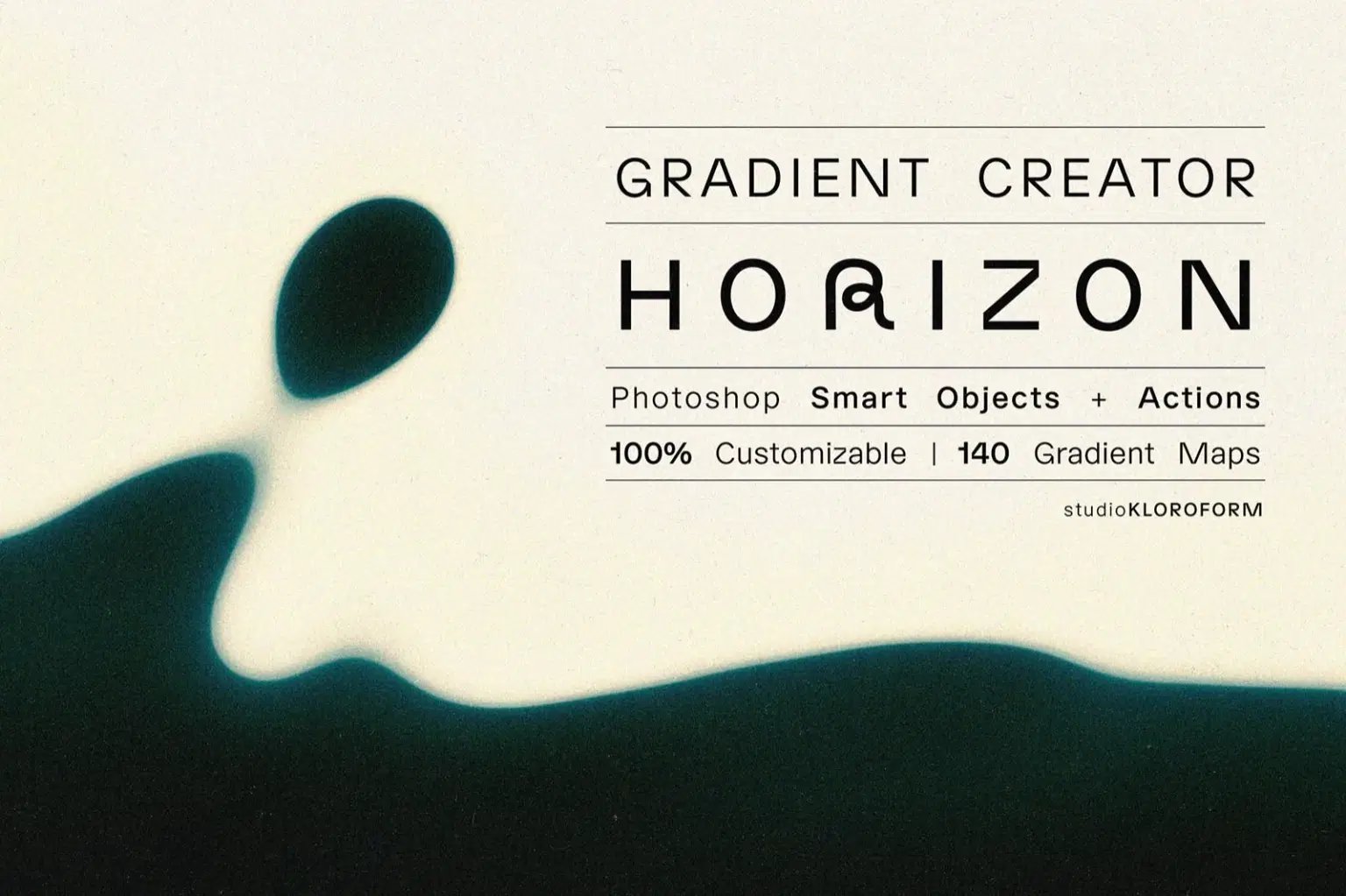
'HORIZON Gradient Creator' is a set of Photoshop actions that transform a blank document or any photo into a unique vibrant gradient background in just a few simple clicks.
Effortlessly customise the colour, shape and style to your preferences! 140+ Gradient Maps are included. Smart Layers make it easy to make non-destructive adjustments. Choose a new Gradient Map, adjust Levels and Curves or choose an alternative Colour Lookup to enhance your design.
INCLUDED:
· Photohsop Actions
· 140+ Gradient Maps
· 8 photoshop files (shown in the previews) for reference
· paper texture (JPG)
· PDF with detailed instructions
Shop confidently with Shuppi
If your download isn’t what was promised, we’ll make it right. Eligible purchases can be refunded within fourteen calendar days when listings mislead, files fail, or duplicate checkouts happen.
- Listings must match what you receive—no surprises.
- Corrupted files or technical issues? Request a quick fix or refund.
- Duplicate purchases are covered without the hassle.
Product Specs
Tags
Frequently Asked Questions
You May Also Like

17 Viral Editing Effects Photoshop Action Bundle
 studio retouch
16-in-1 Photoshop Actions Mega Bundle
studio retouch
Vector Ink Sketch FX Photoshop Action
studio retouch
RGB Prism Explosion FX — Photoshop Action
studio retouch
Ink Silhouette Poster Creator Photoshop Action
studio retouch
Comic Blast Halftone FX Photoshop Action
studio retouch