












Personal, non-commercial projects
About
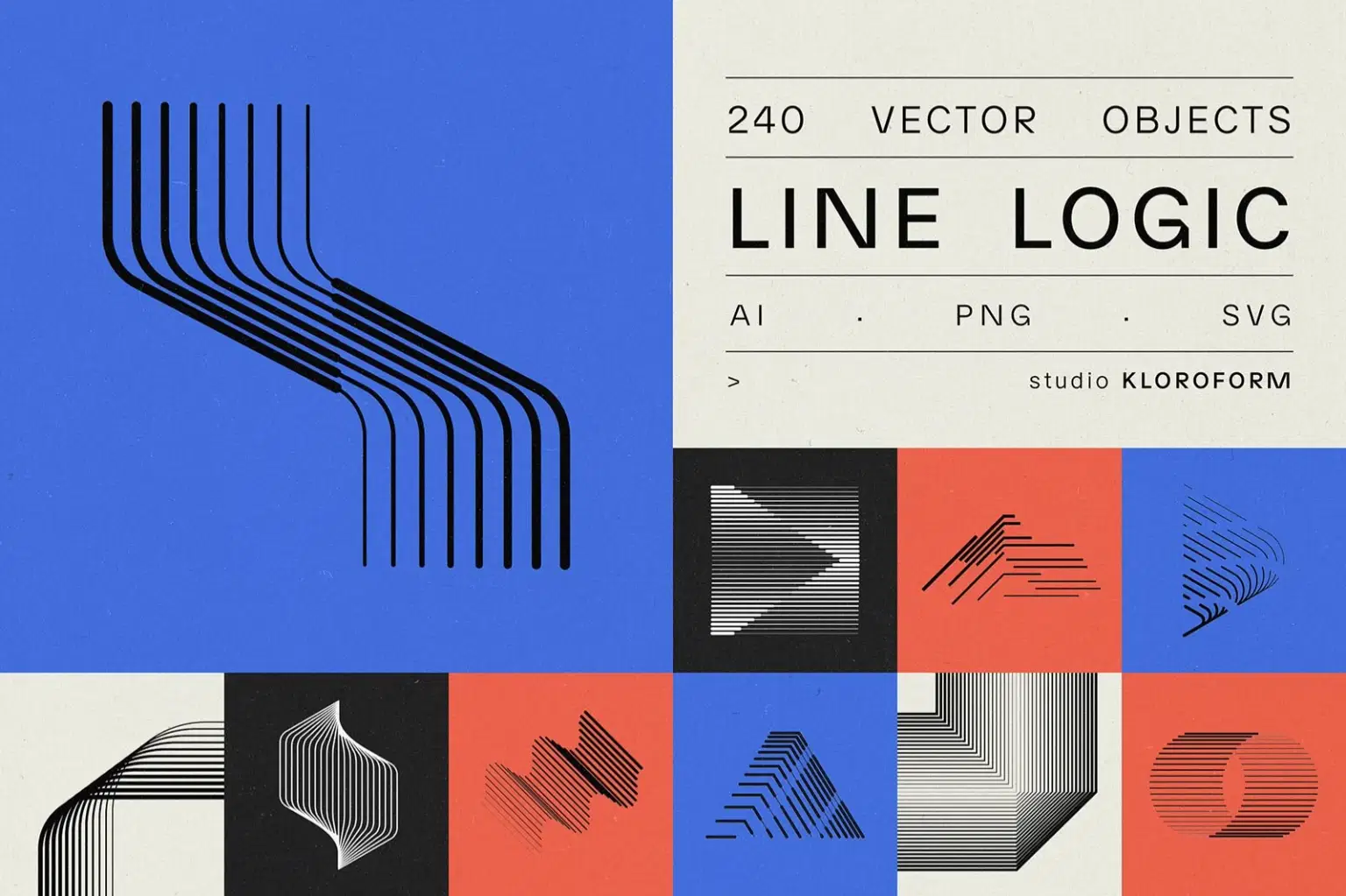
Line Logic is a set of 240 geometric line-based vector objects, built around repetition, rhythm, and optical tension. Each shape is constructed from parallel or concentric lines — mostly no fills, just strokes.
Most objects are built using Illustrator's Blend Tool, which means the number of steps is fully adjustable. Increase the density for tight, almost solid-looking forms — or pull it back for an airier, more open result. One shape, many possible outcomes.
Works well for: transportation, technology, software, architecture, motion, flow, transition, speed, music & audio, finance, aerospace, engineering, gaming & UI, science & research.
INCLUDED:
· 4 .ai files
· 240 PNGs - black on transparent BG
· 240 PNGs - white on transaprent BG
· 240 SVGs - black
Shop confidently with Shuppi
If your download isn’t what was promised, we’ll make it right. Eligible purchases can be refunded within fourteen calendar days when listings mislead, files fail, or duplicate checkouts happen.
- Listings must match what you receive—no surprises.
- Corrupted files or technical issues? Request a quick fix or refund.
- Duplicate purchases are covered without the hassle.
Product Specs
Tags
Frequently Asked Questions
You May Also Like

Vector Ink Sketch FX Photoshop Action
 studio retouch
Vector Ink Line Art FX Photoshop Action
studio retouch
Modern Vector Wall Art Photoshop Action
studio retouch
Vector Line & Pencil Sketch FX Photoshop Action
studio retouch
Vector Oil Paint Art Photoshop Action
studio retouch
Watercolor Vector Hand-Drawn Photoshop Action
studio retouch