





























Personal, non-commercial use
About
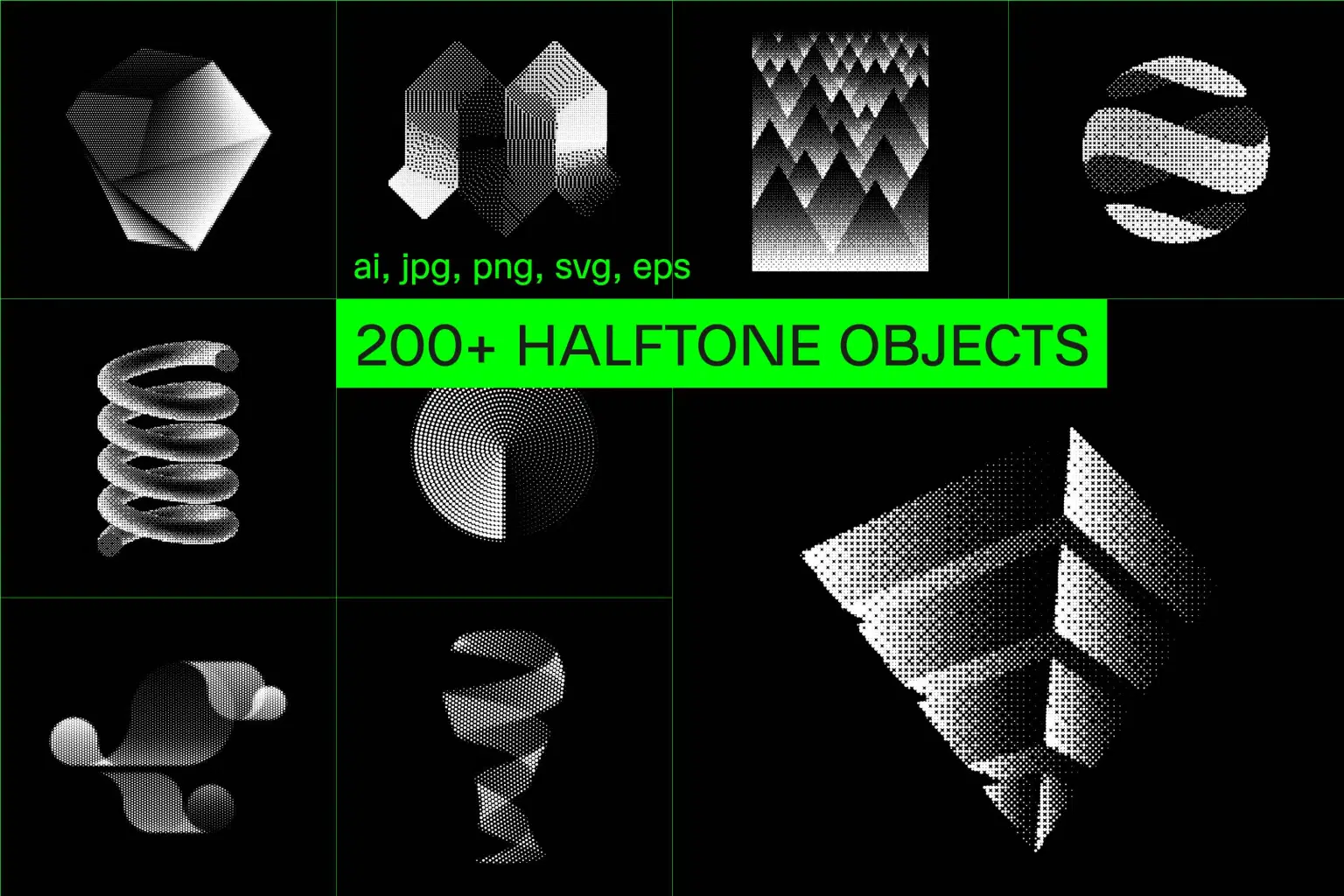
Over 200 shapes built entirely from dots—tight clusters fade to sparse scatters, creating forms that shift between solid and dissolving. Geometric blocks, spirals, flowing ribbons, dimensional objects, and abstract explosions all share that distinct halftone texture that makes everything look like it was pulled from a 1970s print shop.
The range covers sleek geometric forms for logos and brand identity, quirky abstract elements for cultural posters and invitations, spacey dimensional shapes for techno flyers or new wave graphics, and clean compositions for stationery, packaging, or apparel. The dot patterns create depth and a tactile quality - use them when your design needs grit and character.
INCLUDED:
• illustrator CC
• 216 JPG's: white on black (5000 x 5000px)
• 216 PNG's: black on transparent background (5000 x 5000px)
• 216 SVG files: black
• 216 EPS files: black
Shop confidently with Shuppi
If your download isn’t what was promised, we’ll make it right. Eligible purchases can be refunded within fourteen calendar days when listings mislead, files fail, or duplicate checkouts happen.
- Listings must match what you receive—no surprises.
- Corrupted files or technical issues? Request a quick fix or refund.
- Duplicate purchases are covered without the hassle.
Product Specs
Tags
Frequently Asked Questions
You May Also Like

Halftone Light Sculpture FX Photoshop Action
 studio retouch
Halftone Portrait Distortion FX
studio retouchHalftone Collage Reactor FX Photoshop Action
studio retouch
Chromatic Misprint Halftone FX
studio retouch
Triple Halftone Stamp Art Photoshop Action
studio retouch
Comic Blast Halftone FX Photoshop Action
studio retouch