








Personal use only
About
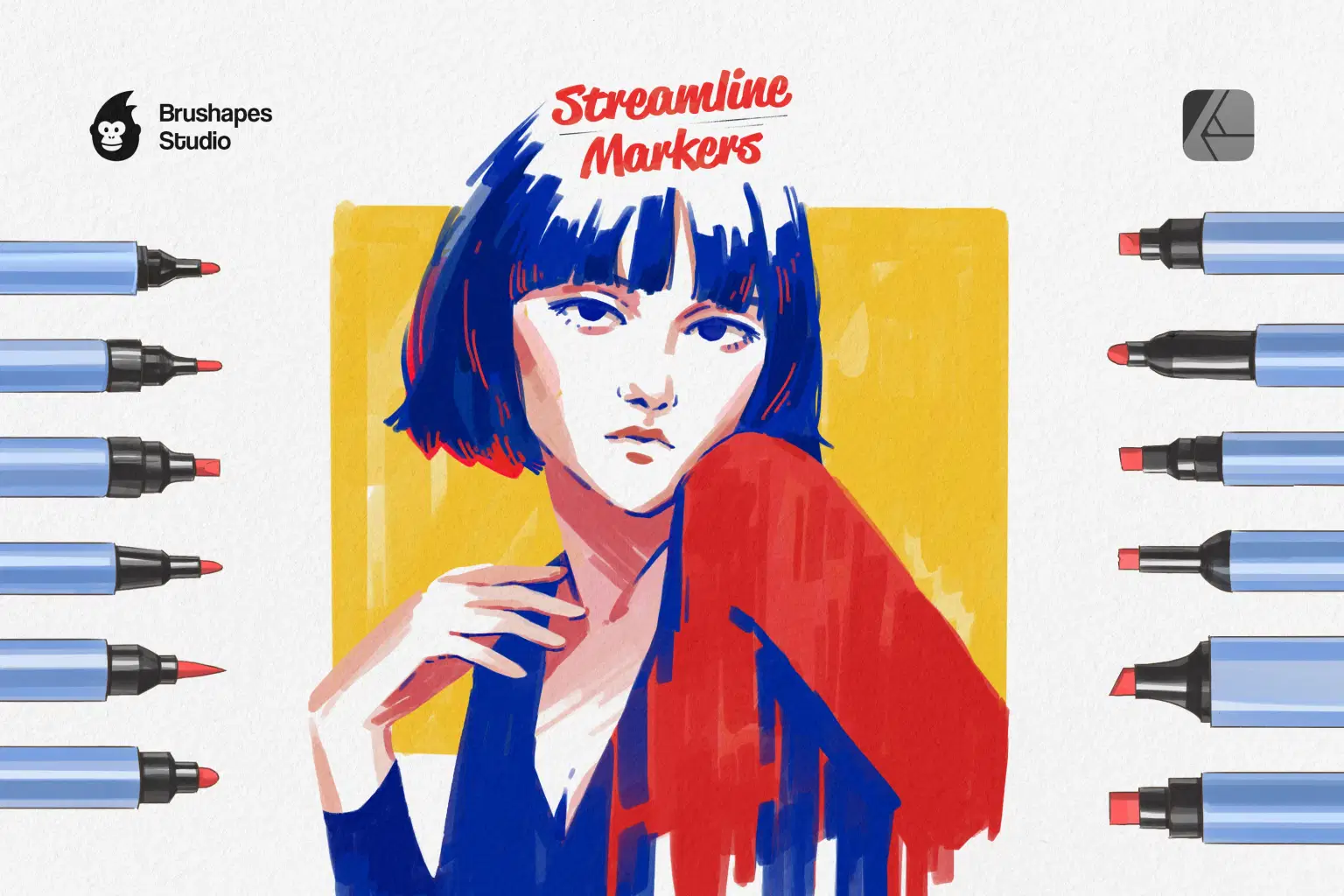
Almost everyone has markers, and we wanted the same to be true for digital brushes. The result: a collection, striking in their realism and ease of use. Honestly, the most hardworking workhorse a creator could ask for.
While pursuing versatility, we never dare compromise on quality. Streamline Markers pack is no exception. The brushes offer vibrant, bold colors and crisp, clean lines, closely mimicking the effects of traditional markers. Additionally, they can simulate the blending capabilities of real markers, enabling smooth transitions and layered effects while offering customizable settings for precise control over stroke texture and flow.
File size: 256 MB
Compatibility: Affinity Designer 2.3 and newer
12 marker brushes
Vector brushes included
3 JPG paper textures
ZIP package, direct download
Guidelines included
Shop confidently with Shuppi
If your download isn’t what was promised, we’ll make it right. Eligible purchases can be refunded within fourteen calendar days when listings mislead, files fail, or duplicate checkouts happen.
- Listings must match what you receive—no surprises.
- Corrupted files or technical issues? Request a quick fix or refund.
- Duplicate purchases are covered without the hassle.





