




Personal learning, hobby projects, non-commercial renders
About
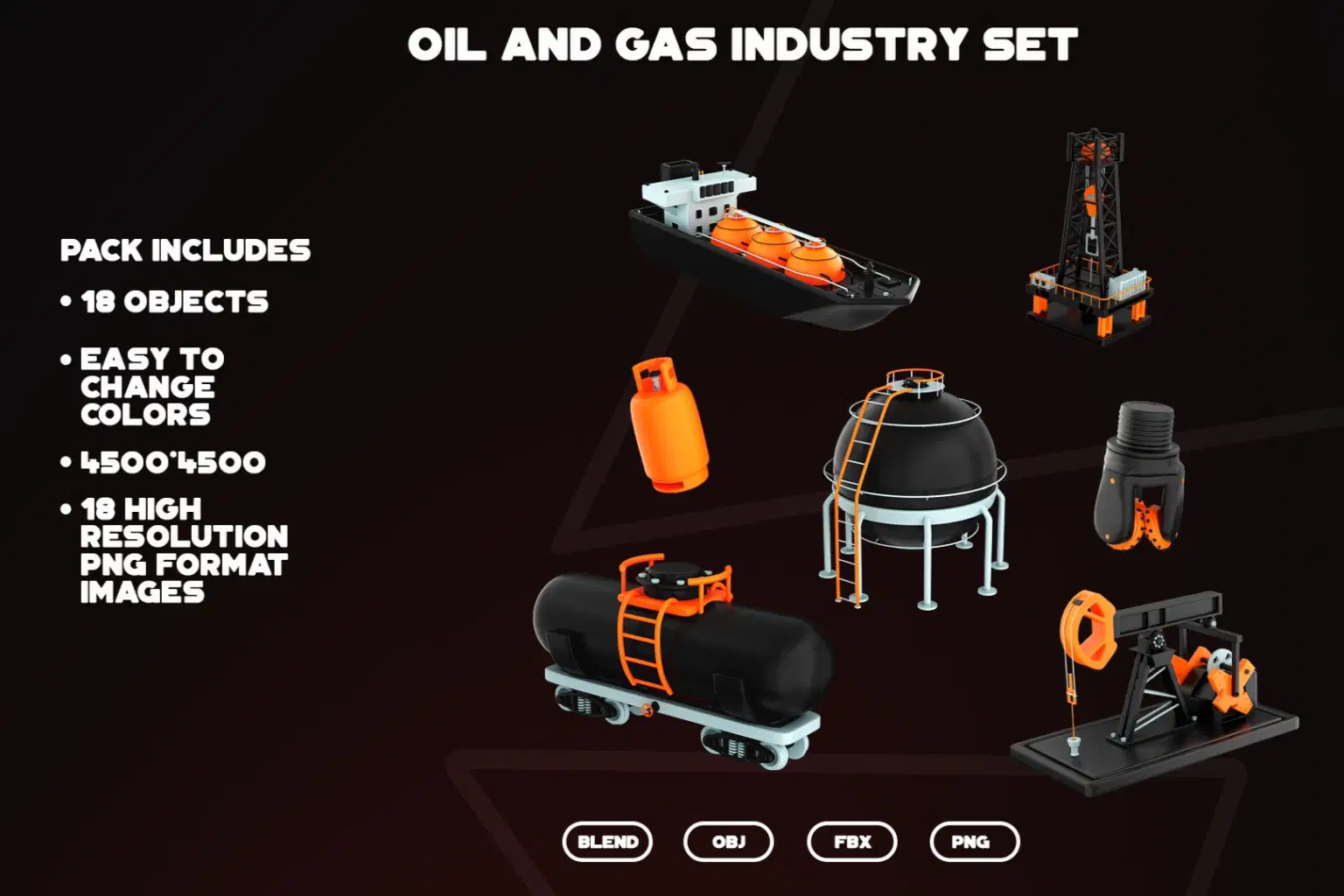
The collection features objects from the gas industry and industrial machines related to oil production. Created in Blender and rendered with Cycles, this collection will help you showcase all aspects of these industries.
What’s Included:
• 18 premium 3D icons
• Transparent PNG files
• Easily editable color & texture in Blender
• High resolution (4500×4500 px)
• File formats: Blender, PNG, FBX, OBJ
• Ready to render. The pack contains the following objects:
- Pumpjack - Control Valve and Pipe - Drilling Rig - Flare Stack - Oil Drum - Big Oil Storage Tank - Offshore Drilling Platform - Leak detection system (on pipes) - Gas station pump - Tank wagon - Gasoline canister - Oil tanker ship - LNG carrier - Liquid gas storage - Natural Gas Cylinder - Pipes - Drilling Head - Refinery
Shop confidently with Shuppi
If your download isn’t what was promised, we’ll make it right. Eligible purchases can be refunded within fourteen calendar days when listings mislead, files fail, or duplicate checkouts happen.
- Listings must match what you receive—no surprises.
- Corrupted files or technical issues? Request a quick fix or refund.
- Duplicate purchases are covered without the hassle.
Product Specs
Tags
Frequently Asked Questions
You May Also Like

OilCraft Foundation Painter Pro
 studio retouch
Instant Photo To Oil Painting FX Photoshop Action
studio retouch
20 Mega Oil Paint Effect Photoshop Action Bundle
studio retouch
Vector Oil Paint Art Photoshop Action
studio retouch
masterpiece -oil- paint- portrait -photoshop -action
studio retouch
Real Oil Paint Canvas FX Photoshop Action
studio retouch