

















Personal learning, hobby projects, non-commercial renders
About
Here is your clean, professional, marketplace-ready description for the Railroad Crossing Signal:
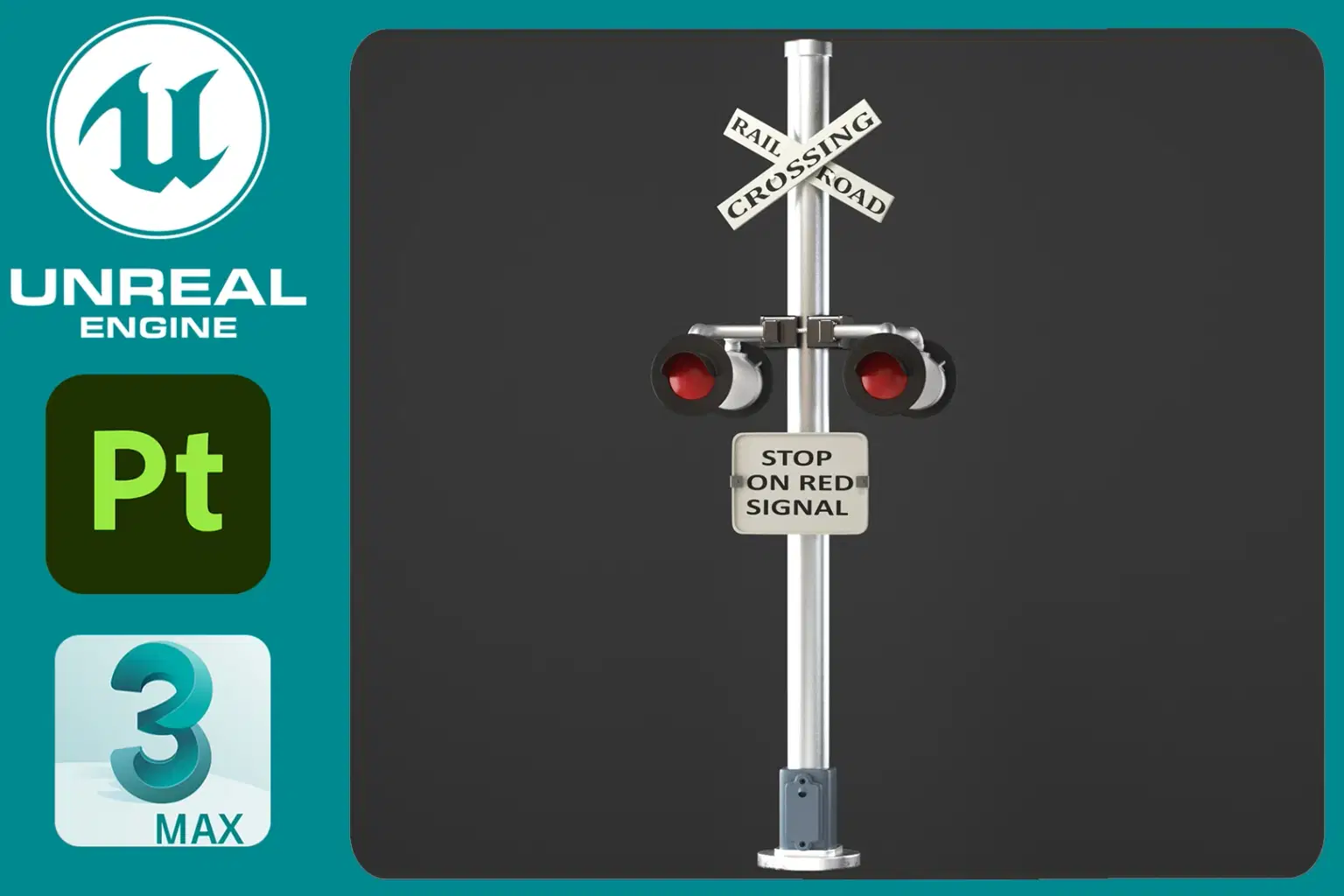
Railroad Crossing Signal – V-Ray Rendered – 4K PBR
Model Details:
Polygons: 42,068 (Base) / 336,416 (with Turbosmooth)
Vertices: 42,705 (Base) / 169,414 (with Turbosmooth)
Topology: Quads and tris
UV Mapping: Fully unwrapped, non-overlapping
Rendering Software: V-Ray 5
Modeling Software: 3ds Max
Textures & Materials:
4K PBR textures included:
Railroad_Signal_BaseColor.png
Railroad_Signal_Metallic.png
Railroad_Signal_Roughness.png
Railroad_Signal_Normal.png
No UV overlaps
Materials optimized for realistic metal and painted surfaces
Available Formats:
FBX
OBJ
3DS
Notes:
No environment or background elements included
All textures are provided separately inside a ZIP file
Shop confidently with Shuppi
If your download isn’t what was promised, we’ll make it right. Eligible purchases can be refunded within fourteen calendar days when listings mislead, files fail, or duplicate checkouts happen.
- Listings must match what you receive—no surprises.
- Corrupted files or technical issues? Request a quick fix or refund.
- Duplicate purchases are covered without the hassle.
Product Specs
Tags
Frequently Asked Questions
You May Also Like

Cross Hatch Collection Photoshop Actions
 studio retouch
Hyper Realistic Cross Hatch Sketch Photoshop Action
studio retouch
No Signal / Modern Chiptune
 HONEYDOG
Vintage Cross Hatch Etching Photoshop Action
studio retouch
SCRATCHBOARD INK ENGRAVING FX — Photoshop Action
studio retouch
Cherry Signal / Japanese Anime
HONEYDOG