






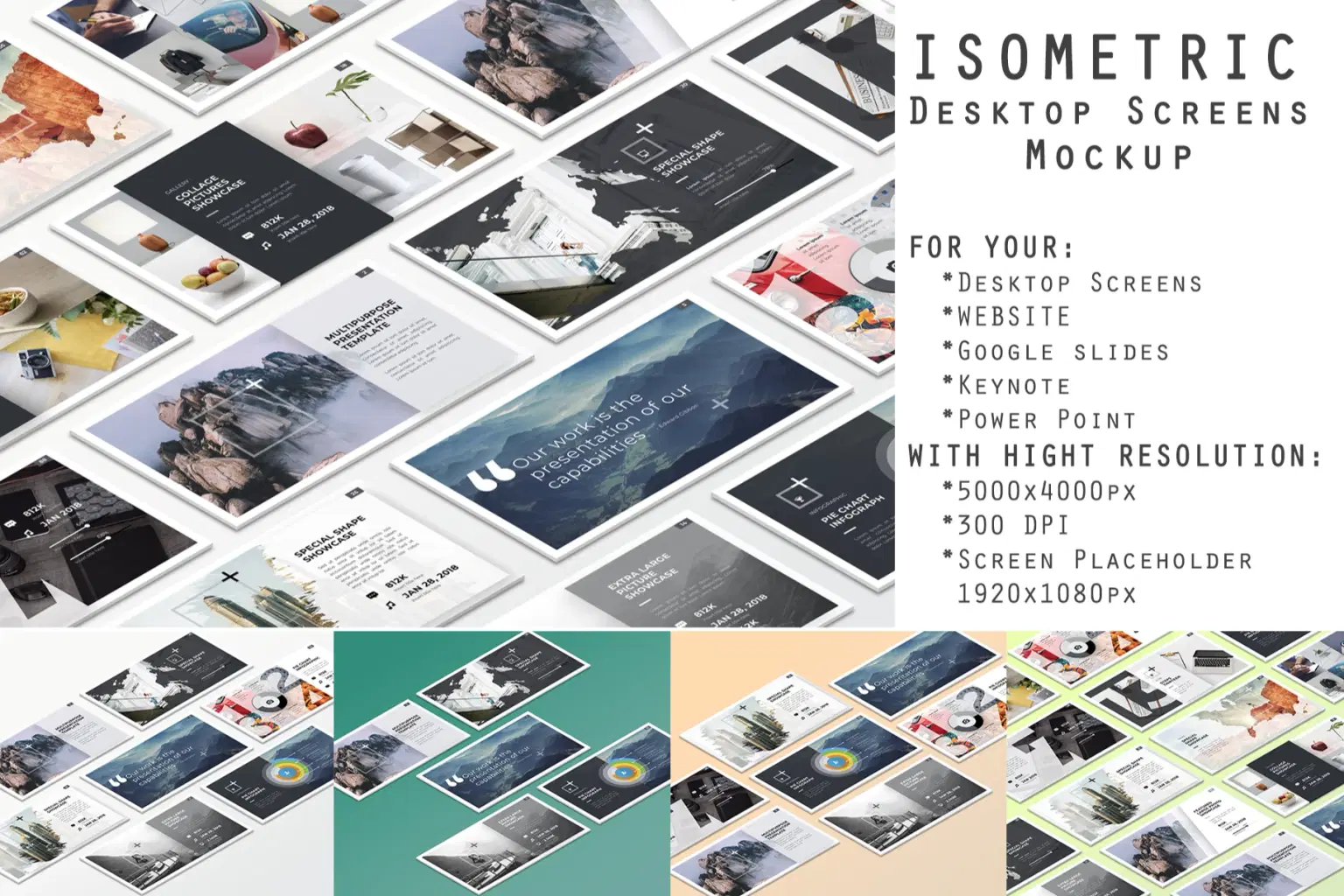
Isometric Desktop Screens Mockup V01

RGRAPHICSDESIGN logo
RGRAPHICSDESIGN
Preview.jpg
Desktop Mockup1.jpg
Desktop Mockup2.jpg
Desktop Mockup3.jpg
Desktop Mockup4.jpg
Desktop Mockup5.jpg
Personal

Common use: Personal blog, social media, hobby projects

SSL Secured Stripe Powered Buyer Protection

About

Isometric Desktop Screens Mockup V01 Is a Photoshop template that allows you to view screenshots of each of your works and designs such as website, google slides, key note and power point in 5 different isometric perspectives. And you can customize and modify the file easily to suit your presentations.

Features

- present your website, google slides, key note and power point in a beautiful showcase

- create your own perspective workflow

- easy drag and drop any image into the mockup via Smart Objects

- Easy to change Background color

- high resolution mockups (5000x4000px) 300DPI

- Screen Placeholder (1920x1080px)

- 05 PSD files

Trustpilot
TrustScore4.4
14-Day Refund Promise

Shop confidently with Shuppi

If your download isn’t what was promised, we’ll make it right. Eligible purchases can be refunded within fourteen calendar days when listings mislead, files fail, or duplicate checkouts happen.

  • Listings must match what you receive—no surprises.
  • Corrupted files or technical issues? Request a quick fix or refund.
  • Duplicate purchases are covered without the hassle.

Read our full refund policy
SSL Secured Stripe Powered Buyer Protection

Product Specs

File Format(s)
PSD, MP4, TXT
Resolution
300 DPI
Compatible With
Adobe Photoshop CS6 and above
Layer Organization
Organized layers, labeled layers
Download Size
32.15 MB
Created
Dec 8, 2025
Version Number
1.0

Tags

isometricDesktopmockupscreenminimalgoogle slideskey notepower pointwebpageresponsive

Frequently Asked Questions

PC: To extract a single file or folder, double-click the compressed folder to open it. Then, drag the file or folder from the compressed folder to a new location. To extract the entire contents of the compressed folder, right-click the folder, click Extract All, and then follow the instructions.

Mac: Double click the .zip file, then search for the product folder or product file.