



Personal, non-commercial projects
About
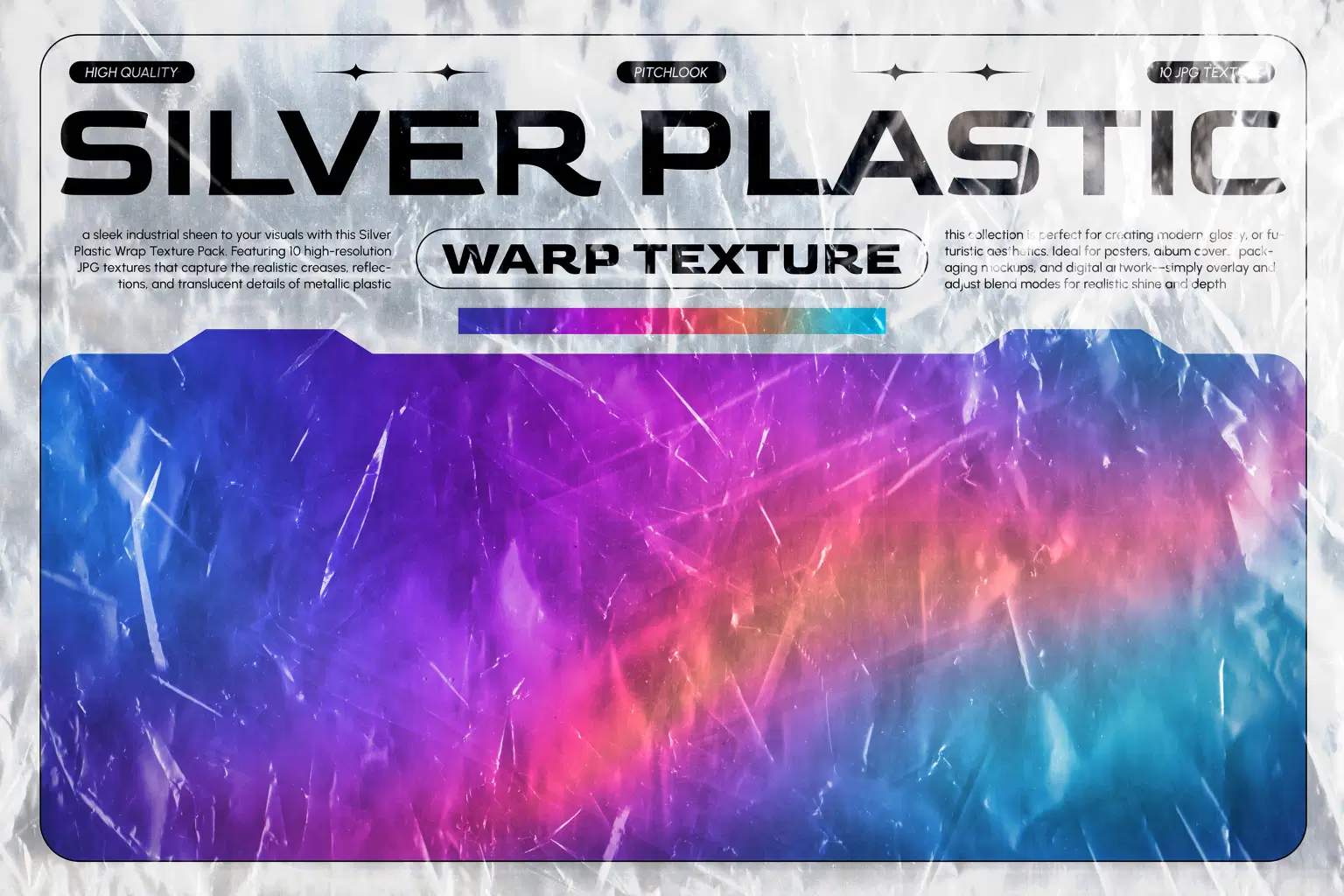
Silver Plastic Warp Texture
Add a sleek industrial sheen to your visuals with this Silver Plastic Warp Texture Pack. Featuring 10 high-resolution JPG textures that capture realistic creases, metallic reflections, scratches, and translucent plastic details, this collection is perfect for creating glossy, futuristic, or distressed visuals. Ideal for posters, album covers, packaging mockups, digital artwork, and modern graphic design—simply overlay and adjust blend modes (Screen, Overlay, Soft Light) to achieve striking depth and shine.
Project Features
* File Format: JPG
* Includes: 10 Silver Plastic Warp Textures
* Resolution: 4500 × 3000 px | 300 DPI
* High-quality metallic reflections & plastic creases
* Perfect for overlays, modern design & glossy visual effects
A versatile texture pack that enhances any creative project with a polished yet raw industrial aesthetic.
Shop confidently with Shuppi
If your download isn’t what was promised, we’ll make it right. Eligible purchases can be refunded within fourteen calendar days when listings mislead, files fail, or duplicate checkouts happen.
- Listings must match what you receive—no surprises.
- Corrupted files or technical issues? Request a quick fix or refund.
- Duplicate purchases are covered without the hassle.
Product Specs
Tags
Frequently Asked Questions
You May Also Like

TextureForge Pro – Full C# Source Code | .NET 8 Windows Forms Image & Texture Editor Lab
 DiverseMediaShop
Distorted Bubble Wrap Texture

Wrinkled Yellow Plastic Texture

Black Bubble Wrap Texture

Blue Plastic Wrinkle Texture

Film Texture Effects Photoshop Actions
 studio retouch