



Personal, non-commercial projects
About
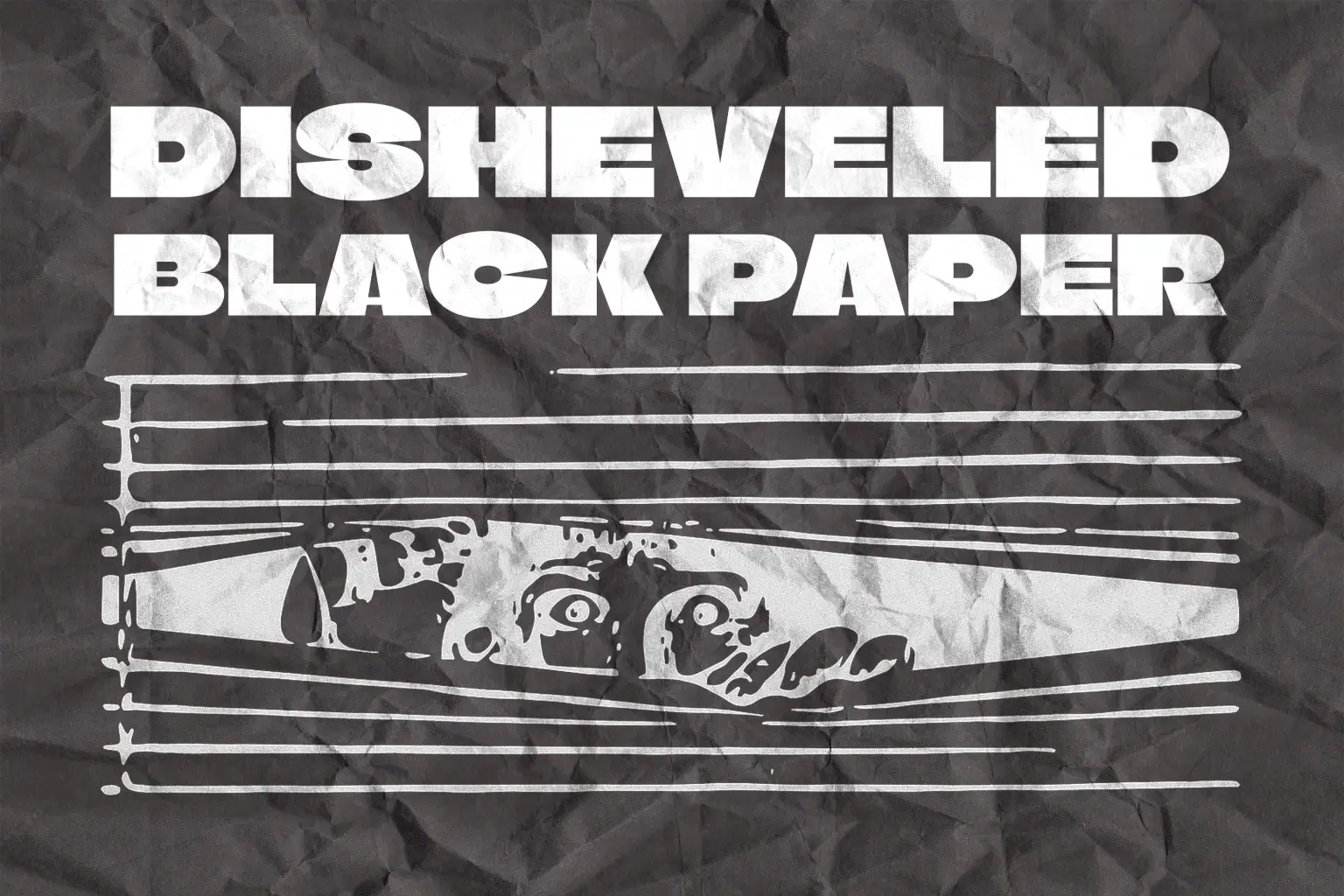
Disheveled Black Paper Texture
Give your visuals a bold, distressed aesthetic with this collection of high-quality disheveled black paper textures. Featuring deep creases, organic folds, and rich dark tones, these textures are perfect for adding gritty character to posters, album covers, typography, collages, branding, or any creative artwork that needs a raw, tactile feel.
Project Features:
* File Format: JPG
* Includes: 10 disheveled black paper textures
* Resolution: 4500 × 3000 px
* DPI: 300 dpi (High Resolution)
* Design Quality: Realistic wrinkles, natural crease patterns, and detailed surface depth
* Perfect For: Graphic design, editorial layouts, vintage aesthetics, grunge design, print and digital use
Enhance your creative projects with authentic paper distress effects that blend seamlessly into any composition.
Shop confidently with Shuppi
If your download isn’t what was promised, we’ll make it right. Eligible purchases can be refunded within fourteen calendar days when listings mislead, files fail, or duplicate checkouts happen.
- Listings must match what you receive—no surprises.
- Corrupted files or technical issues? Request a quick fix or refund.
- Duplicate purchases are covered without the hassle.
Product Specs
Tags
Frequently Asked Questions
You May Also Like

AI Paper Collage Studio Photoshop Action
 studio retouch
Affinity Paper Torn Paper Brushes & Textures
 Brushapes Studio
TextureForge Pro – Full C# Source Code | .NET 8 Windows Forms Image & Texture Editor Lab
 DiverseMediaShop
Clip Studio Paper Texture Brushes
Brushapes Studio
Affinity Paper Texture Brushes
Brushapes Studio
Procreate Paper Texture Brushes
Brushapes Studio