






FREE
No credit card required
About
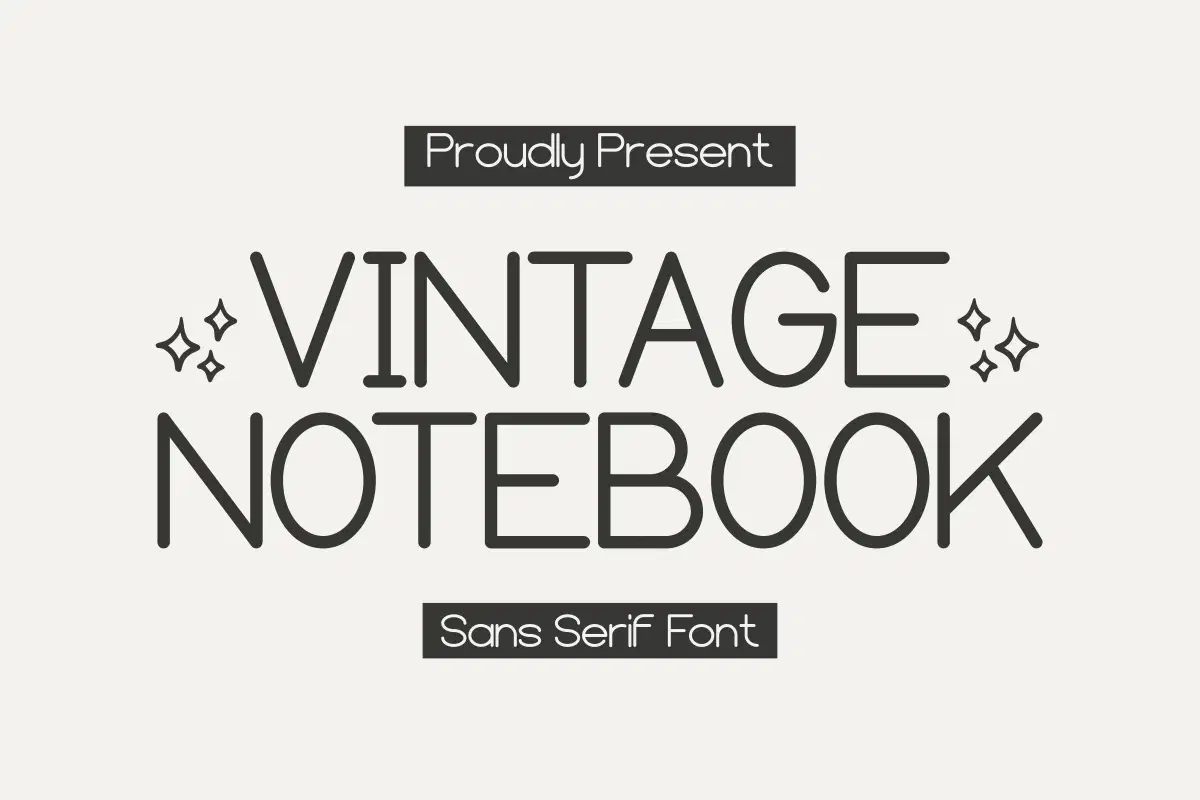
Vintage Notebook is a minimalist and clean sans serif font that exudes timeless elegance. Its simple yet sophisticated design is perfect for adding a touch of vintage charm to any project. Ideal for creating clean and modern designs, this font is sure to make a lasting impression.
And also suitable for various topics such as Christmas, Grinch, Laser Cut, Valentine, Tumbler, Teacher, Winter, Sublimation, Canva, Stickers, Handwritting and Planner.
Trustpilot
TrustScore4.4
14-Day Refund Promise
Shop confidently with Shuppi
If your download isn’t what was promised, we’ll make it right. Eligible purchases can be refunded within fourteen calendar days when listings mislead, files fail, or duplicate checkouts happen.
- Listings must match what you receive—no surprises.
- Corrupted files or technical issues? Request a quick fix or refund.
- Duplicate purchases are covered without the hassle.
SSL Secured Stripe Powered Buyer Protection
Product Specs
File Format(s)
OTF, TTF
Glyphs
+100 CHARACTER
Styles Included
REGULAR
Compatible With
WINDOWS
Tags
sans serif fontdisplay fontminimalist fontplanner fontclean fontmonoline fontaestheticstylishinvitationsimple