


















For personal, non-commercial projects only (portfolios, personal blogs, hobby projects).
About
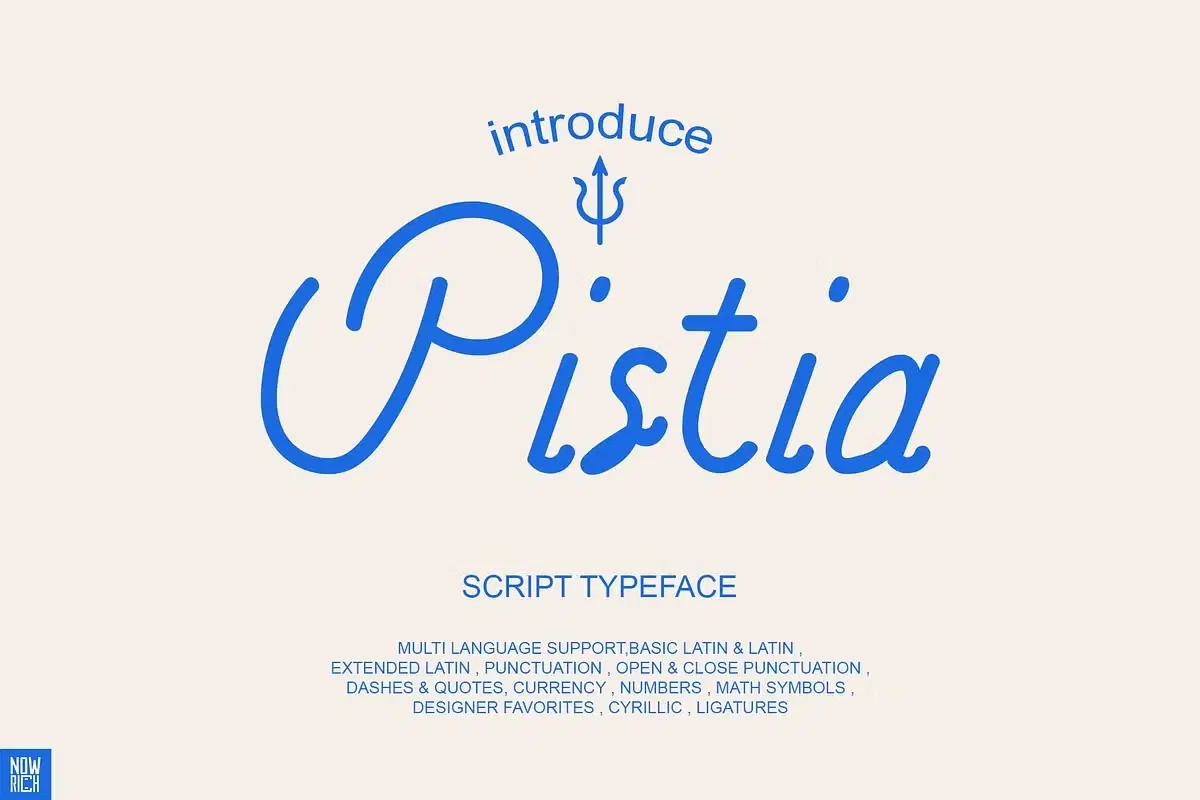
Infused with a captivating fusion of influences and my distinctive design touch, this font is tailor-made for weddings, invitations, posters, art, branding, logos, tattoos, illustrations, and beyond. Elevate your projects with its engaging uppercase and lowercase characters, striking the perfect balance between tradition and creativity. Stand out effortlessly with this versatile font that promises to breathe new life into your designs.
Featured :
Latin
Basic Latin
Extended Latin
Punctuation
Open & Close Punctuation
Dashes & Quotes
Currency
Numbers
Math Symbols
Designer Favorites
Cyrillic
Ligatures
Multi language support
File type : OTF , TTF
Shop confidently with Shuppi
If your download isn’t what was promised, we’ll make it right. Eligible purchases can be refunded within fourteen calendar days when listings mislead, files fail, or duplicate checkouts happen.
- Listings must match what you receive—no surprises.
- Corrupted files or technical issues? Request a quick fix or refund.
- Duplicate purchases are covered without the hassle.