






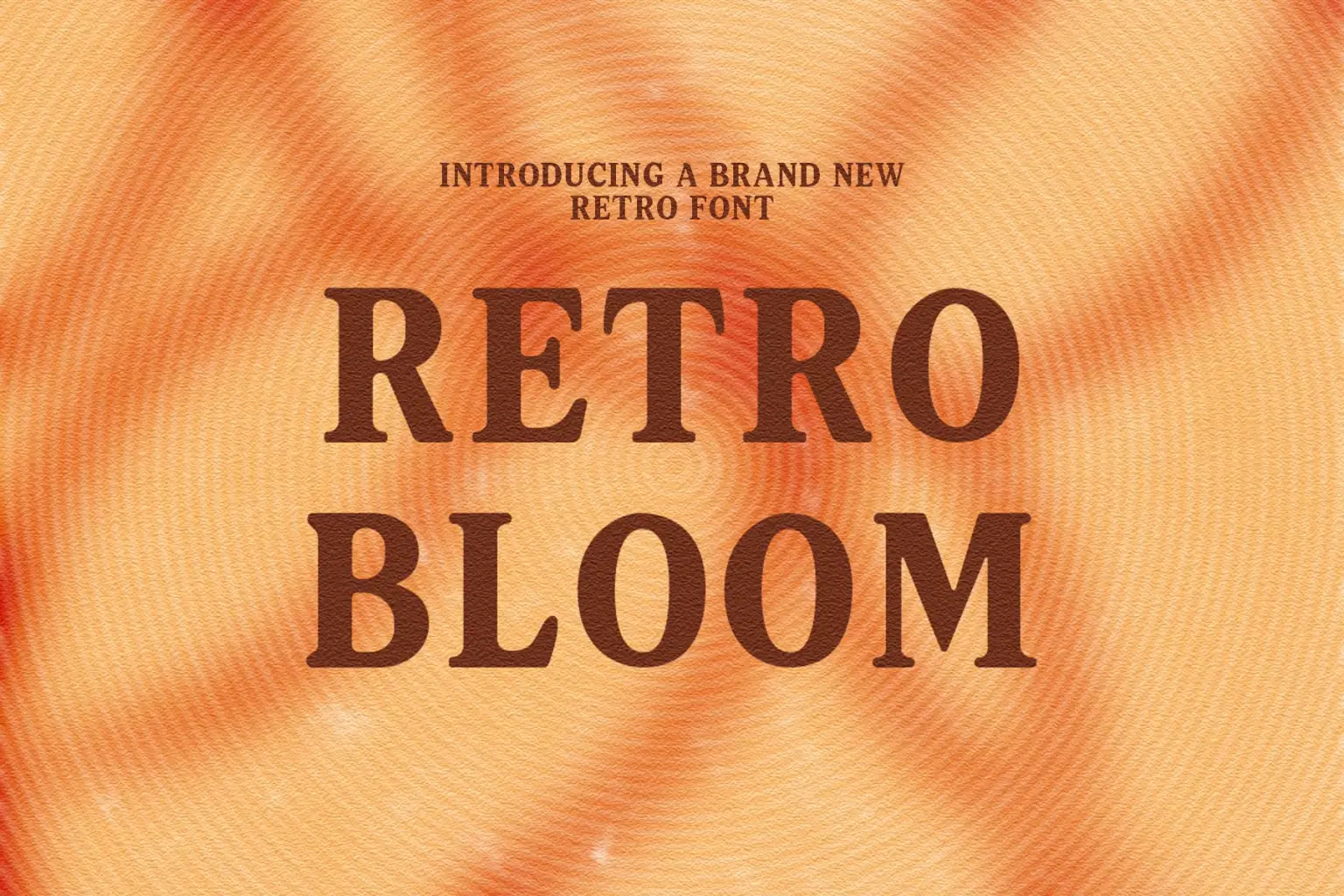
For personal, non-commercial projects only (portfolios, personal blogs, hobby projects).
About
Introducing "Retro Bloom" – A Whimsical Retro Serif
Retro Bloom is a charming serif font with a nostalgic soul and a modern twist. Inspired by mid-century packaging and vintage typography, this typeface blends smooth curves, playful serifs, and high-contrast strokes to create a truly timeless design.
Perfect for brand identities, packaging, social media graphics, and editorial layouts, Retro Bloom brings warmth and personality to every project. Each letter has been carefully crafted to maintain visual harmony while embracing a slightly quirky character that sets your work apart.
✨ Features: Uppercase Letters
Lowercase Letters
Numbers
Smooth vintage-inspired serifs
Soft, elegant curves with bold contrast
Great legibility for both print and digital
Whether you're designing a nostalgic logo, dreamy product label, or elegant headline, Retro Bloom will make your audience smile – just like the message on your package.
Shop confidently with Shuppi
If your download isn’t what was promised, we’ll make it right. Eligible purchases can be refunded within fourteen calendar days when listings mislead, files fail, or duplicate checkouts happen.
- Listings must match what you receive—no surprises.
- Corrupted files or technical issues? Request a quick fix or refund.
- Duplicate purchases are covered without the hassle.
Product Specs
Tags
Frequently Asked Questions
You May Also Like

TeeHand Upppercase Font
 akropol
Secy Break – Streetwear Fancy Display Font
 Black Junst
10,000 Font Mega Pack Bundle: Versatile Fonts for Designers (Digital Download)
 DiverseMediaShop
Retro Viber - Retro Sans Serif Font
 Masyafi Studio
Darling Groove - Retro Groovy Font
 Sakti Avellin
Halloween Dancing - Retro Halloween Font
Sakti Avellin