For personal, non-commercial projects only (portfolios, personal blogs, hobby projects).
About
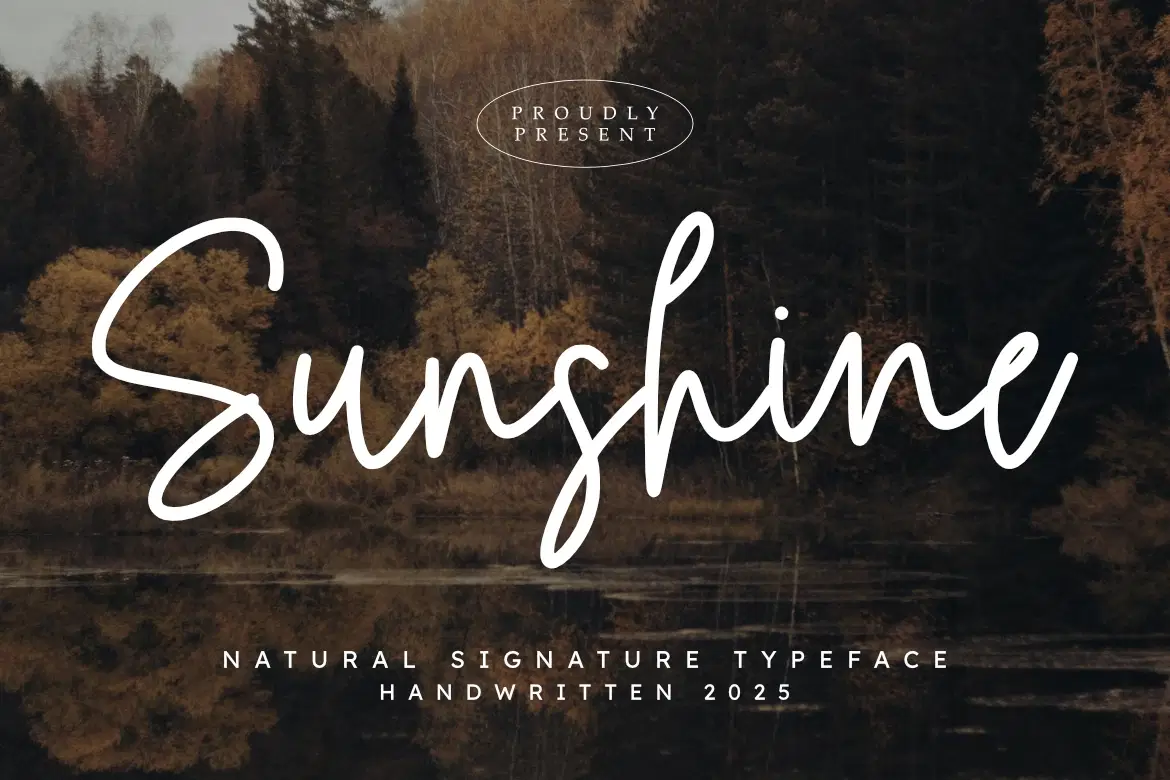
Add a touch of warmth and authenticity to your work with Sunshine, a natural signature typeface from Masyafi Studio. Designed to mimic the effortless flow of a hand-penned note, Sunshine brings a relaxed yet elegant vibe to any creative project.
Whether you’re a photographer looking for the perfect watermark, a bride-to-be designing your own invitations, or a brand stylist crafting a unique identity, Sunshine offers the versatility and charm you need. Its rhythmic curves and natural ligatures create a seamless look that feels truly bespoke.
Perfect for:
Branding & Logos: Create a memorable, personal brand identity.
Photography: Ideal for elegant watermarks and portfolio styling.
Social Media: Perfect for quotes, stories, and lifestyle content.
Events: Beautiful for wedding invites, menus, and place cards.
Product Content:
Sunshine OTF (OpenType)
Sunshine TTF (TrueType)
Standard Alphabet & Numbers
Multilingual Support & Punctuation
Shop confidently with Shuppi
If your download isn’t what was promised, we’ll make it right. Eligible purchases can be refunded within fourteen calendar days when listings mislead, files fail, or duplicate checkouts happen.
- Listings must match what you receive—no surprises.
- Corrupted files or technical issues? Request a quick fix or refund.
- Duplicate purchases are covered without the hassle.