











Personal, non-commercial projects
About
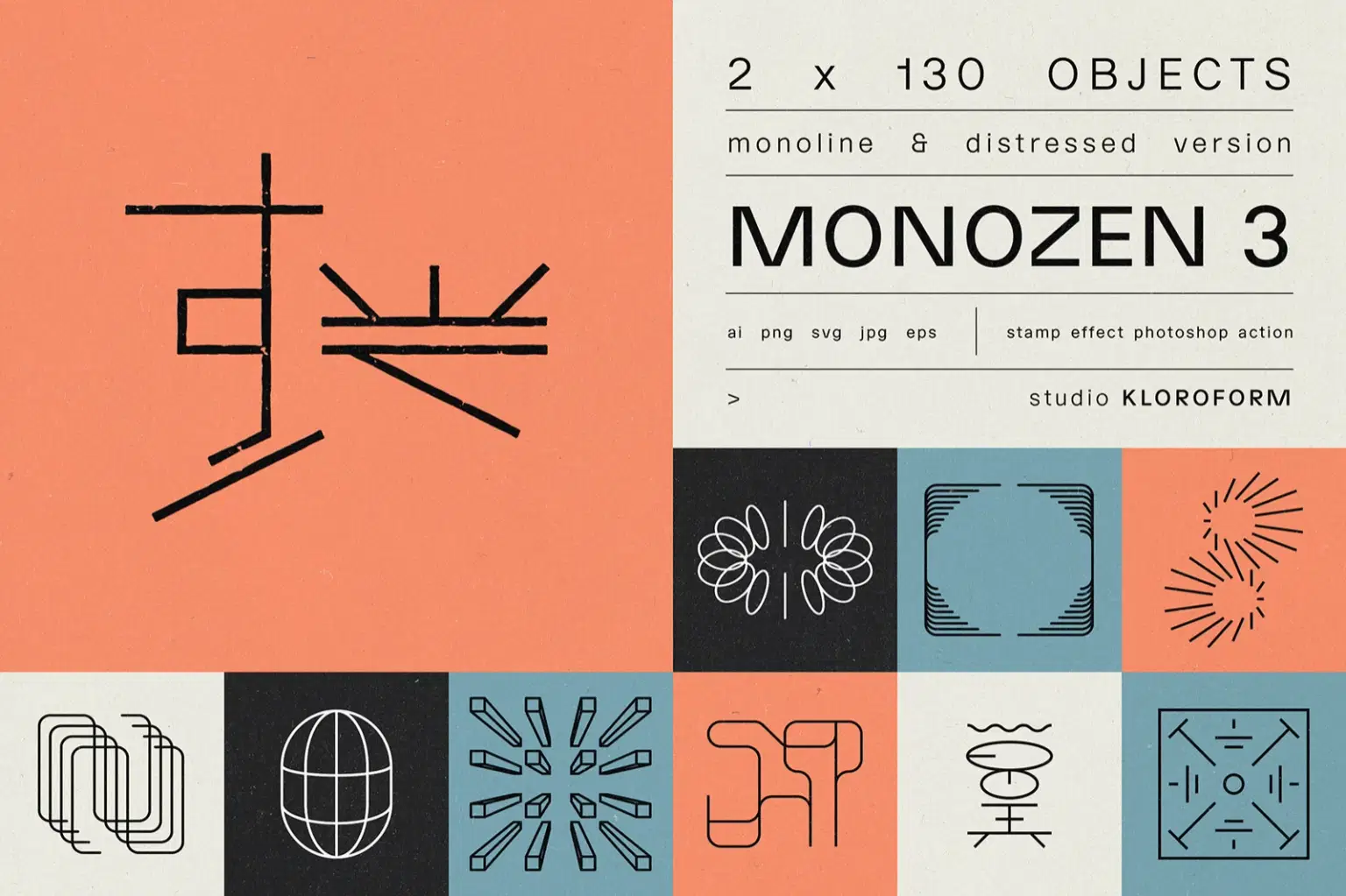
MONOZEN 2 features a collection of 120 quirky, more elaborate monoline icons and logos. This set brings you modernism with a twist - clean minimalism and playful experimentation that pushes single-line design further.
All objects come in two styles: monoline (stroke) and vintage press/stamp. Every design ships crisp for modern applications or distressed for tactile character. The included Photoshop action lets you dial the wear-and-tear to taste, so you can go subtly weathered or full vintage chaos.
Highly suitable for branding that needs to stand out, but also usable as finishing touch to any project that needs a distinctive mark.
INCLUDED:
Monoline:
· ai. file
· EPS
· SVG
· 2 x 120 JPGs: black on white + white on black BG
· 2 x 120 PNGs: black on transparent + white on transparent BG
Vintage Press:
· ai. file
· SVG
· 2 x 120 JPGs: black on white + white on black BG
· 120 PNGs: black on transparent BG
Vintage Press Photoshop Action
Shop confidently with Shuppi
If your download isn’t what was promised, we’ll make it right. Eligible purchases can be refunded within fourteen calendar days when listings mislead, files fail, or duplicate checkouts happen.
- Listings must match what you receive—no surprises.
- Corrupted files or technical issues? Request a quick fix or refund.
- Duplicate purchases are covered without the hassle.
Product Specs
Tags
Frequently Asked Questions
You May Also Like

Premium 3D Letters & Numbers Icon Pack
 Toptoria
10000 Icons SVG & PNG Bundle: Business, Social Media, Marketing (Digital Download)
 DiverseMediaShop
Retro Windows 3.1 Icon PNG Bundle: 90s Pixel Art (Digital Download)
DiverseMediaShop
Retro Windows 98 Icon Bundle: 1700+ PNGs (Digital Download)
DiverseMediaShop
3D Glossy Social Media Icons: 50+ Platform Symbols (Digital Download)
DiverseMediaShop
1200+ Digital Icons: Business, Social Media, & Marketing (PNG Instant Download)
DiverseMediaShop