





No credit card required
About
Infinity Widgets is a collection of high-quality widgets designed to support your productivity and enhance your daily workflow. Currently, the collection includes 10 widgets:
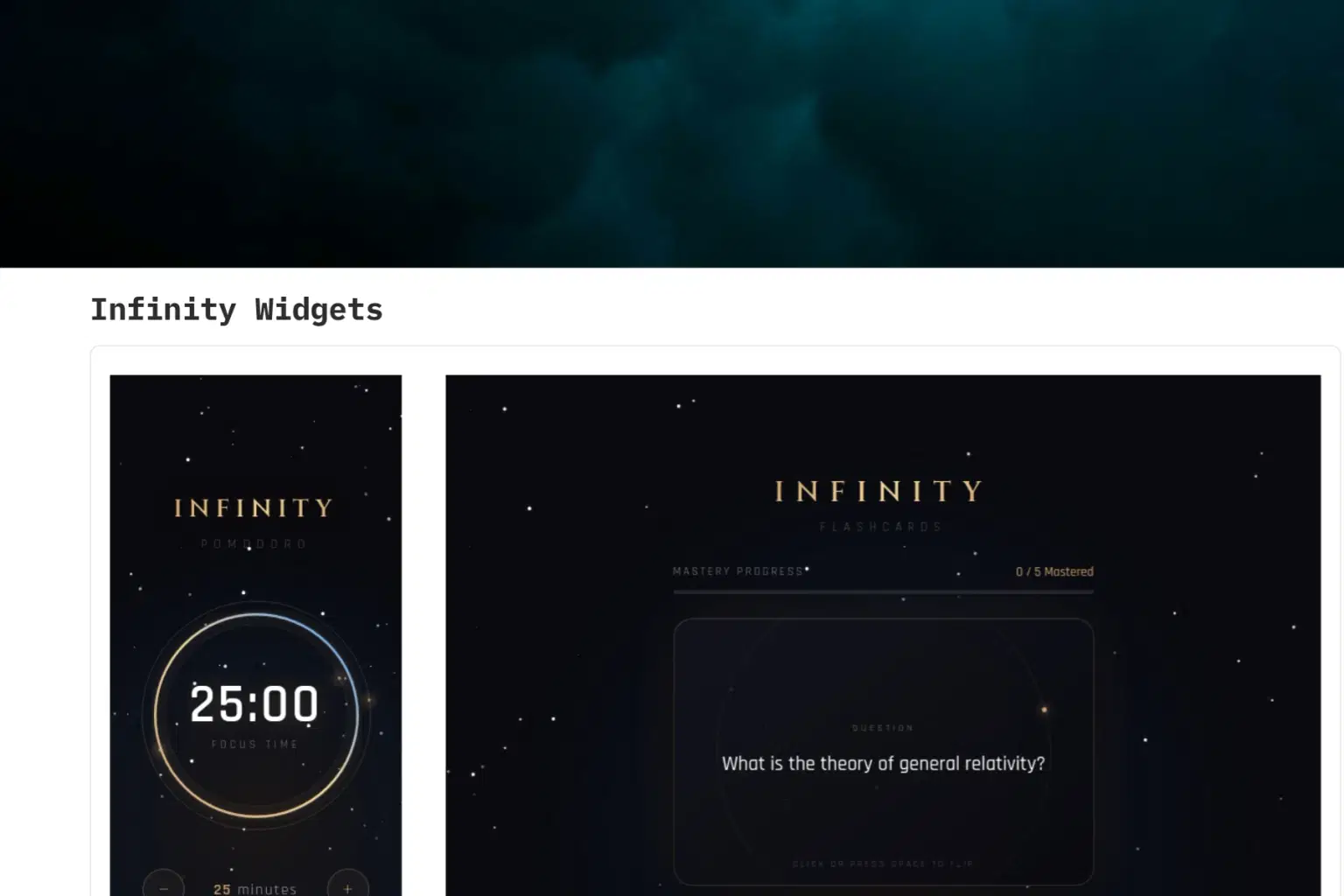
Infinity Pomodoro
A focused Pomodoro timer that starts with a 25-minute session. You can increase or decrease the time based on your own schedule. The widget also includes relaxing rain and wind sounds to help you stay calm and focused while working.
Infinity Calendar
A minimal calendar app designed with the Infinity style. You can add events by selecting a specific day and manage your schedule effortlessly. Each event includes a category (Work, Personal, Health, Finance, or Other), start and end time, and a description, making daily planning simple and organized.
Infinity Flashcards
An interactive flashcard widget that allows you to add, delete, and manage flashcards easily. You control the entire review queue and evaluate your learning using a mastery progress system for effective self-assessment.
Infinity Reader
Infinity Reader is a distraction-free PDF integration for Notion. It lets you focus entirely on reading while automatically syncing your page progress, time spent, and notes directly to your database.
Shop confidently with Shuppi
If your download isn’t what was promised, we’ll make it right. Eligible purchases can be refunded within fourteen calendar days when listings mislead, files fail, or duplicate checkouts happen.
- Listings must match what you receive—no surprises.
- Corrupted files or technical issues? Request a quick fix or refund.
- Duplicate purchases are covered without the hassle.