



No credit card required
About
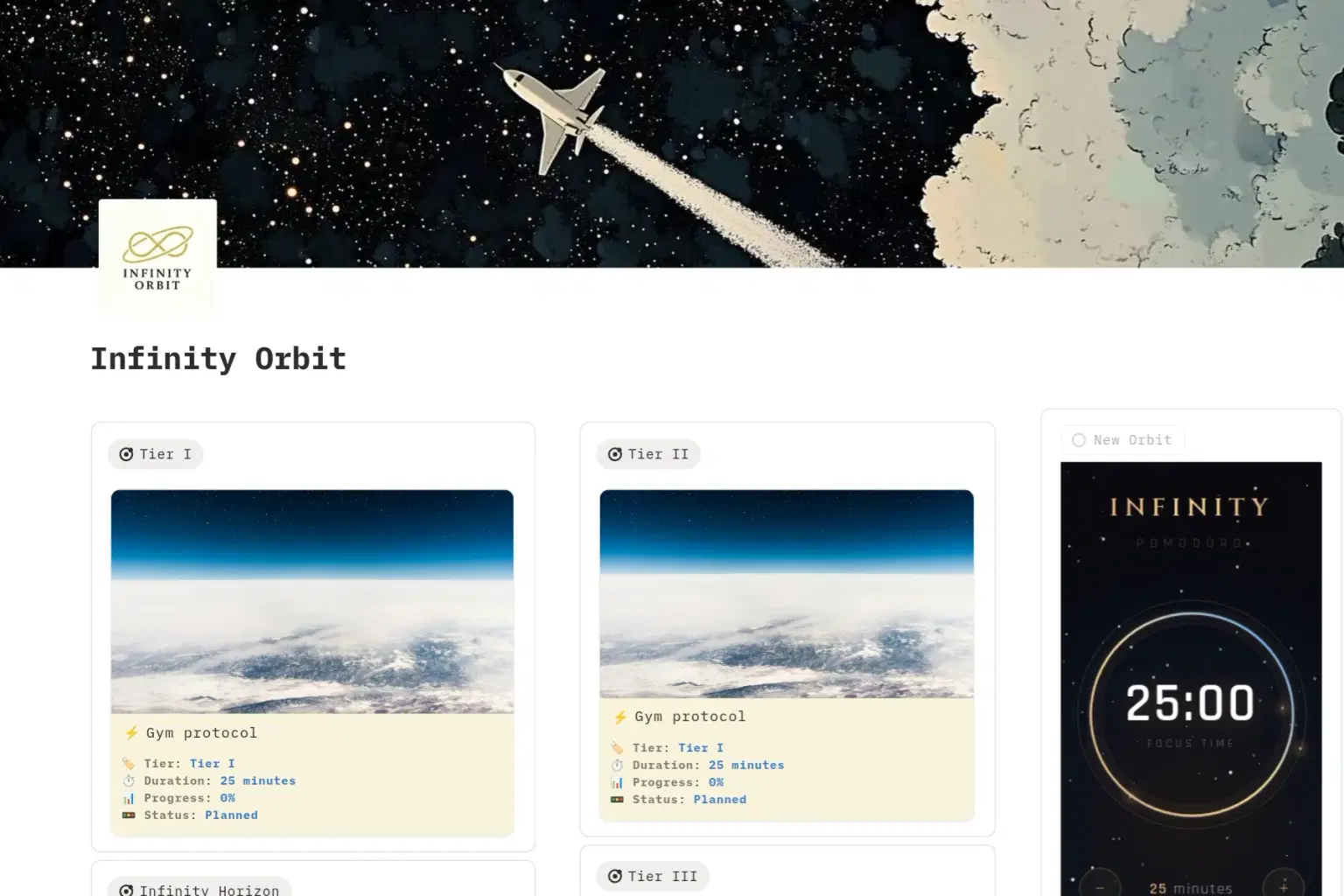
Infinity Orbit is a simple strategy but is really powerful because it turns consistency into a default setting. It keeps you moving in a stable loop, gathering speed day by day until you reach escape velocity and complete the mission.
The Strategy: Set your Orbit, lock in your Tier, and attack the hardest task first. Keep circling your objective, day by day, until you reach escape velocity. Then, break free and complete the mission.
The Rule: An Orbit is a binding contract. If your target is too large (e.g., reading a 300-page book) and you cannot complete it, do not abandon the session. Instead, recalibrate the objective to a smaller milestone. You may only delete this Orbit when the mission is 100% complete.
🏁 Mission Complete Protocol
Once you reach the objective, choose your next move:
Recalibrate (The Continuous Loop): Best for skills/languages. Keep the Orbit active but edit the Objective to the next level (e.g., A1 -> A2).
Termination (The System Purge): Best for one-off projects. Open the page, delete all internal processes, and then delete the Orbit itself.
The Archive (Legacy Mode): Keep the Orbit as a trophy. Note: Infinity Orbit is lightweight; this will not slow down your system.
⚙️ Daily Workflow (How to Use)
Start with a Tier III: Tackle your most powerful focus block first.
Open your active Session: Check the objective and current progress.
Create today’s Processes: Add tasks for today only .
Start the timer: Follow the breaks. No noise. Focus fully.
Complete & Update: Mark tasks complete and update the progress bar.
End your day: Tomorrow, the list resets clean automatically.
✅ The Rules of the System
Rule 1: One Session = One Objective. Don't mix goals.
Rule 2: Focus Only. No phone, no YouTube, no notifications during the 25m block.
Rule 3: Never skip the break.
Rule 4: Tier III always first. Use your morning cognitive spike.
Rule 5: Sessions stay until the objective is 100% completed.
Shop confidently with Shuppi
If your download isn’t what was promised, we’ll make it right. Eligible purchases can be refunded within fourteen calendar days when listings mislead, files fail, or duplicate checkouts happen.
- Listings must match what you receive—no surprises.
- Corrupted files or technical issues? Request a quick fix or refund.
- Duplicate purchases are covered without the hassle.







