


Personal projects, YouTube videos (non-monetized or small channels)
About
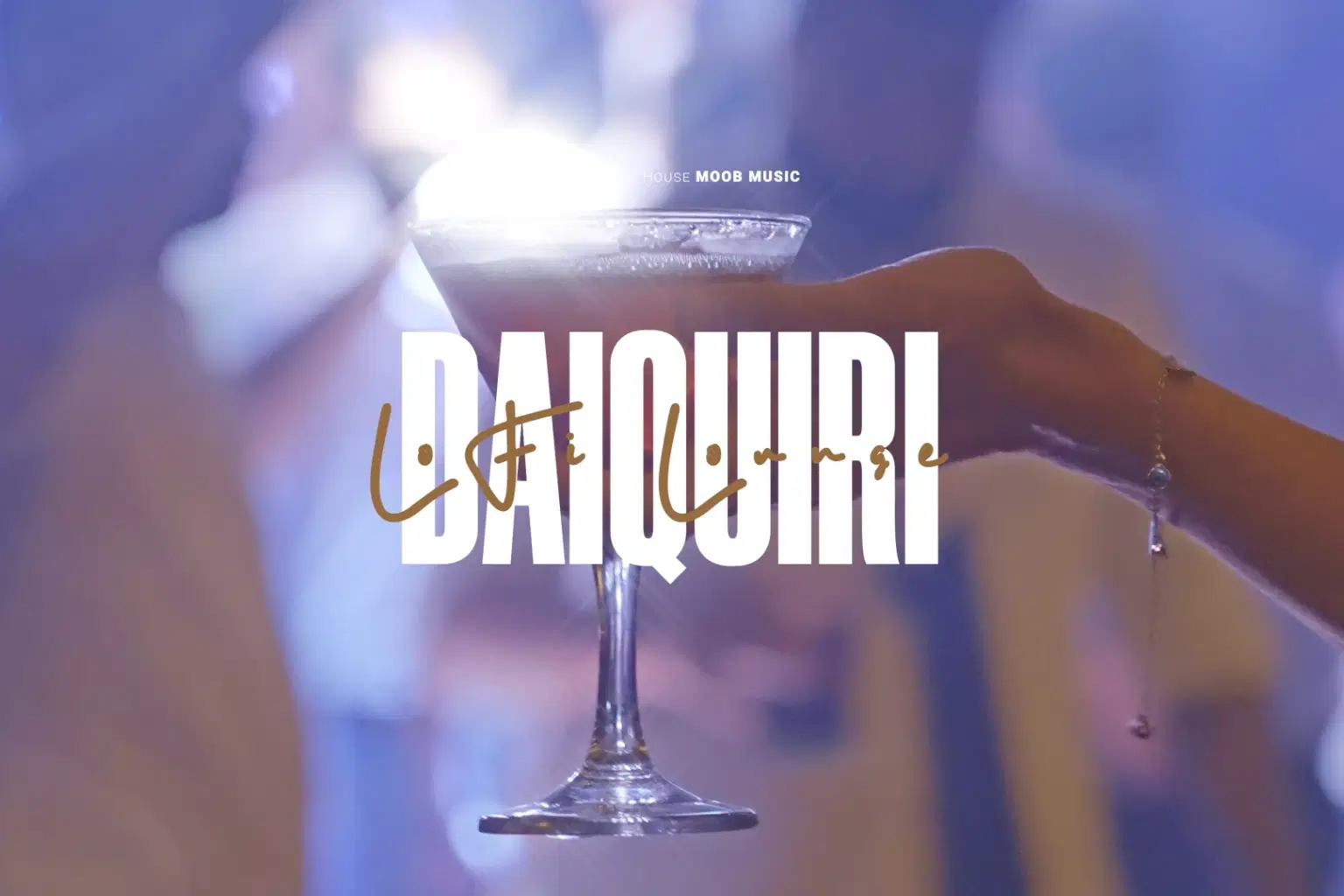
LoFi Lounge Daiquiri / LoFi Lounge
#TropicalLofi #FruityMelodies #DaiquiriDreams
Escape to a tropical paradise with LoFi Lounge Daiquiri, where fruity melodies blend with laid-back island rhythms.
This Music Pack includes 10 tracks with a total length of 00:30:06
[Preview]
00:00:00 01 Beverage Choice
00:02:43 02 Signature Drink
00:05:40 03 Non-Alcoholic Mocktail
00:08:43 04 Fresh Juice
00:11:38 05 Soda Mix
00:14:41 06 Mineral Water
00:17:53 07 Sparkling Option
00:21:03 08 Brew Selection
00:24:19 09 Coffee Roast
00:27:20 10 Tea Leaf
Shop confidently with Shuppi
If your download isn’t what was promised, we’ll make it right. Eligible purchases can be refunded within fourteen calendar days when listings mislead, files fail, or duplicate checkouts happen.
- Listings must match what you receive—no surprises.
- Corrupted files or technical issues? Request a quick fix or refund.
- Duplicate purchases are covered without the hassle.





