






Personal
Personal, non-commercial projects
SSL Secured Stripe Powered Buyer Protection
About
WORKS WITH ADOBE ILLUSTRATOR CS3 TO CC
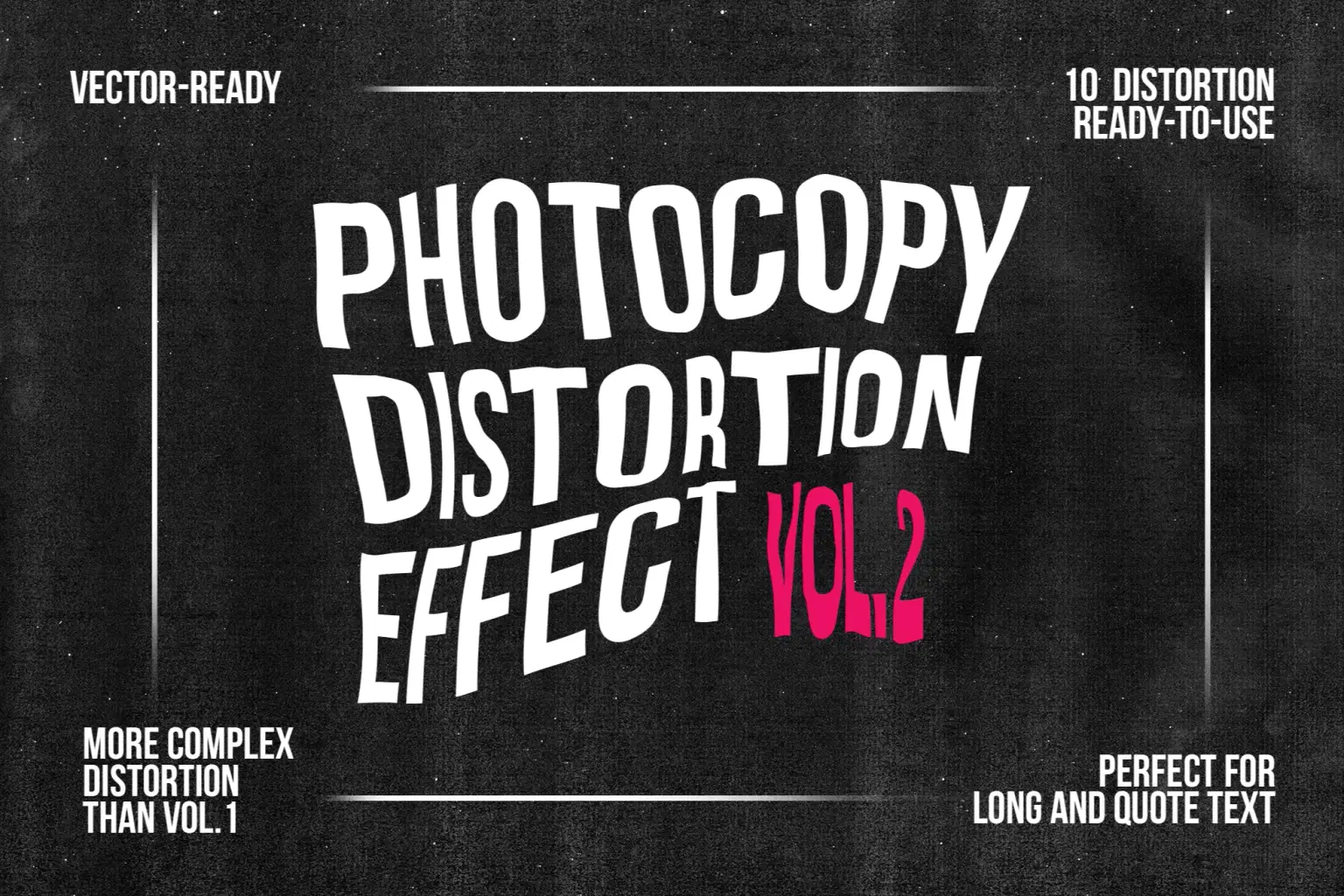
Photocopy Distortion Effect vol.2 give to your vector (text or not) or image (only trough Illustrator) a Photocopy style distortion through a few simple steps
- Very Simple to use
- Help File “Step by Step” inside the Adobe Illustrator File
- Help Video Tutorial "Step by Step"
- Adobe Illustrator CS3 to CC
- Original Effect to your artwork
- Vector Ready
Trustpilot
TrustScore4.4
14-Day Refund Promise
Shop confidently with Shuppi
If your download isn’t what was promised, we’ll make it right. Eligible purchases can be refunded within fourteen calendar days when listings mislead, files fail, or duplicate checkouts happen.
- Listings must match what you receive—no surprises.
- Corrupted files or technical issues? Request a quick fix or refund.
- Duplicate purchases are covered without the hassle.
SSL Secured Stripe Powered Buyer Protection
Product Specs
File Format(s)
EPS
Compatible With
Adobe Illustrator
Vector Graphics
Full Vector
Download Size
14.77 MB
Created
Dec 16, 2025
Version Number
1.0
Tags
photocopydistorteddistortion effectphotocopy effectshape meshvectorvector distortionskewscan vectorscanned look
Frequently Asked Questions
You May Also Like

RGB Liquid Distortion FX Photoshop Action
 studio retouch
Halftone Portrait Distortion FX
studio retouch
Comic Blast Halftone FX Photoshop Action
studio retouch
RGB Portrait Fracture FX Photoshop Action
studio retouch
Halftone Light Sculpture FX Photoshop Action
studio retouch
Chromatic Misprint Halftone FX
studio retouch