










Personal use only
About
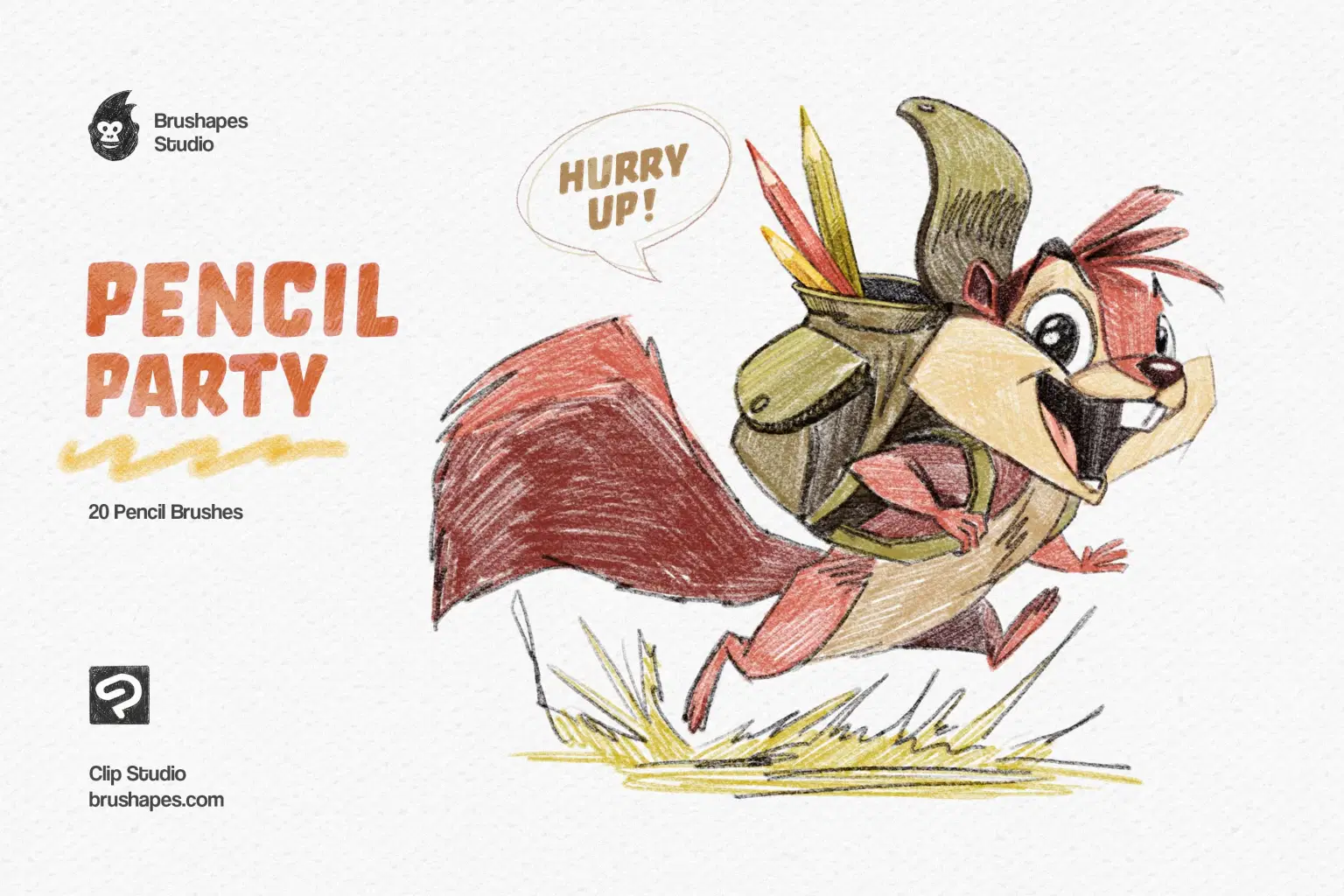
The collection includes 20 brushes for various graphite techniques: crisp sketching lines, soft shading, dense hatching, glare effects, and subtle texture overlays.
We wanted to recreate the full experience of pencil work and bring the digital canvas the tactile experience to the fullest, from the scratch of a sharp lead to the smudge of a soft touch. The brush behavior had to be intuitive, dynamic, and — above all — familiar to anyone who’s ever flipped open a sketchbook.
Line and shading brushes. Cover the core graphite spectrum, e.g., mechanical strokes and soft pressure-sensitive fades. Ideal for everything from outlines to tonal underpainting.
Soft texture pencils. Mimic the drag of worn-down leads and natural toothy paper. Bring a diffused feel to large areas or background tones.
Glare brush. Mimics the shine of compressed graphite under light. Perfect for replicating subtle polish on darker strokes.
Hatching brushes. Work for clean diagonals, crosshatch patterns, and dynamic grain, so you can build tone and depth fast without repetitive handwork.
File size: 118 MB
Compatibility: Clip Studio Paint 2 and newer
20 Pencil Brushes
ZIP package, Direct download
Guidelines included
Shop confidently with Shuppi
If your download isn’t what was promised, we’ll make it right. Eligible purchases can be refunded within fourteen calendar days when listings mislead, files fail, or duplicate checkouts happen.
- Listings must match what you receive—no surprises.
- Corrupted files or technical issues? Request a quick fix or refund.
- Duplicate purchases are covered without the hassle.
Product Specs
Tags
Frequently Asked Questions
You May Also Like

Hyper Realistic Lifelike Pencil Sketch Photoshop Action
 studio retouch
Sketch to Realistic Pencil Drawing Action
studio retouch
Timeless Engraving Clip Studio Brushes
 Brushapes Studio
Concept Art Clip Studio Brushes
Brushapes Studio
Procreate Pastel Brushes
 Elatedowl
Realistic Pencil Sketch FX Photoshop Action
studio retouch