
Let's be real: when you're scrolling through TikTok or Instagram Reels, you can instantly tell the difference between a video that looks polished and one that doesn't. The good news? That professional look has nothing to do with how much money you spent on equipment.
I've seen creators with $50,000 camera setups make boring, unwatchable content, while others shoot entire viral campaigns on their phones. The secret isn't in your gear—it's in knowing a few fundamental techniques that make any video look premium.
Whether you're creating content for TikTok, Instagram Reels, YouTube Shorts, or building your creator portfolio on platforms like Shuppi, these five tips will transform your videos from amateur to professional overnight.
1. Master Your Lighting (It's 80% of the Battle)
Here's the truth bomb: lighting is the single most important factor in making your videos look professional. A well-lit iPhone video will always beat a poorly-lit DSLR video.
Work with natural light first. Position yourself facing a window—never with your back to it. Windows are essentially giant, free softboxes that create beautifully diffused light. Shoot during golden hour (the hour after sunrise or before sunset) for that warm, flattering glow that influencers spend thousands trying to replicate.
Avoid overhead lighting at all costs. Your bedroom ceiling light is not your friend. It creates harsh shadows under your eyes and makes you look tired. If you must shoot indoors at night, invest in a basic ring light ($20-40)—it's the best bang for your buck in content creation.
The three-point lighting hack: You don't need professional lights. Use your ring light or a lamp as your key light (main light source), position a white poster board or wall on the other side to bounce light back (fill light), and let natural room light act as your backlight to separate you from the background.
Pro tip: Test your lighting setup by recording a 10-second clip and reviewing it before you shoot your entire video. Your eyes adjust to poor lighting, but the camera doesn't lie.
2. Don't Sleep on Audio Quality
Most creators obsess over visual quality and completely forget about audio. Yet viewers will forgive lower video quality before they'll tolerate bad audio. If your voice sounds like you're recording from inside a tin can, people will scroll past—no matter how good your content is.
Your phone's built-in mic isn't cutting it. The easiest upgrade? A $15-30 lapel mic that plugs directly into your phone. It gets the microphone closer to your mouth, which means clearer audio with less room echo. Popular options like the BOYA BY-M1 work with both phones and cameras.
Location matters as much as equipment. Record in the smallest room with the most soft surfaces. Closets are actually ideal—all those clothes absorb sound reflections. Avoid bathrooms (echo chamber), empty rooms (reverb city), and anywhere near traffic, AC units, or refrigerators (background noise you won't notice until you're editing).
Free post-processing magic: Use the audio tools in CapCut, Adobe Premiere Rush, or even iMovie to reduce background noise and add subtle compression. The "enhance voice" features in modern editing apps work surprisingly well and take one tap.
Remember: viewers might watch a slightly blurry video if the content is good, but they'll click away the moment they have to strain to hear you.
3. Nail Your Composition and Background
Composition is just a fancy word for "where you position things in the frame." Get this right, and your videos instantly look intentional and professional.
The rule of thirds is your best friend. Imagine a tic-tac-toe grid over your frame. Position your eyes along the top horizontal line, and align yourself along one of the vertical lines—not dead center. Most camera apps let you turn on grid lines. Use them. This creates a more dynamic, engaging frame that feels cinematic.
Clean your background (or blur it). Nothing screams amateur like dirty laundry visible behind you. Your background should support your content, not distract from it. Options: a plain wall, a tidy bookshelf, some plants, or use portrait mode to blur the background entirely. Messy room? Shoot tight with a shallow depth of field.
Create depth: Don't press yourself against a wall. Leave 3-4 feet between you and your background. This creates separation and makes your videos feel more three-dimensional and professional.
Eye level is buy level: Keep your camera at eye level or slightly above. Never shoot from below unless you're intentionally going for an unflattering angle. A simple phone tripod or stack of books works perfectly.
4. Edit Like a Pro (Without Being One)
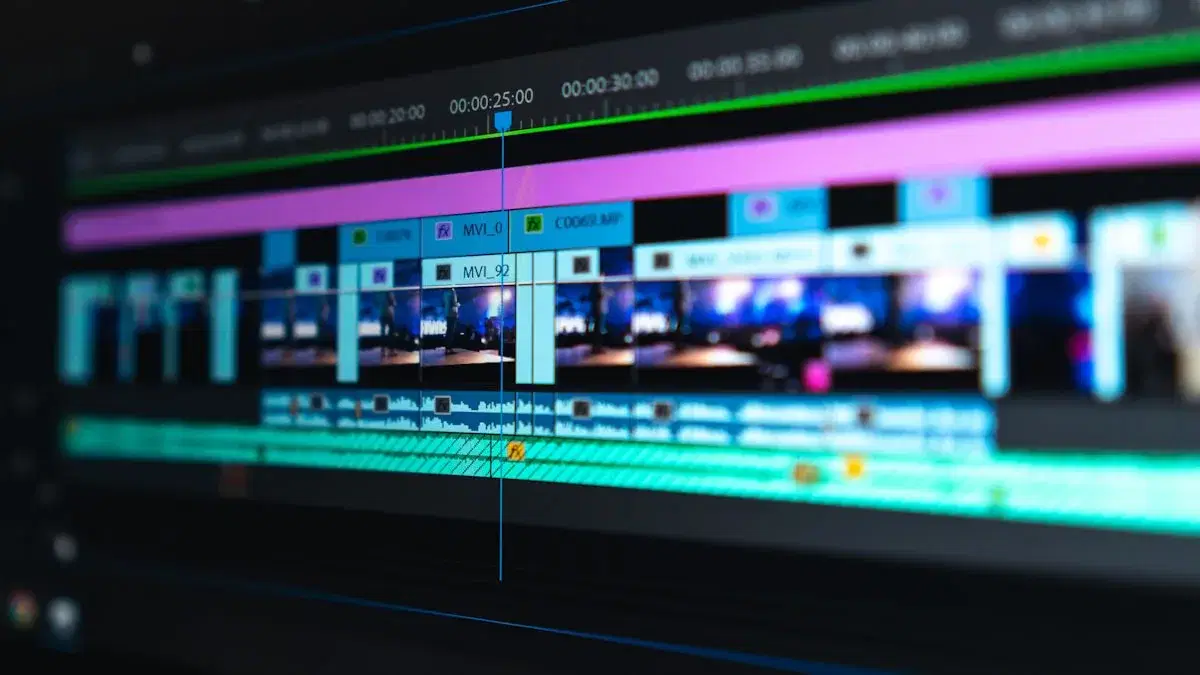
Editing is where good footage becomes great content. The gap between beginners and pros isn't fancy transitions—it's pacing and polish.
Cut the dead air ruthlessly. Every "um," pause, or moment where nothing is happening should hit the cutting room floor. TikTok has trained viewers to expect rapid-fire content. If you're not adding value in a moment, cut it. Your 2-minute video might become 45 seconds, and it'll be infinitely more watchable.
Use LUTs and presets for instant color grading. A LUT (Look-Up Table) is basically a color filter that makes your footage look cohesive and polished. Download free LUTs or buy creator packs—then apply the same one to all your videos for a consistent brand aesthetic. Platforms like Shuppi even let you sell your custom video presets directly to your audience once you develop your signature look.
Master the J-cut and L-cut. Start your next scene's audio before the visual cut (L-cut) or vice versa (J-cut). This creates smooth transitions that feel professional without cheesy effects. CapCut and other mobile editors make this easy.
Add subtle motion: Static shots can feel stale. Add a slow push-in during important moments using keyframe zoom in your editor, or use the ken burns effect on B-roll. Just keep it subtle—you want viewers focused on your content, not your transitions.
Music and pacing: Choose trending audio for platform algorithms, but also make sure it matches your content's energy. Use beat markers in your editor to sync cuts with music hits—this creates satisfaction that keeps people watching.
5. Build Consistency Into Your Visual Brand
Professional creators have a recognizable style. You should know their content before you even see their username. That consistency is what builds a loyal audience.
Develop a color palette. Choose 2-3 colors that represent your brand and consistently incorporate them through your clothing, backgrounds, graphics, and color grading. This creates instant recognition as viewers scroll.
Create templates for everything. Lower thirds for your name, intro sequences, outro cards—make them once, reuse them forever. This saves time and creates cohesion across your content. Even simple text templates with your font and color choices make a huge difference.
Use the same color grade across videos. Remember those LUTs we mentioned? Pick one (or create your own look) and apply it to everything. This unified color story makes your feed look curated and professional, whether someone's viewing it on TikTok or on your creator page on Shuppi.
Establish a content format. Do you always start with a hook? End with a question? Use the same framing for tutorials? These patterns become your signature. Viewers know what to expect, and consistency builds trust.
Show up as yourself, consistently. Your on-camera energy should be recognizable. Whether you're high-energy and enthusiastic or calm and thoughtful, commit to it. The most successful creators aren't necessarily the most talented—they're the most consistent.
Make Every Video Count
Here's the beautiful thing about these techniques: they're all free or nearly free, and they compound over time. Your fifth video will look better than your first. Your fiftieth will look professional.
The creators who succeed aren't the ones with the best equipment—they're the ones who consistently apply fundamentals and show up for their audience. Master lighting, prioritize audio, frame your shots intentionally, edit with purpose, and build a recognizable brand.
Start with one tip from this list. Maybe it's finally getting that $20 lapel mic, or maybe it's just turning on the grid lines in your camera app and using the rule of thirds. Make that one change, master it, then add the next.
Your audience doesn't care about your gear list. They care about value, entertainment, and authenticity. Give them that in a well-lit, well-composed, well-edited package, and you're already ahead of 90% of creators out there.
Now grab your phone and go create something worth watching. Your next viral video isn't hiding behind a paywall—it's waiting for you to apply what you just learned.