




Personal
Personal use only
SSL Secured Stripe Powered Buyer Protection
About
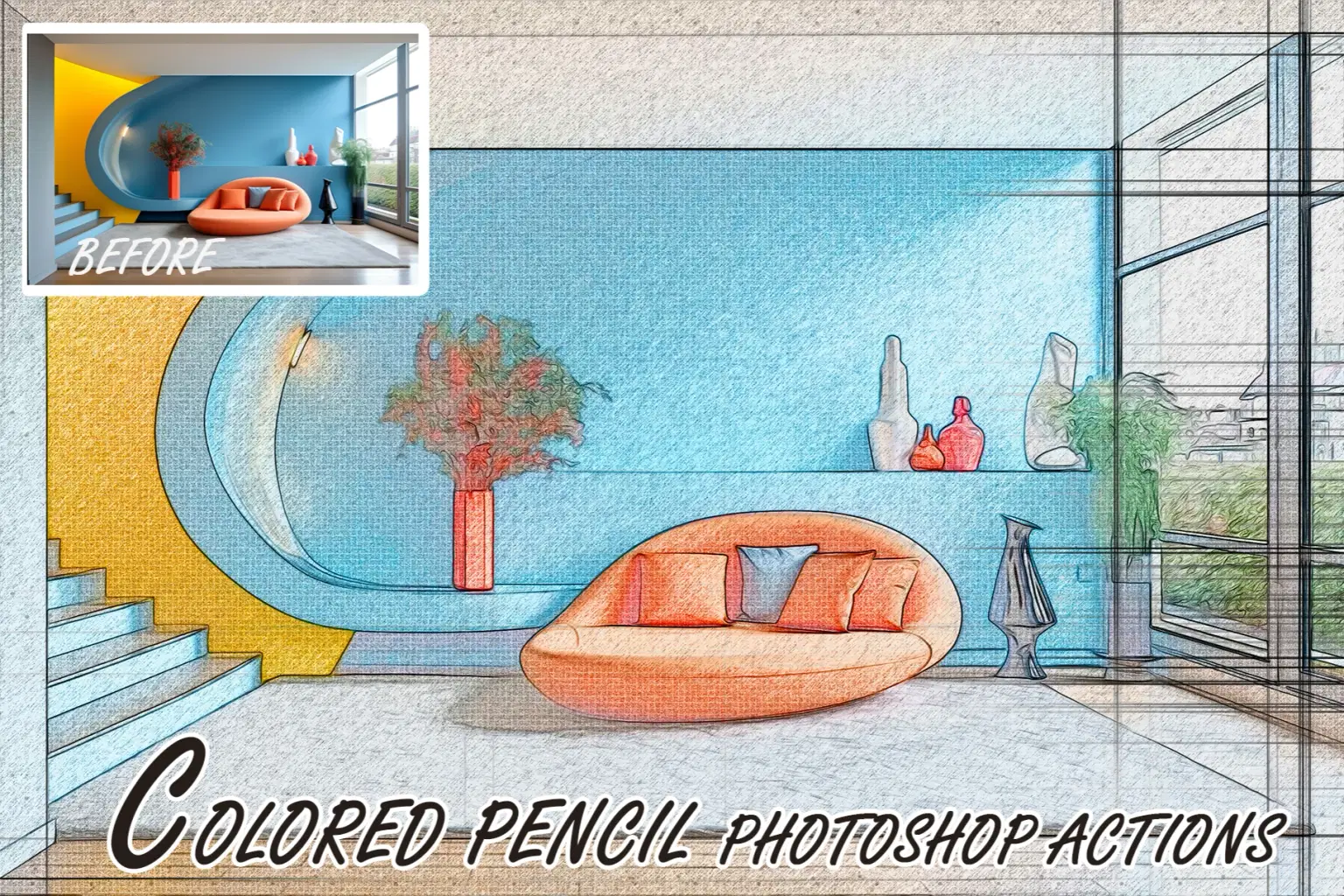
Unleash your creativity and transform your photos into captivating artistic artwork
First, open the PSD file in Photoshop. Then open the Smart Object layer by double-clicking. Then, place your photo. After that save and close. Enjoy the result of the effect. It is very easy to use.
Included Files:
1• PSD
2• Help file
Features:
1• Smart Objects
2• High resolution
3• Easy to edit
4• Well layered & organized files
Note :Images not included with download.just for preview purpose only.
Trustpilot
TrustScore4.4
14-Day Refund Promise
Shop confidently with Shuppi
If your download isn’t what was promised, we’ll make it right. Eligible purchases can be refunded within fourteen calendar days when listings mislead, files fail, or duplicate checkouts happen.
- Listings must match what you receive—no surprises.
- Corrupted files or technical issues? Request a quick fix or refund.
- Duplicate purchases are covered without the hassle.
SSL Secured Stripe Powered Buyer Protection
Product Specs
Compatible With
Photoshop
File Format(s)
Psd,pdf
Download Size
43.66 MB
Created
Jan 10, 2026
Version Number
1.0
Tags
abstractposterposter-mockupphotographyphoto-presetphotoshoppsdcanva-templatedigital-paintingsketch
Frequently Asked Questions
You May Also Like

RGB Prism Explosion FX — Photoshop Action
 studio retouch
Hyper Realistic Lifelike Pencil Sketch Photoshop Action
studio retouch
RGB Portrait Fracture FX Photoshop Action
studio retouch
17 Viral Editing Effects Photoshop Action Bundle
studio retouch
RGB Echo Chamber FX Photoshop Action
studio retouch
GRAPHITE PENCIL SKETCH FX — Photoshop Action
studio retouch