














Personal use only
About
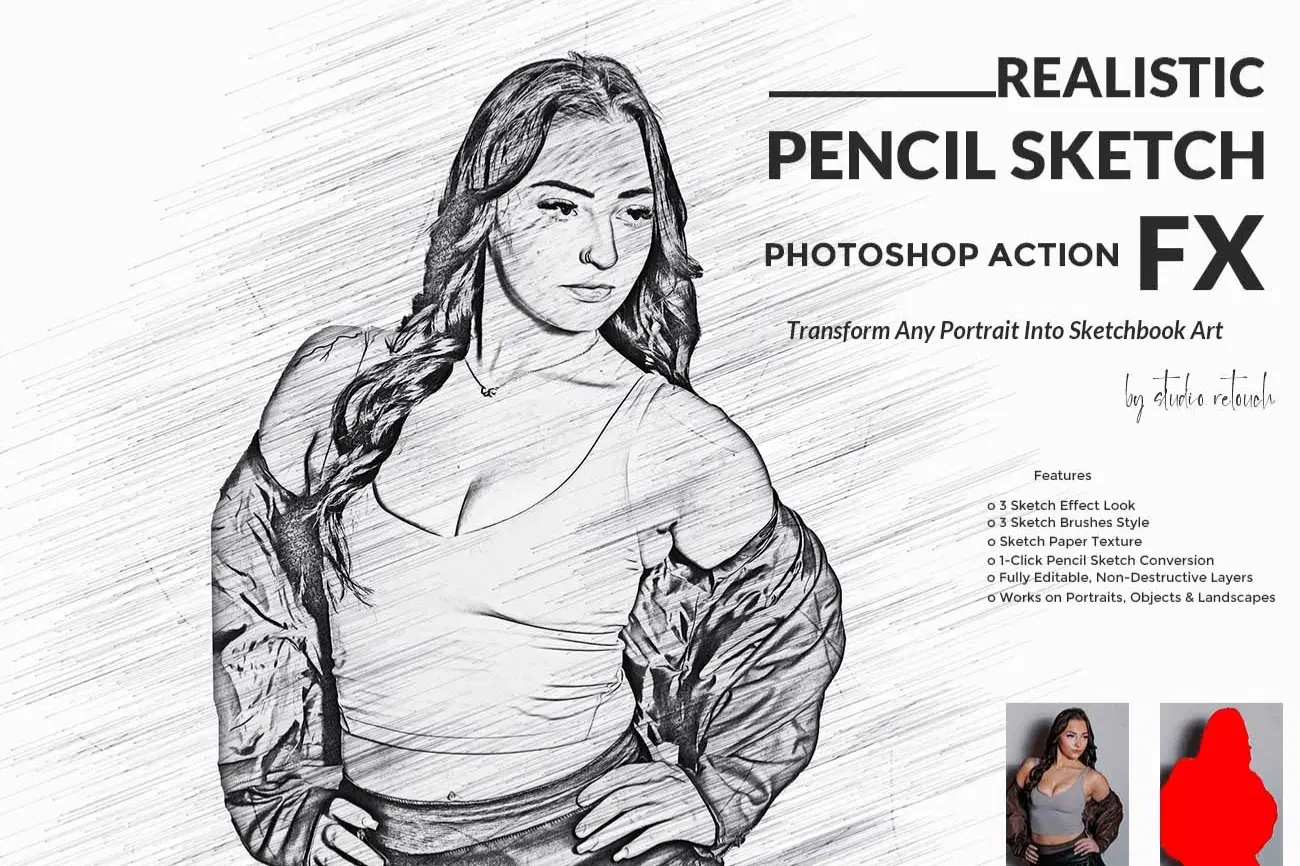
Realistic Pencil Sketch FX Photoshop Action
Transform your photos into stunning hand-drawn pencil portraits with this professional Realistic Pencil Sketch FX Photoshop Action.
Designed for photographers, digital artists, and designers, this action creates detailed graphite linework, soft shading, paper texture, and realistic pencil strokes—all in just one click.
This action has been tested and working on Photoshop CC2022 English Version.
Software supported version: CS6, CC,CC2014,CC2015,CC2015.5,CC2016,CC2017,CC2018,CC2019,CC2020,CC2021,CCC2022+ English Version.
Please watch video guide line here:https://youtu.be/cBkoc9pSqtk
Most important instruction:
(1) First open an image in Photoshop. Now you need resize your image. For resize image select crop tools and go top menu
bar you see W x H x Reso three blank boxes. Write W 3000px, H 2000px, Resolution 72. Then press enter button.
(2) Open your photo Create a new layer then rename “paint” (in lowercase). Then select a brush and paint your subject focus area then click action play button.
Features
o 1-Click Pencil Sketch Conversion
o Sketch Paper Texture
o 3 Sketch Brushes Style
o 3 Sketch Effect Look
o Fully Editable, Non-Destructive Layers
o Works on Portraits, Objects & Landscapes
File Includes:
- ATN File included (Photoshop Action File)
- Brush File
- Pattern File
- Help File
- PDF Help File
- Video guide link in the help file
- High quality result.
- Easy Customizable
- Organize layers
- Easy Install
- Easy to Use
- No photoshop skill needed
If you need any cooperation using the file please feel free to contact me:
"The model images and photographs are for presentation purposes and not included for sale"
Shop confidently with Shuppi
If your download isn’t what was promised, we’ll make it right. Eligible purchases can be refunded within fourteen calendar days when listings mislead, files fail, or duplicate checkouts happen.
- Listings must match what you receive—no surprises.
- Corrupted files or technical issues? Request a quick fix or refund.
- Duplicate purchases are covered without the hassle.
Product Specs
Tags
Frequently Asked Questions
You May Also Like

Hyper Realistic Lifelike Pencil Sketch Photoshop Action
 studio retouch
GRAPHITE PENCIL SKETCH FX — Photoshop Action
studio retouch
Pencil Sketch Collection Photoshop Actions
studio retouch
Hyper Realistic Cross Hatch Sketch Photoshop Action
studio retouch
ARCHITECTURAL SKETCH FX — Ps Action
studio retouch
Sketch to Realistic Pencil Drawing Action
studio retouch