
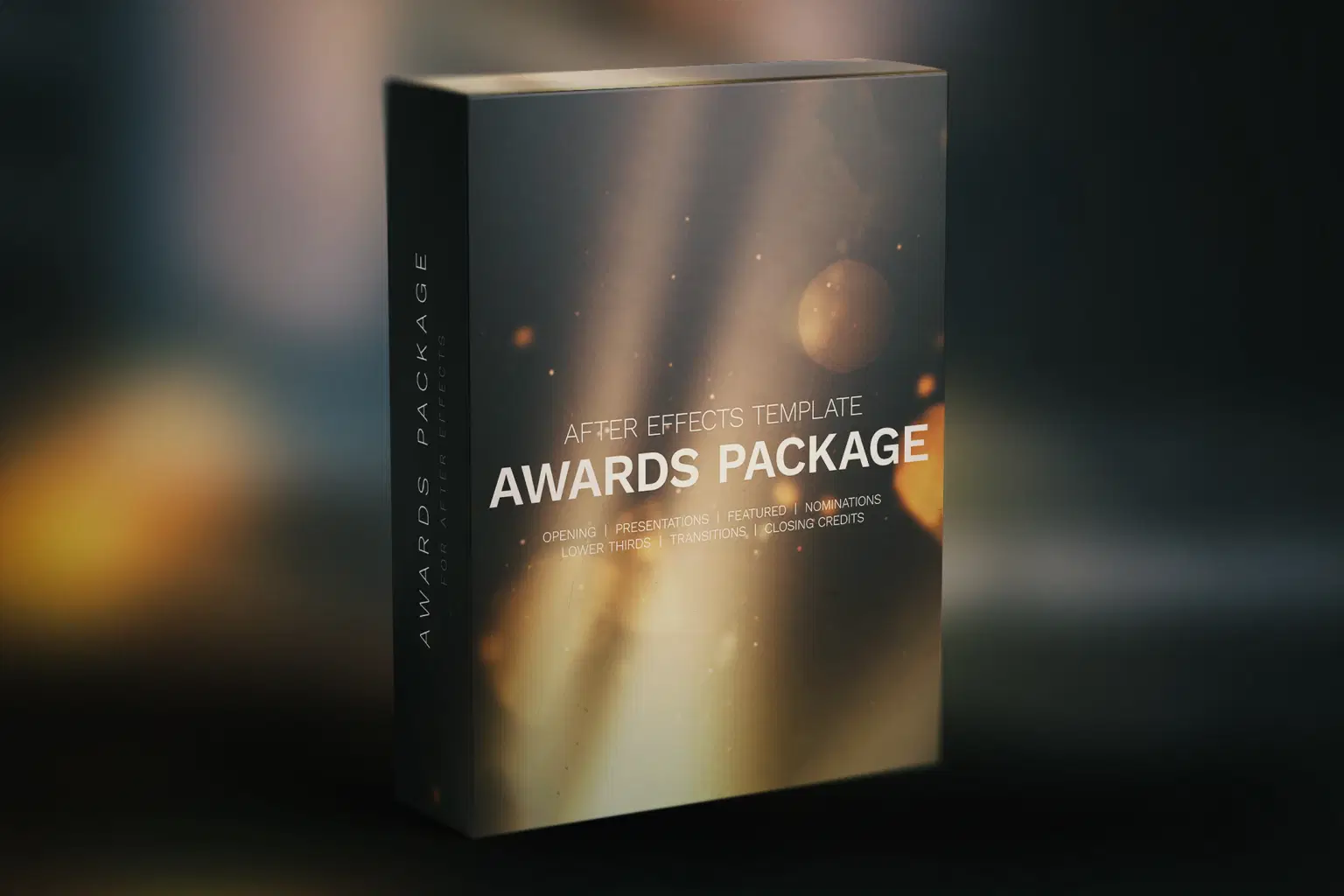
Film Awards Pack in 4K - After Effects Template


Personal projects, small web videos
About
This is a compact After Effects template in 4K resolution that is perfect for your award show presentation. Flexible, modular and easy to edit. Stylistically inspired by old film look.
Promo reel: https://bit.ly/4g85JRV
Contents:
1. Opening (0:19)
2. Presentations: 3 versions with 3 placeholders each (0:30)
3. Nominations:
- Grid 4x (4 placeholders) (0:30)
- Grid 5x (5 placeholders) (0:30)
- Grid 8x – 3 versions with 8 placeholders each (0:30)
4. Featured – 3 versions with 6 placeholders each (0:30)
5. Lower Thirds – 2 options (0:08)
6. Closing Credits: (0:30), includes 10 category placeholders (0:03)
7. Transitions: 3 versions (0:01)
Technical Features:
- 4K: 3840×2160p
- 24 fps
- Video tutorials included
- Easy to customize colors
- No plugins required
- Universal Expressions
- Pre-rendered assets included:
—16 film burn clips
—5 lens flare clips
—5 light sweeps clips
—7 full screen particle background clips
All stock images and videos, used in the video promo are not included in the package.
Free Fonts Used:
Shop confidently with Shuppi
If your download isn’t what was promised, we’ll make it right. Eligible purchases can be refunded within fourteen calendar days when listings mislead, files fail, or duplicate checkouts happen.
- Listings must match what you receive—no surprises.
- Corrupted files or technical issues? Request a quick fix or refund.
- Duplicate purchases are covered without the hassle.
Product Specs
Tags
Frequently Asked Questions
You May Also Like

Film Stock Looks Photoshop Actions
 studio retouch
Film Texture Effects Photoshop Actions
studio retouch
Vintage Film Looks Photoshop Actions
studio retouch
Comic Blast Halftone FX Photoshop Action
studio retouch
RGB Liquid Distortion FX Photoshop Action
studio retouch
Halftone Light Sculpture FX Photoshop Action
studio retouch