


Personal, non-commercial projects
About
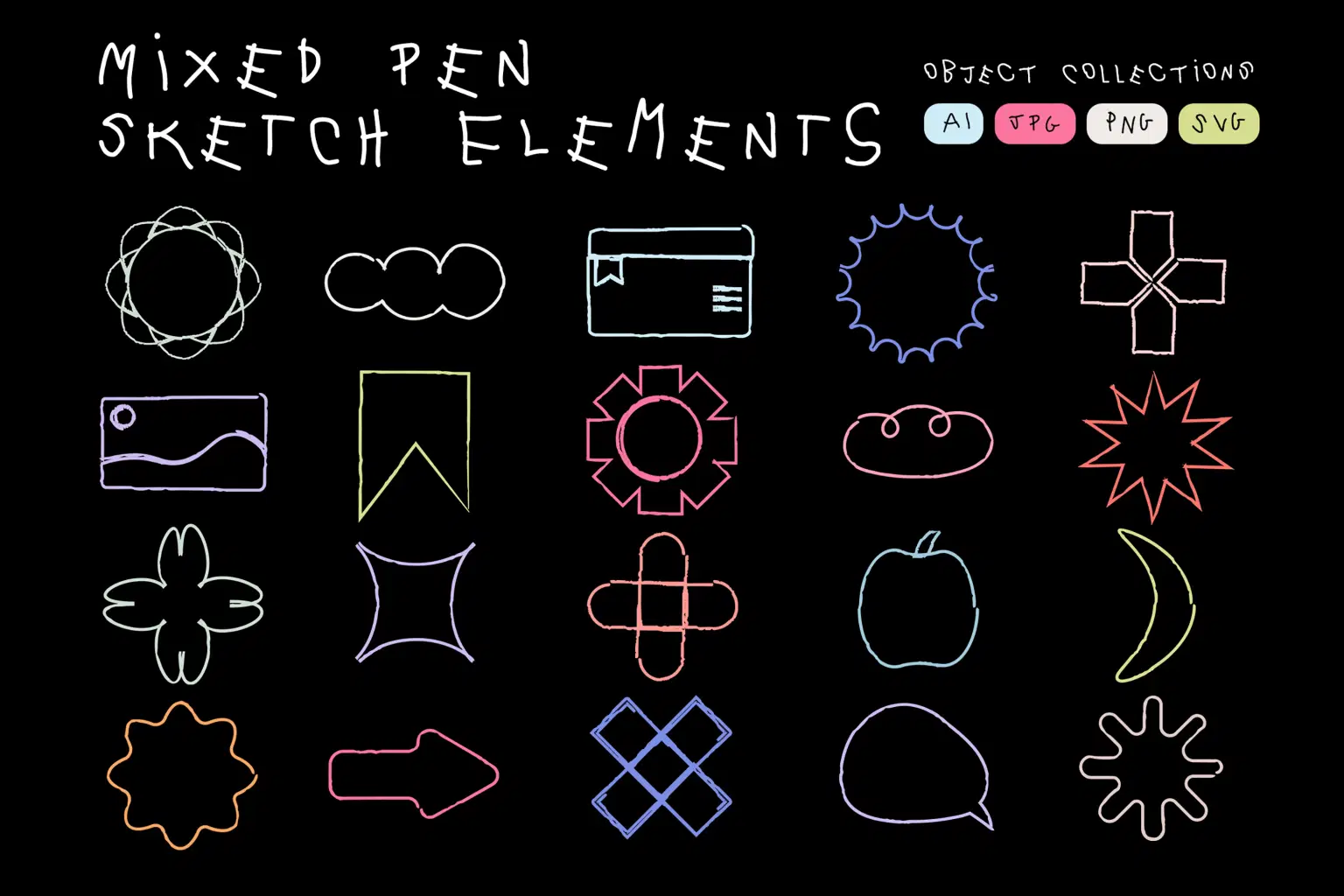
Mixed Pen Sketch Elements
Bring a playful and handcrafted touch to your designs with this Mixed Pen Sketch Elements Pack, featuring 20+ hand-drawn vector-style shapes created using mixed pen strokes. Each element includes charming imperfections, wobbly outlines, and a casual doodle aesthetic—perfect for posters, branding, social media graphics, children’s designs, presentations, scrapbook layouts, and creative compositions. Delivered in multiple formats (AI, SVG, PNG, JPG), these elements are fully scalable and ready to use across digital and print projects.
Project Features
* File Formats: AI, SVG, PNG, JPG
* Includes: 20+ Mixed Pen Sketch Elements
* High-quality handcrafted doodle lines & organic shapes
* Transparent PNG included for easy drag-and-drop use
* Scalable vector formats for unlimited resolution
A versatile sketch pack for adding personality, charm, and playful energy to any creative project.
Shop confidently with Shuppi
If your download isn’t what was promised, we’ll make it right. Eligible purchases can be refunded within fourteen calendar days when listings mislead, files fail, or duplicate checkouts happen.
- Listings must match what you receive—no surprises.
- Corrupted files or technical issues? Request a quick fix or refund.
- Duplicate purchases are covered without the hassle.
Product Specs
Tags
Frequently Asked Questions
You May Also Like

Hyper Realistic Lifelike Pencil Sketch Photoshop Action
 studio retouch
Sketch to Realistic Pencil Drawing Action
studio retouch
Pencil Sketch Collection Photoshop Actions
studio retouch
Hyper Realistic Cross Hatch Sketch Photoshop Action
studio retouch
Realistic Pencil Sketch FX Photoshop Action
studio retouch
Sketch Stencil Art Photoshop Action
studio retouch