









Desktop - Personal
For personal, non-commercial projects only (portfolios, personal blogs, hobby projects).
SSL Secured Stripe Powered Buyer Protection
About
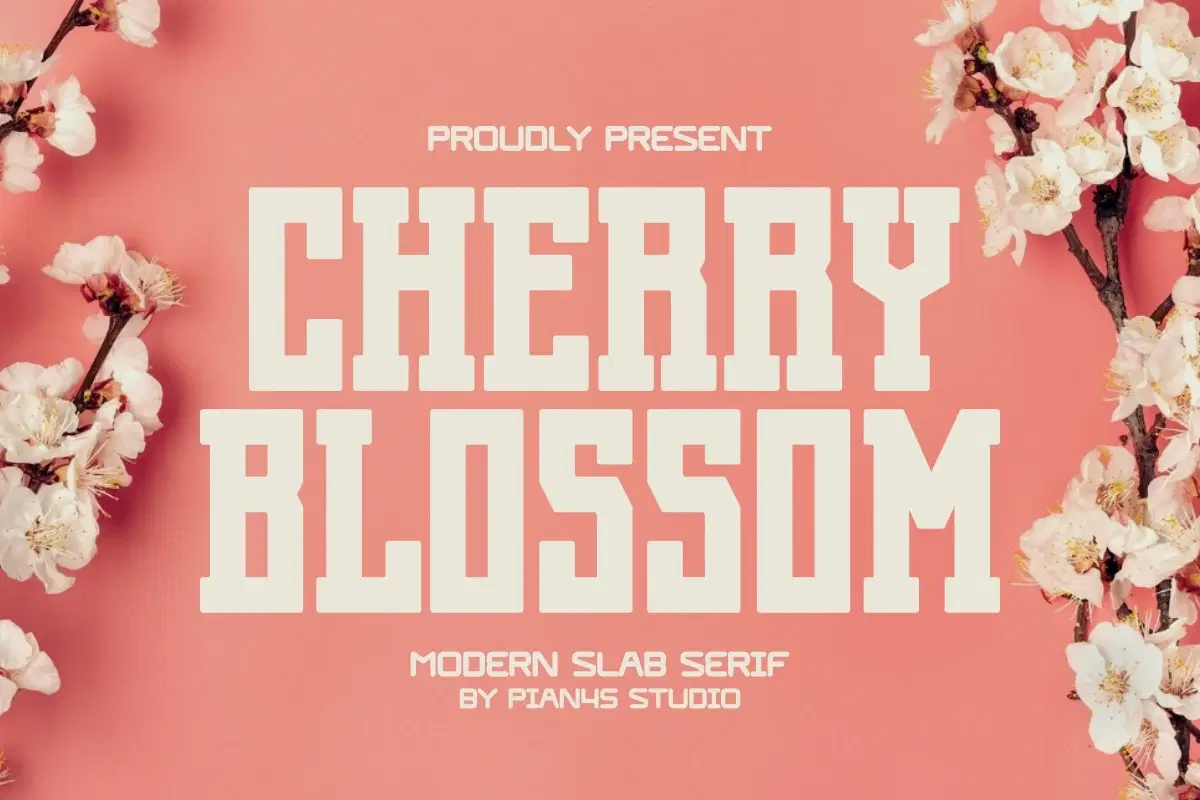
For modern apparel branding and high-impact design, typography needs both authority and style. Introducing CHERRY BLOSSOM, a Modern Slab Serif that offers a bold, yet clean, contemporary aesthetic. This typeface is essential for designers creating modern logo identity, striking merchandise, and engaging social media campaigns. Its robust structure ensures high visibility and strong brand recall in any market.
Trustpilot
TrustScore4.4
14-Day Refund Promise
Shop confidently with Shuppi
If your download isn’t what was promised, we’ll make it right. Eligible purchases can be refunded within fourteen calendar days when listings mislead, files fail, or duplicate checkouts happen.
- Listings must match what you receive—no surprises.
- Corrupted files or technical issues? Request a quick fix or refund.
- Duplicate purchases are covered without the hassle.
SSL Secured Stripe Powered Buyer Protection
Product Specs
File Format(s)
OTF, TTF, WOFF
Glyphs
+100 CHARACTER
Styles Included
REGULAR
Compatible With
WINDOWS
Download Size
50 KB
Created
Jan 22, 2026
Version Number
1.0
Tags
slab serif fontdisplay fontbold fontcondensed fontapparel fontbranding fontlogo fontstriking fontmodern fontstrong font






