
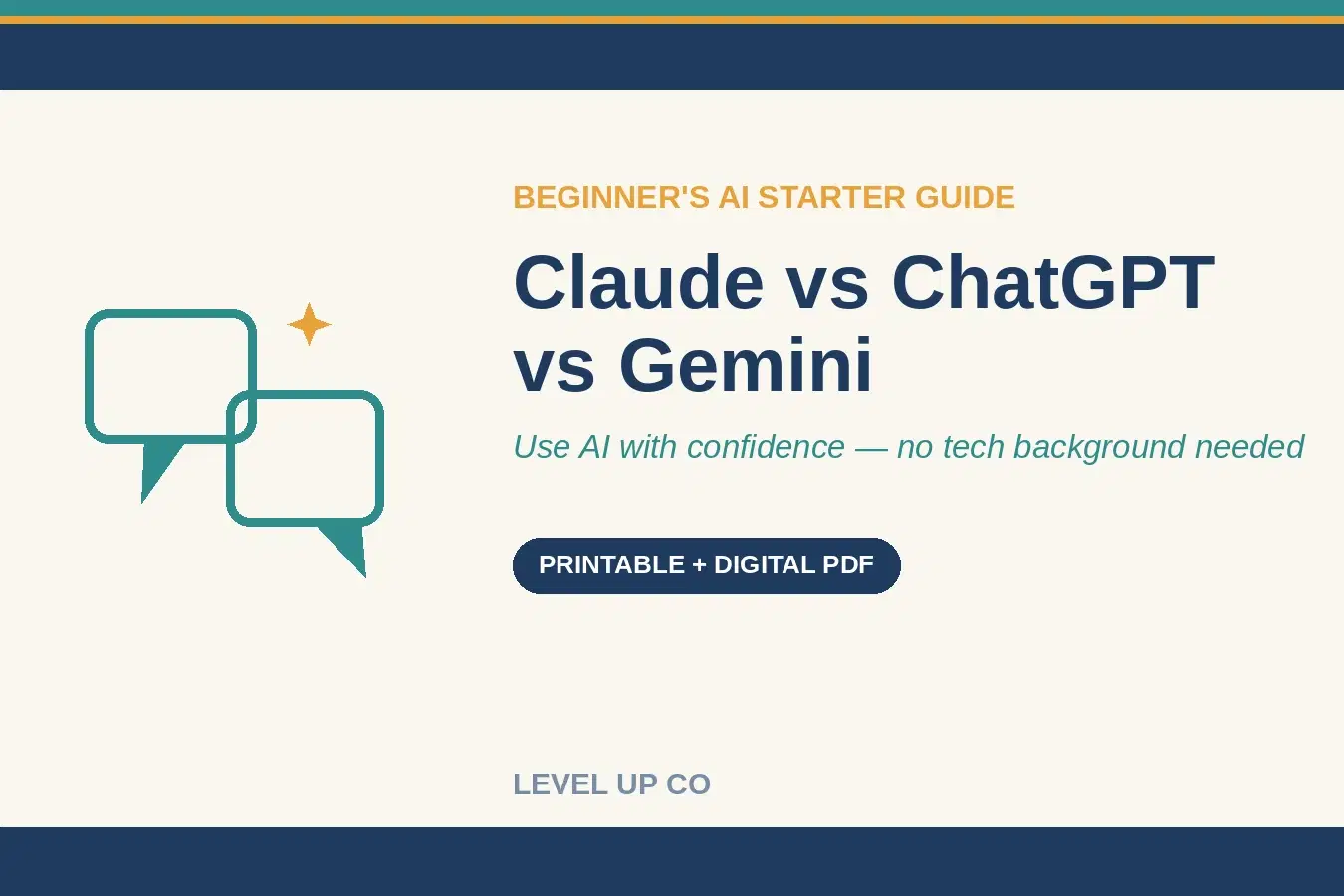
AI Starter Guide: ChatGPT vs Claude vs Gemini — Use AI With Confidence in a Weekend (Beginner's Guide)


Single user access, personal learning
About
Nervous about AI? You don't need to be.
This calm, plain-English guide shows you exactly how to use the three big AI assistants — ChatGPT, Claude and Gemini — with confidence. No tech background required.
What it does for you:
✓ Understand AI in plain English — what these tools actually are, no jargon
✓ Pick the right tool — a simple decision guide so you stop second-guessing
✓ Write prompts that actually work — the 5-part recipe plus 15 copy-and-paste starters
✓ Get confident fast — a 7-day plan that takes you from nervous to capable
What's inside (16 pages):
• What these tools actually are, in plain English
• 5 common AI myths, gently busted
• A simple "which one to use" decision guide
• Full walkthroughs of ChatGPT, Claude and Gemini — strengths, sign-up, free vs paid
• A side-by-side comparison cheat sheet
• The 5-part recipe for writing great prompts
• A real worked conversation + 15 copy-and-paste starter prompts
• Staying safe, an FAQ, a glossary and a 7-day get-confident plan
Printable & digital PDF. Updated June 2026. Instant download — no subscription, yours forever.
Shop confidently with Shuppi
If your download isn’t what was promised, we’ll make it right. Eligible purchases can be refunded within fourteen calendar days when listings mislead, files fail, or duplicate checkouts happen.
- Listings must match what you receive—no surprises.
- Corrupted files or technical issues? Request a quick fix or refund.
- Duplicate purchases are covered without the hassle.
Product Specs
Tags
Frequently Asked Questions
You May Also Like

ChatGPT, Gemini, DeepSeek, Peplexity, Claude, Grok Prompts for Accountants / Accounting
 Hams AI Tech
ChatGPT, Gemini, Perplexity, DeepSeek Prompts for Academic Writing / Writer
Hams AI Tech
The AI Tools Decision Matrix
 Monna AI
The practical storytelling guide for scientists: Transform your research into captivating narratives
 SciComm Society
50 ChatGPT Prompts for E-commerce | Product Descriptions, Ads, Emails & More
 Prompt Bees
Article Velocity Engine
 Prompt Hub