







Personal use only
About
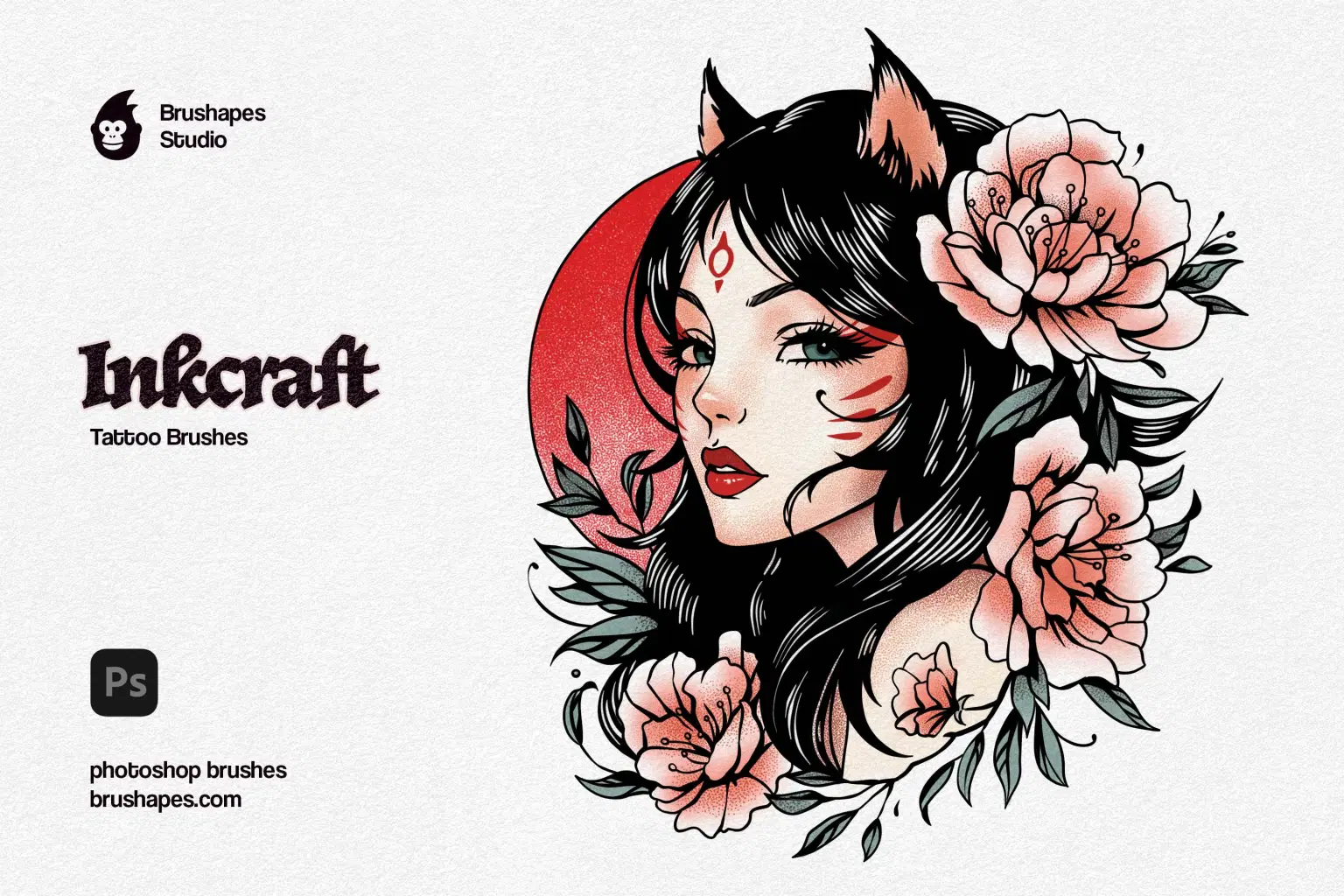
Inkcraft Tattoo Brushes are a love letter scrawled in ink. Some part reverent, some part rebellious. Its 12 handcrafted brushes tell the story of cultures and styles merged, passionately polished, and turned into authentic ink flowing on paper and skin.
Each stroke is tuned for precision and flair, regardless of whether you're laying bold outlines or soft stippling shadows. And we didn't stop at a single app. Every brush in this series was lovingly adapted for Procreate, Affinity, Illustrator, Photoshop, and Clip Studio Paint — with features like pressure sensitivity, tapering, or vector texture fidelity fine-tuned to each platform. We've made it hit like a fresh needle on skin, from gritty shadings to whip-smart liners.
Under the hood, these brushes are built for control and depth. They offer clean pressure curves, nuanced opacity handling, and seamless flow dynamics. The professional use cases are endless: they'll suit an illustrator perfecting flash sheet art, a tattooist crafting concept pieces, or a designer building packaging with bold inked style. You'll use them for product branding, editorial illustrations, stylized merch, or even skin mockups.
File size: 164 MB
Compatibility: Adobe Photoshop 25 and newer
12 tattoo art brushes
ZIP package, Direct download
Guidelines included
Shop confidently with Shuppi
If your download isn’t what was promised, we’ll make it right. Eligible purchases can be refunded within fourteen calendar days when listings mislead, files fail, or duplicate checkouts happen.
- Listings must match what you receive—no surprises.
- Corrupted files or technical issues? Request a quick fix or refund.
- Duplicate purchases are covered without the hassle.
Product Specs
Tags
Frequently Asked Questions
You May Also Like

Vector Ink Sketch FX Photoshop Action
 studio retouch
Vector Oil Paint Art Photoshop Action
studio retouch
Comic Blast Halftone FX Photoshop Action
studio retouch
17 Viral Editing Effects Photoshop Action Bundle
studio retouch
Watercolor Ink Art Photoshop Action
studio retouch
masterpiece -oil- paint- portrait -photoshop -action
studio retouch